
Inside of the Terminal, we'll go back to run two node app.js commands; the command where we used the zip code of 19147, everything works as expected and a bad zip code 000000, to show the error message.
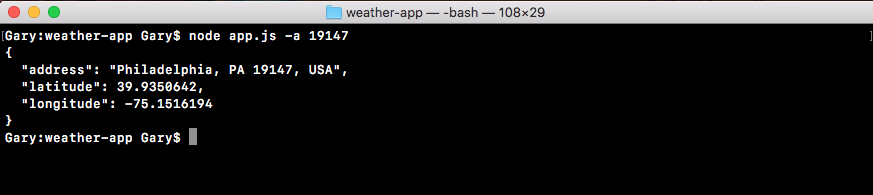
As shown in the following code output, we can see our results object with an address property, a latitude property, and a longitude property:
In case of a bad zip code, we just want to make sure the error message still shows up, and it does, Unable to find that address. prints to the screen, as shown here:

This is happening because of the if statement in the geocodeAddress function in app.js.
After abstracting all of that logic to the geocode file, the app.js file is now a lot simpler and a lot easier to maintain. We can also call geocodeAddress in multiple locations. If we want to reuse the code we don't have to copy and paste the code, which would not follow the DRY principle, which stands for Don't Repeat Yourself, instead we can do the DRY thing and simply call geocodeAddress like we have in the app.js file. With this in place we are now done fetching the geocode data.