Next up, we can set up a series of assertions using expect's spies assertions by heading over to the browser and going to the expect documentation, mjackson expect (https://github.com/mjackson/expect).
On this page, we can scroll down to the spies section, where they talk about all the assertions we have access to. We should start seeing spies in the method names, and that's when we know we've gotten there:
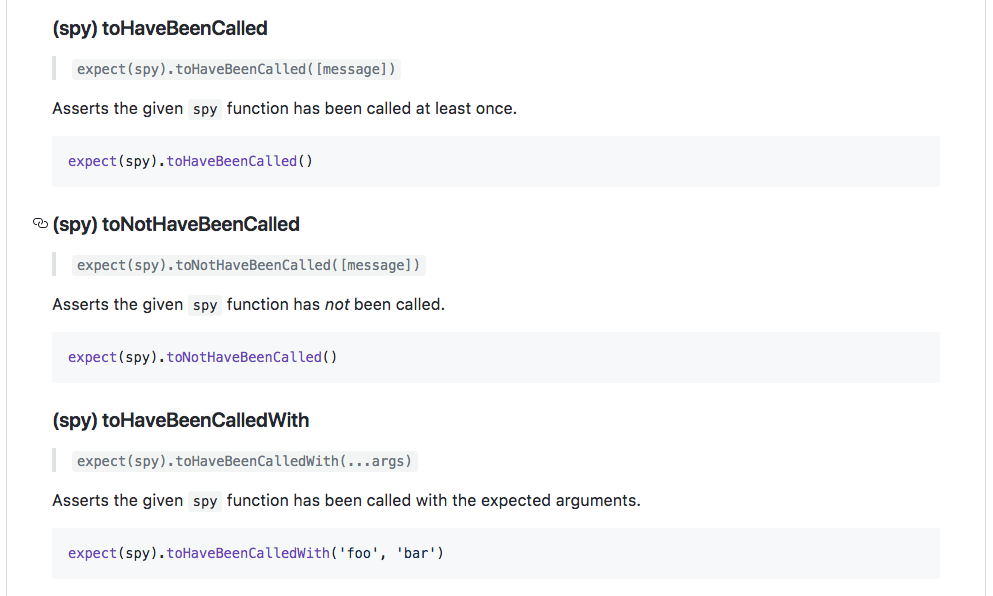
As shown in the previous code, we have the toHaveBeenCalled function and this is our first assertion with spies. We can assert that our spy was indeed called. Inside Atom, we'll do that by calling expect and passing in the spy, just like this:
  it('should call the spy correctly', () => {
    var spy = expect.createSpy();
    spy();
    expect(spy)
  });
Then, we'll add the assertion, toHaveBeenCalled:
expect(spy).toHaveBeenCalled();
This will cause the test to pass if spy was called, which it was, and it'll cause the test to fail if the spy was never called. We can run the test suite inside the Terminal using the npm run test-watch command, and this is going to kick off the tests using nodemon:
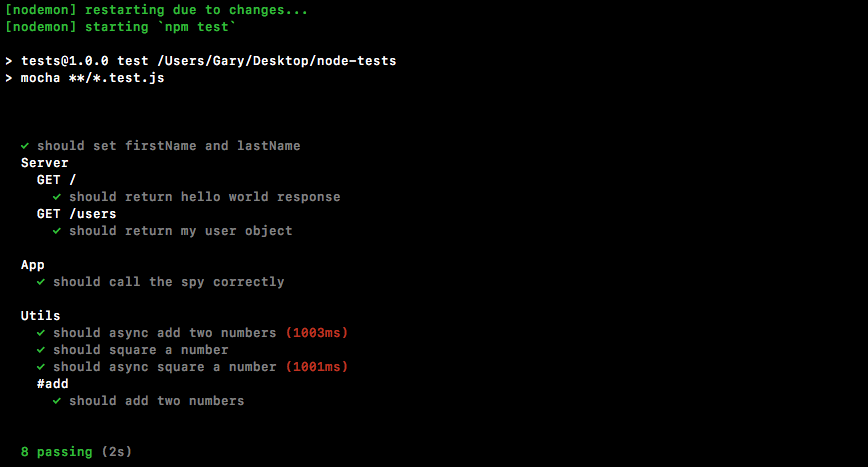
As shown in the previous screenshot, we have all our test cases, and under the App one, we have should call the spy correctly. It did indeed pass, which is fantastic.
Now let's comment out the line where I call spy:
  it('should call the spy correctly', () => {
    var spy = expect.createSpy();
    // spy();
    expect(spy).toHaveBeenCalled();
  });
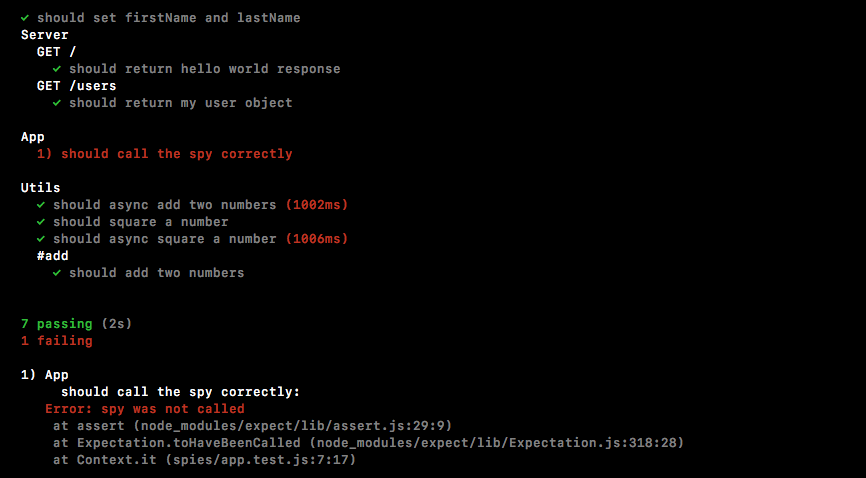
And this time around, the test should fail because spy was never actually called, and as shown in the following screenshot, we see spy was not called: