
To explore all of the properties, we're going to look at a way to pretty print our objects. This is going to require a really simple function call, a function we've actually already used, JSON.stringify. This is the function that takes your JavaScript objects, which body is, remember we used the json: true statement to tell request to take the JSON and convert it into an object. In the console.log, statement we'll take that object, pass body in, and provide the arguments as shown here:
const request = require('request');

request({
  url: 'https://maps.googleapis.com/maps/api/geocode/json?address=1301%20lombard%20street%20philadelphia',
  json: true
}, (error, response, body) => {
  console.log(JSON.stringify(body));
});
Now, this is how we've usually used JSON.stringify, in the past we provided just one argument, the object we want to stringify, in this case we're going to provide a couple of other arguments. The next argument is used to filter out properties. We don't want to use that, it's usually useless, so we're going to leave it as undefined as of now:
console.log(JSON.stringify(body, undefined));
The reason we need to provide it, is because the third argument is the thing we want. The third argument will format the JSON, and we'll specify exactly how many spaces we want to use per indentation. We could go with 2 or 4 depending on your preference. In this case, we'll pick 2:
console.log(JSON.stringify(body, undefined, 2));
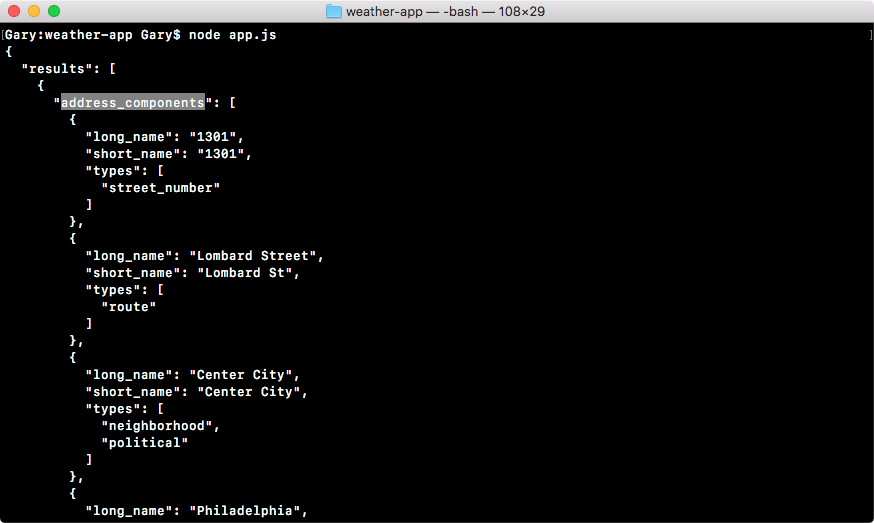
We'll save the file and rerun it from the Terminal. When we stringify our JSON and print it to the screen, as we'll see when we rerun the app, we get the entire object showing up. None of the properties are clipped off, we can see the entire address_components array, everything shows up no matter how complex it is:
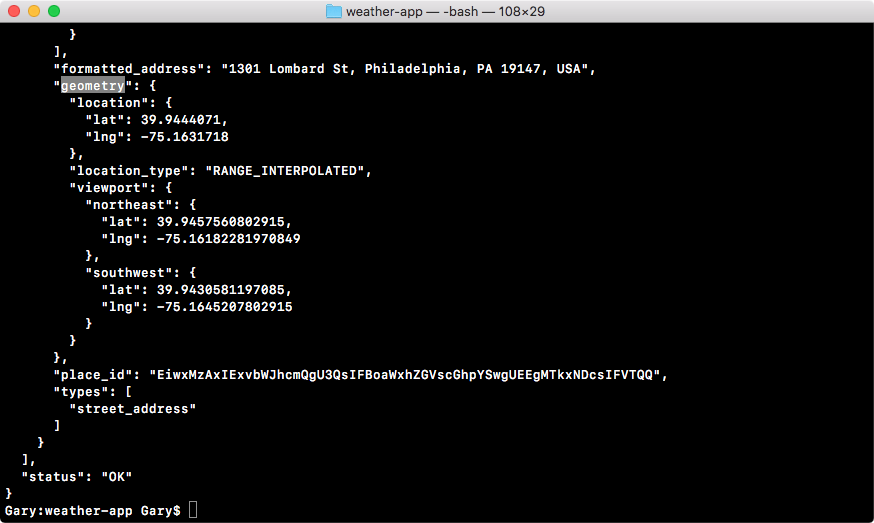
Next, we have our geometry object, this is where our latitude and longitude are stored, and you can see them as shown here:
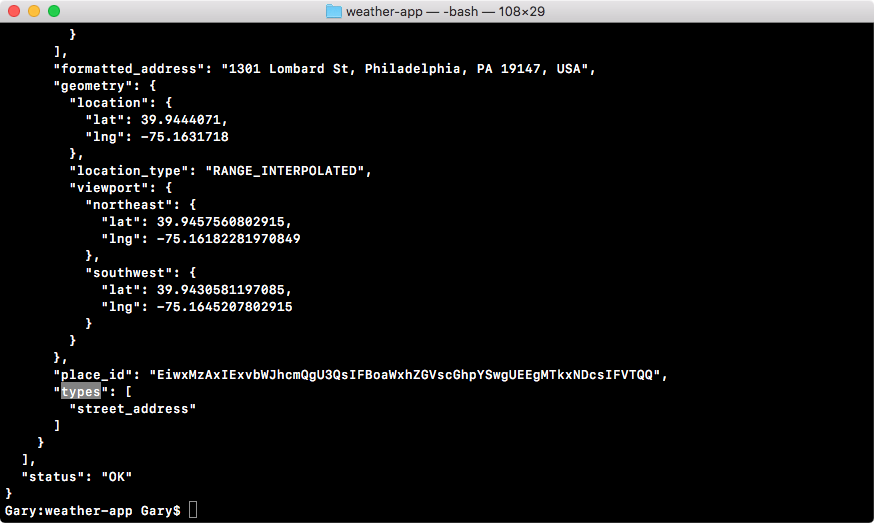
Then below that, we have our types, which was cut off before, even though it was an array with one item, which is a string:
Now that we know how to pretty print our objects, it will be a lot easier to scan data inside of the console—none of our properties will get clipped, and it's formatted in a way that makes the data a lot more readable. In the next section, we'll start diving into HTTP and all of the arguments in our callback.