Next up, we have to specify a script in package.json. Inside package.json, you might have noticed we have a scripts object, and in there we have a test script.
This gets set by default for npm:
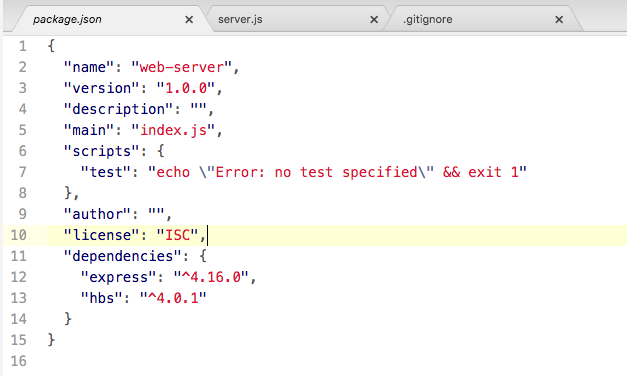
We can create all sorts of scripts inside the scripts object that do whatever we like. A script is nothing more than a command that we run from the Terminal, so we could take this command, node server.js, and turn it into a script instead, and that's exactly what we're going to do.
Inside the scripts object, we'll add a new script. The script needs to be called start:

This is a very specific, built-in script and we'll set it equal to the command that starts our app. In this case, it will be node server.js:
"start": "node server.js"
This is necessary because when Heroku tries to start our app, it will not run Node with your file name because it doesn't know what your file name is called. Instead, it will run the start script and the start script will be responsible for doing the proper thing; in this case, booting up that server file.
Now we can run our app using that start script from the Terminal by using the following command:
npm start
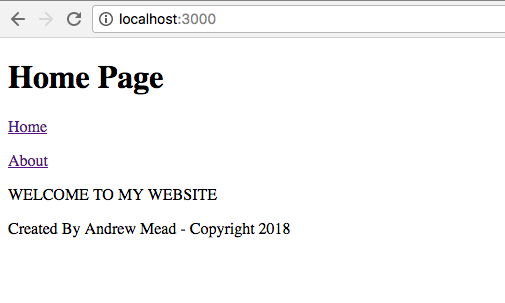
When I do that, we get a little output related to npm and then we get Server is up on port 3000, and if we visit the app in the browser, everything works exactly as it did in the previous chapter:

The big difference is that we are now ready for Heroku. We could also run the test script using from the Terminal npm test:
npm test
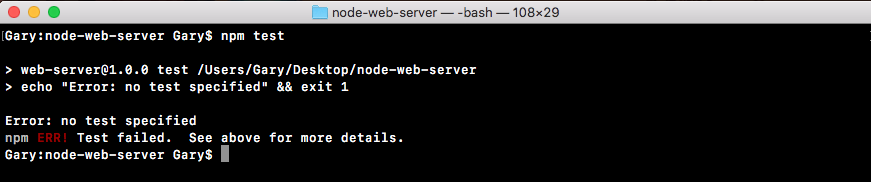
Now, we have no tests specified and that is expected: