
To kick things off, we'll open up the browser and go to heroku.com. Here we can go ahead and sign up for a new account. Take a quick moment to either log in to your existing one or sign up for a new one. Once log in, it'll show you the dashboard. Now your dashboard will look something like this:
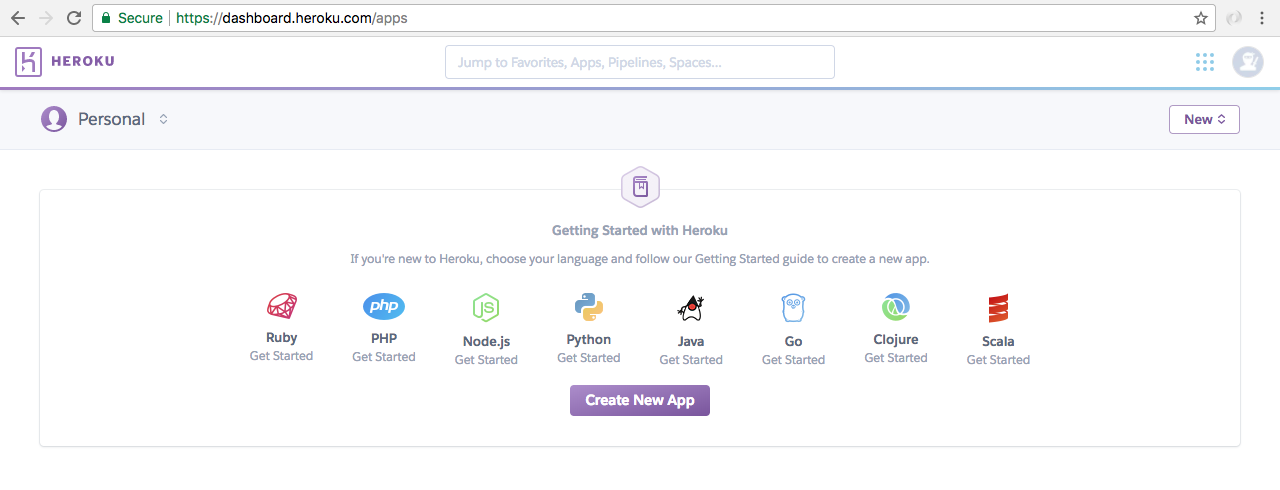
Although there might be a greeting telling you to create a new application, which you can ignore. I have a bunch of apps. You might not have these. That is perfectly fine.
The next thing we'll do is install the Heroku command-line tools. This will let us create apps, deploy apps, open apps, and do all sorts of really cool stuff from the Terminal, without having to come into the web app. That will save us time and make development a lot easier. We can grab the download by going to toolbelt.heroku.com.
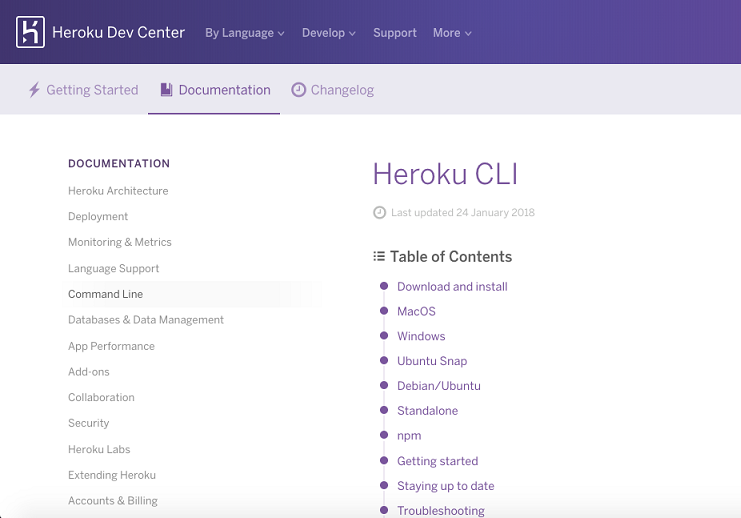
Here we're able to grab the installer for whatever operating system, you happen to be running on. So, let's start the download. It's a really small download so it should happen pretty quickly.
Once it's done, we can go ahead and run through the process:
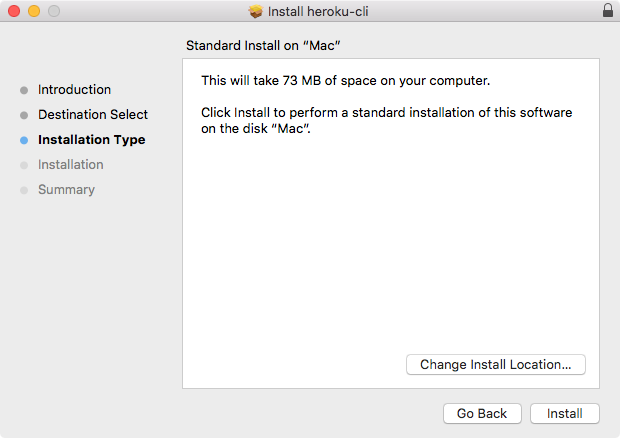
This is a simple installer where you just click on Install. There is no need to customize anything. You don't have to enter any specific information about your Heroku account. Let's go ahead and complete the installer.
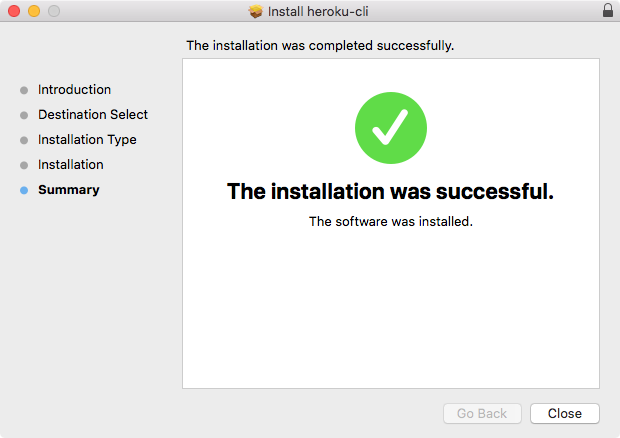
This will give us a new command from the Terminal that we can execute. Before we can do that, we do have to log in locally in the Terminal and that's exactly what we'll do next.