
We'll kick things off in the Terminal by running our test-watch script:
npm run test-watch
The test script is going to start and as shown here, we have some tests:
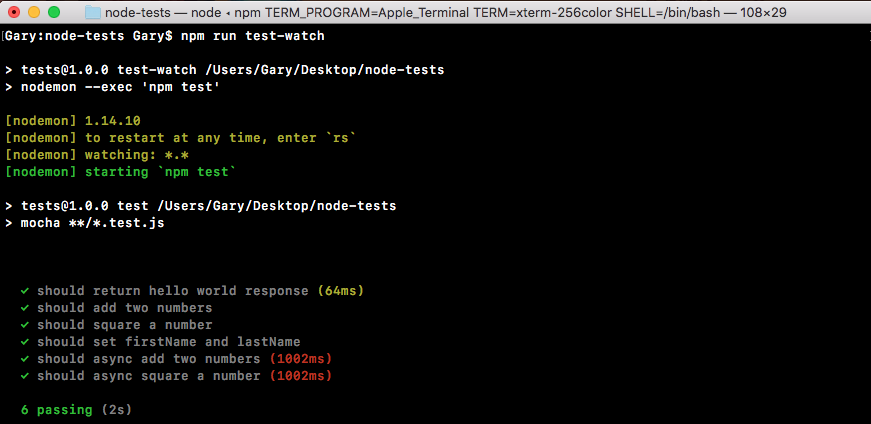
We have our test, should return hello world response, showing up in the previous screenshot.
Now we can take things a step further making other assertions about the data that comes back. For example, we can use expect after the .get request in server.test.js to make an assertion about the status code. By default, all of our Express calls are going to return a 200 status code, which means that things went OK:
it('should return hello world response', (done) => {
  request(app)
    .get('/')
    .expect(200)
    .expect('Hello world!')
    .end(done);
});
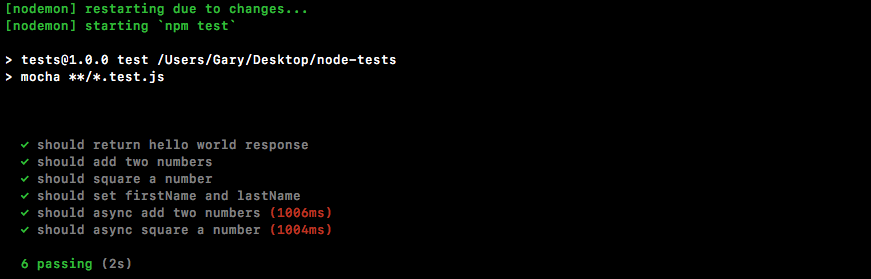
If we save the file, the test still passes:
Now let's make some changes to the request to make these tests fail. First up, in server.js we'll just add a few characters (ww) to the string, and save the file:
app.get('/', (req, res) => {
  res.send('Hello wwworld!');
});

app.listen(3000);
module.exports.app = app;
This should cause the SuperTest test to fail and it does indeed do that:
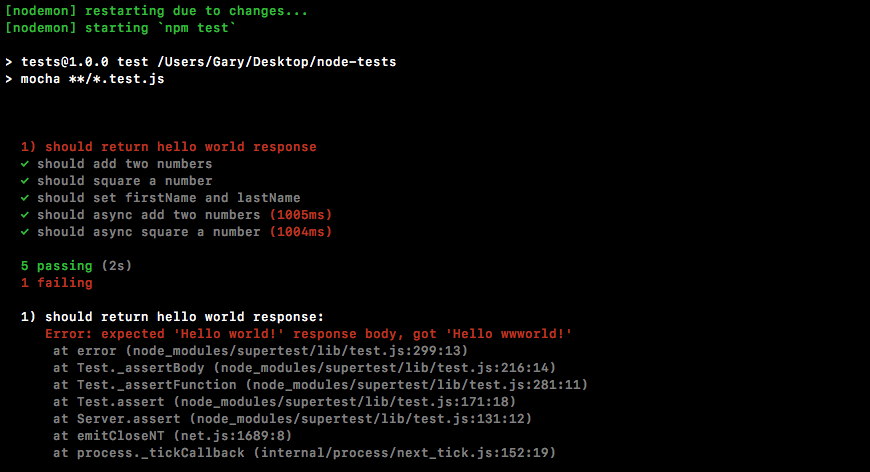
As shown in the previous screenshot, we get a message, expected 'Hello world!' response body, but we got 'Hello wwworld!'. This is letting us know exactly what happened. Back inside server.js, we can remove those extra characters (ww) and try something else.