
The first thing we'll do is install the hbs module. This is a handlebars view engine for Express. Now there are a ton of other view engines for Express, for example EJS or Pug. We'll go with handlebars because its syntax is great. It's a great way to get started.
Now we'll see a few things inside of the browser. First up we will visit handlebarsjs.com. This is the documentation for handlebars. It shows you exactly how to use all of its features, so if we want to use anything, we can always go here to learn how to use it.
Now we'll install a module that's a wrapper around handlebars. It will let us use it as an Express view engine. To view this, we'll go to npmjs.com/package/hbs.
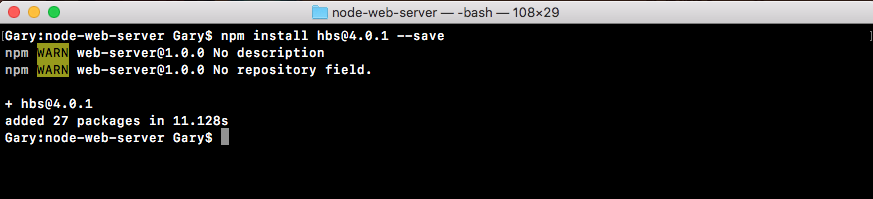
This module is pretty popular. It's a really great view engine. They have a lot of documentation. I just want to let you know this exists as well. Now we can install and integrate it into our application. In the Terminal, we'll install hbs using npm install, the module name is hbs, and the most recent version is @4.0.1. I will use the save flag to update package.json:
Now actually configuring Express to use this handlebars view engine is super simple. All we have to do is import it and add one statement to our Express configuration. We'll do just that inside Atom.