In this section, we're going to create our first asynchronous non-blocking program. This means our app will continue to run while it waits for something else to happen. In this section, we'll look at a basic example; however, in the chapter, we'll be building out a weather app that communicates with third-party APIs, such as the Google API and a weather API. We'll need to use asynchronous code to fetch data from these sources.
For this, all we need to do is make a new folder on the desktop for this chapter. I'll navigate onto my desktop and use mkdir to make a new directory, and I'll call this one weather-app. All I need to do is navigate into the weather app:
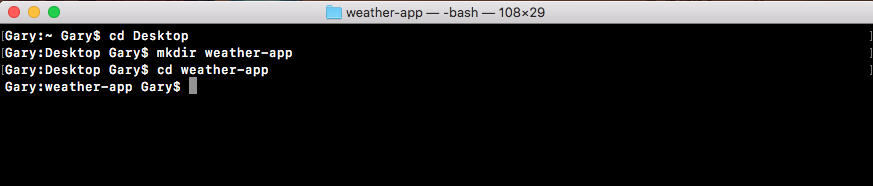
Now, I'll use the clear command to clear the Terminal output.
Now, we can open up that new weather app directory inside of Atom:
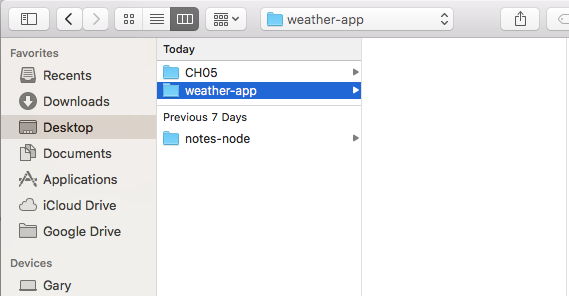
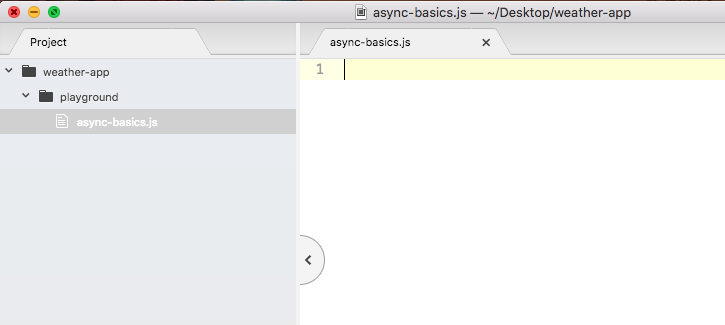
This is the directory we'll use throughout this entire chapter. In this section, we'll not be building out the weather app just yet, we'll just play around with the async features. So inside weather-app we'll make the playground folder.
This code is not going to be a part of the weather app, but it will be really useful when it comes to creating the weather app in the later sections. Now inside playground, we can make the file for this section. We'll name it async-basics.js as shown here: