
To run the request, we'll use node and run the app.js file:
node app.js
When we do this, the file will start executing and there will be a really short delay before the body prints to the screen:
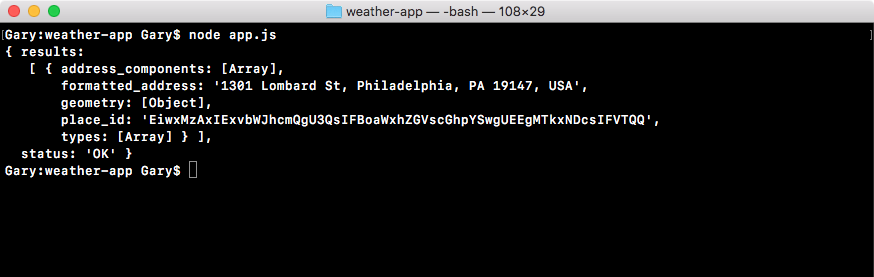
What we get back is exactly what we saw in the browser. Some of the properties, such as address_components, show object in this case because we're printing it to the screen. But those properties do indeed exist; we'll talk about how to get them later in the chapter. For now, though, we do have our formatted_address as shown in the preceding screenshot, the geometry object, the place_id, and types. This is what we'll be using to fetch the longitude and latitude, and later to fetch the weather data.
Now that we have this in place, we are done. We have the first step of the process complete. We've made a request to the Google Geolocation API, and we're getting the data back. We'll continue creating the weather app in the next section.