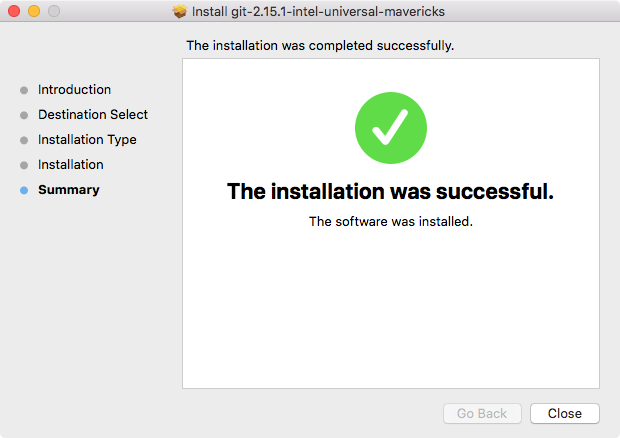
To get started, we will need to install Git on the computer, but luckily for us it is a really simple installation process. It's one of those installers where we just click on the Next button through a few steps. So let's go ahead and do that.
- We can grab the installer by heading over to the browser and going to git-scm.com.
Before we go ahead and install it, I want to show you the link to the book called Pro Git (https://git-scm.com/book/en/v2). It is a free book and also available for online reading. It covers everything that Git has to offer. We'll be looking at some of the more basic features in this chapter, but we could easily create an entire course on Git. There actually are Udemy courses just on Git and GitHub, so if you want to learn more than what we cover in this book, I'd recommend reading this book or checking out a course, whatever your preferred learning method is.
- Click on the download button present on the right-hand side of the home page, for all the operating systems, whether it's Windows, Linux, or macOS. This should take us to the installer page and we should be able to get the installer downloading automatically. If you see any problem with SourceForge.net, then we may have to actually click on it to download manually in order to start the download.
- Once the installer is downloaded, we can simply run it.
- Next, move through the installer:
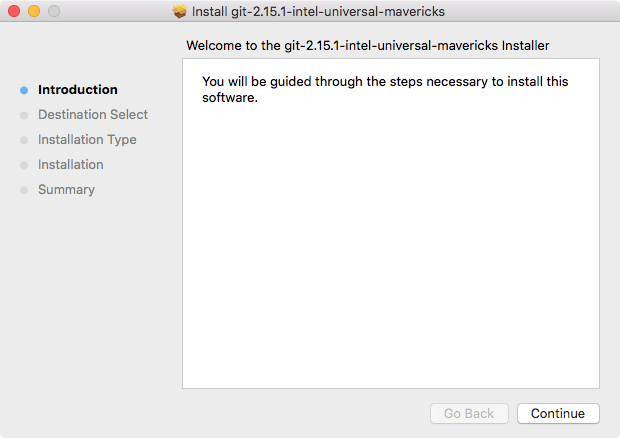
- Click on Continue and install the package:
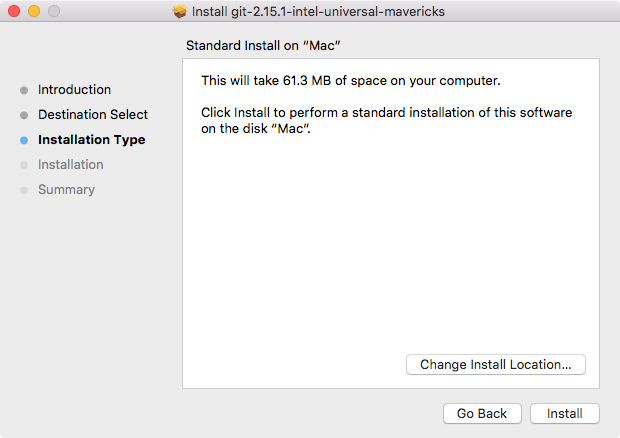
- Once it's done, we can go ahead and actually test that things installed successfully: