
Now before we actually make an HTTP request to Google, let's create a callback function example inside our playground folder. Let's make a new file called callbacks.js:
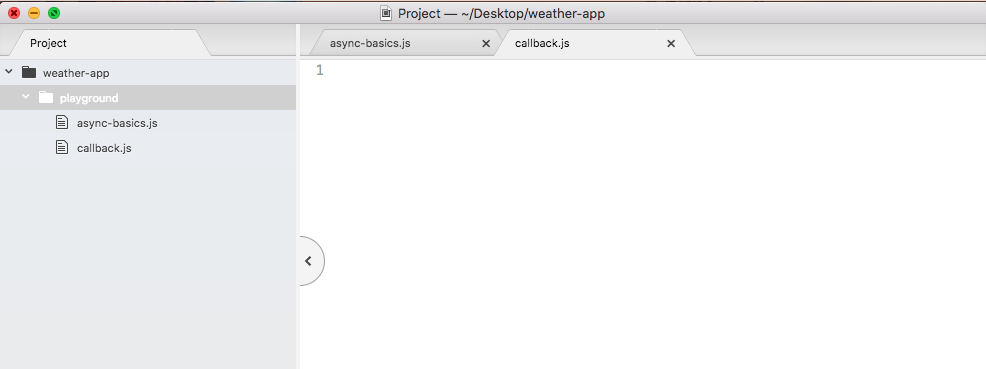
Inside the file, we'll create a contrived example of what a callback function would look like behind the scenes. We'll be making real examples throughout the book and use many functions that require callbacks. But for this chapter, we'll start with a simple example.
To get started, let's make a variable called getUser. This will be the function we'll define that will show us exactly what happens behind the scenes when we pass a callback to another function. The getUser callback will be something that simulates what it would look like to fetch a user from a database or some sort of web API. It will be a function, so we'll set it as such using arrow function (=>):
var getUser = () => {

};
The arrow function (=>) is going to take some arguments. The first argument it will take is the id, which will be some sort of a unique number that represents each user. I might have an id of 54, you might have an id of 2000; either way we're going to need the id to find a user. Next up we'll get a callback function, which is what we will call later with the data, with that user object:
var getUser = (id, callback) => {

};
This is exactly what happens when you pass a function to setTimeout.
var getUser = (callback, delay) => {
};
It has a callback and a delay. You take the callback, and after a certain amount of time passes, you call it. In our case, though, we'll switch the order with an id first and the callback second.
Now we can call this function before actually filling it out. We'll call getUser, just like we did with setTimeout in the previous code example. I'll call getUser, passing in those two arguments. The first one will be some id; since we're faking it for now it doesn't really matter, and I'll go with 31. The second argument will be the function that we want to run when the user data comes back, and this is really important. As shown, we'll define that function:
getUser(31, () => {

});
Now the callback alone isn't really useful; being able to run this function after the user data comes back only works if we actually get the user data, and that's what we'll expect here:
getUser(31, (user) => {

});
We'll expect that the user objects, things like id, name, email, password, or whatever, comes back as an argument to the callback function. Then inside the arrow function (=>), we can actually do something with that data, for example, we could show it on a web app, respond to an API request, or in our case we can simply print it to the console, console.log(user):
getUser(31, (user) => {
  console.log(user);
});
Now that we have the call in place, let's fill out the getUser function to work like we have it defined.
The first thing I'll do is create a dummy object that's going to be the user object. In the future, this is going to come from database queries, but for now we'll just create a variable user setting it equal to some object:
var getUser = (id, callback) => {
  var user = {

  }
};
Let's set an id property equal to whatever id the user passes in, and we'll set a name property equal to some name. I'll use Vikram:
var getUser = (id, callback) => {
  var user = {
    id: id,
    name: 'Vikram'
  };
};
Now that we have our user object, what we want to do is call the callback, passing it as an argument. We'll then be able to actually run, getUser(31, (user) function, printing the user to the screen. In order to do this, we would call the callback function like any other function, simply referencing it by name and adding our parentheses like this:
var getUser = (id, callback) => {
  var user = {
    id: id,
    name: 'Vikram'
  };
  callback();
};
Now if we call the function like this, we're not passing any data from getUser back to the callback. In this case, we're expecting a user to get passed back, which is why we are going to specify user as shown here:
callback(user);
Now the naming isn't important, I happen to call it user, but I could easily call this userObject and userObject as shown here:
callback(user);
};

getUser(31, (userObject) => {
  console.log(userObject);
});
All that matters is the arguments, position. In this case, we call the first argument userObject and the first argument pass back is indeed that userObject. With this in place we can now run our example.