
Express is a no-nonsense library. Now there are a lot of different ways to configure it. So it can get pretty complex. That's why we'll be using it throughout the next couple of chapters. To get started, let's make a directory where we can store all of the code for this app. This app will be our web server.
On the desktop let's us make a directory called node-web-server, by running the mkdir node-web-server command in the Terminal:

Once this directory is created, we'll navigate into it using cd:

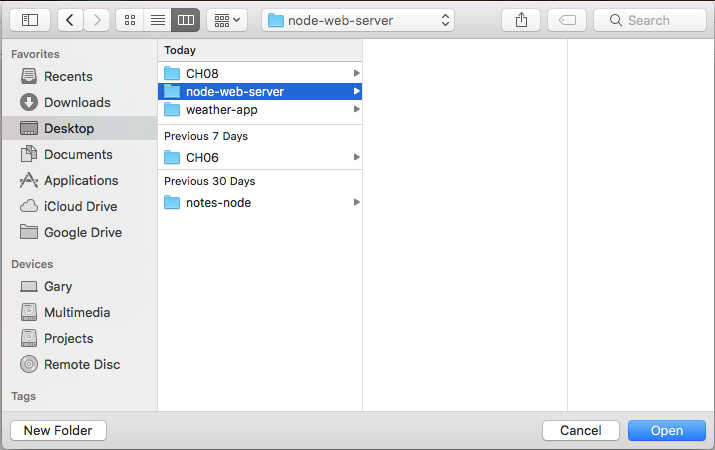
And we'll also open it up inside Atom. In Atom, we'll open it up from the desktop:
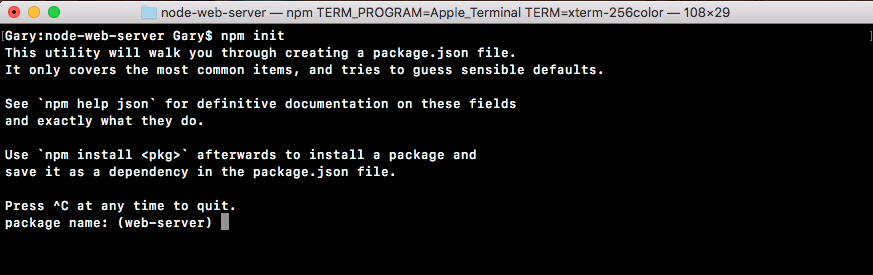
Now before going further, we'll run the npm init command so we can generate the package.json file. As shown in the following code, we'll run npm init:
Then, we'll use the default value just by pressing enter through all of the options shown in the following screenshot. There's no need to customize any of these as of now:
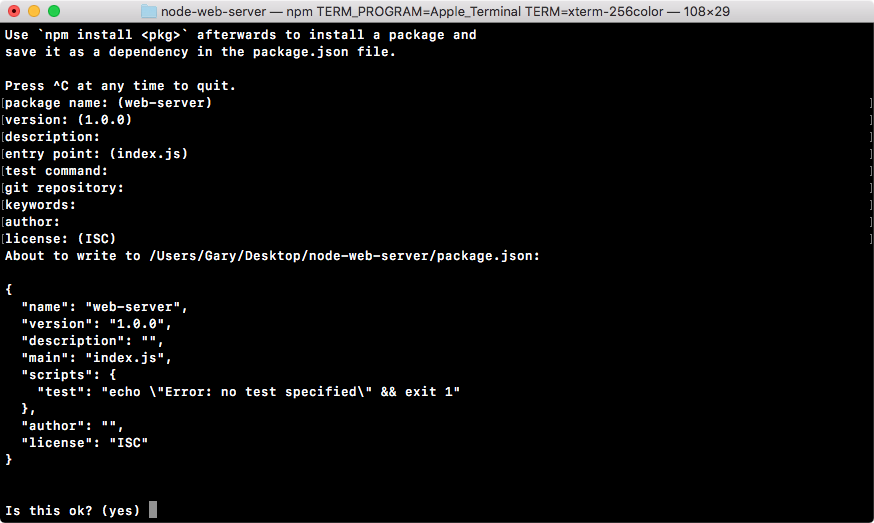
Then we'll type yes in the last statement Is this ok? (yes) and the package.json file goes in place:
