
Now before we can add anything to Atom, we want to go ahead and explore this API so we can see how it works in the browser. This will give us a better idea about what weather data we get back, when we pass a latitude and longitude to the API. To do this we'll head over to the browser, and we'll visit a couple of URLs.
First up let's go to forecast.io. It is a regular weather website, you type in your location and you get all the weather information you'd expect:
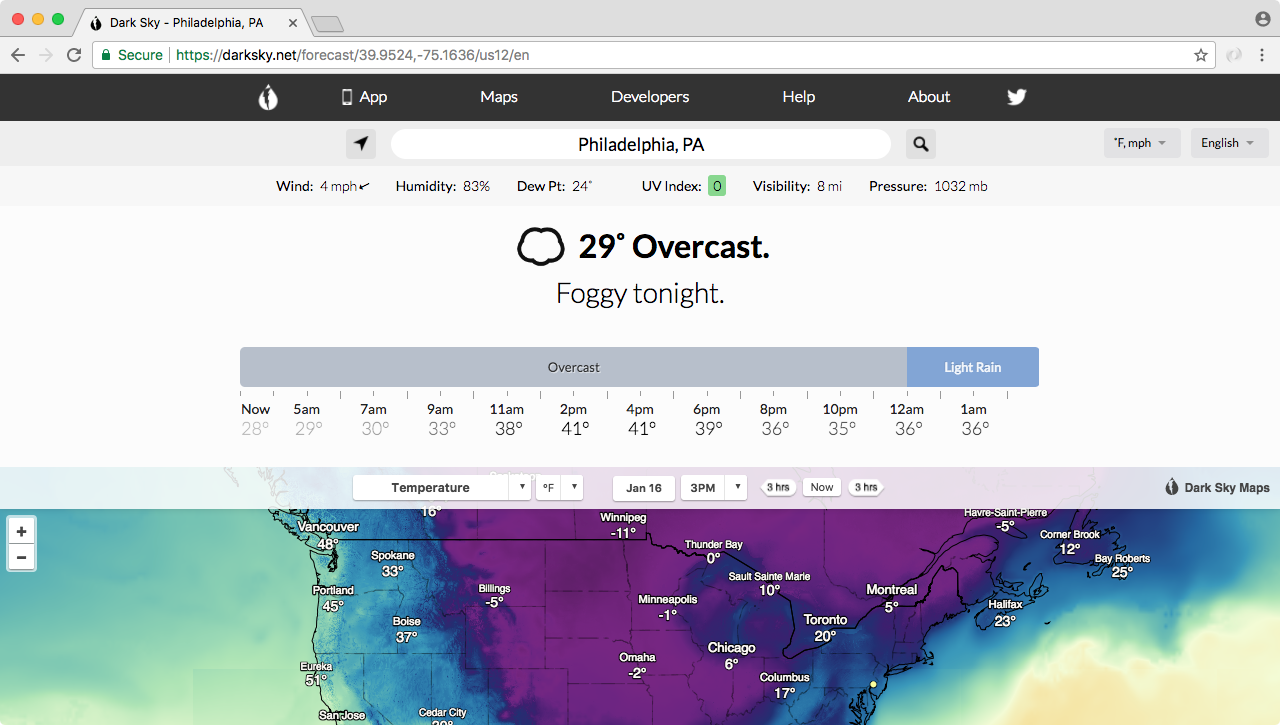
As shown in the preceding image, there's warnings, there's radar, there's the current weather, and we also have the weekly forecast in the website as shown in the following image:
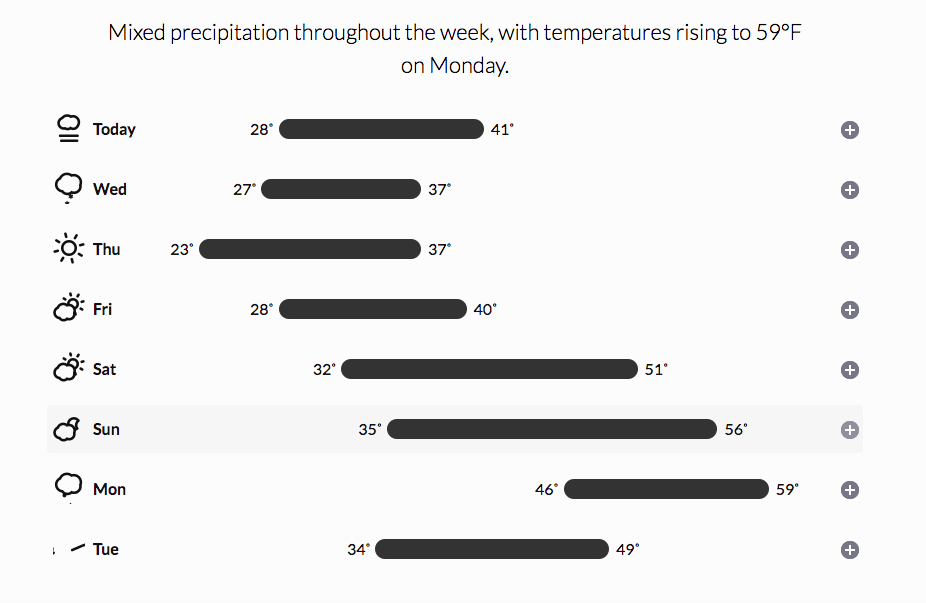
This is similar to weather.com, but the one cool thing about forecast.io is that the API that powers this website, it's actually available to you as a developer. You can make a request to our URL, and you can fetch the exact same weather information.
That is exactly what we'll do when we can explore the API by going to the website developer.forecast.io. Here we can sign up for a free developer account, in order to get started making those weather requests:
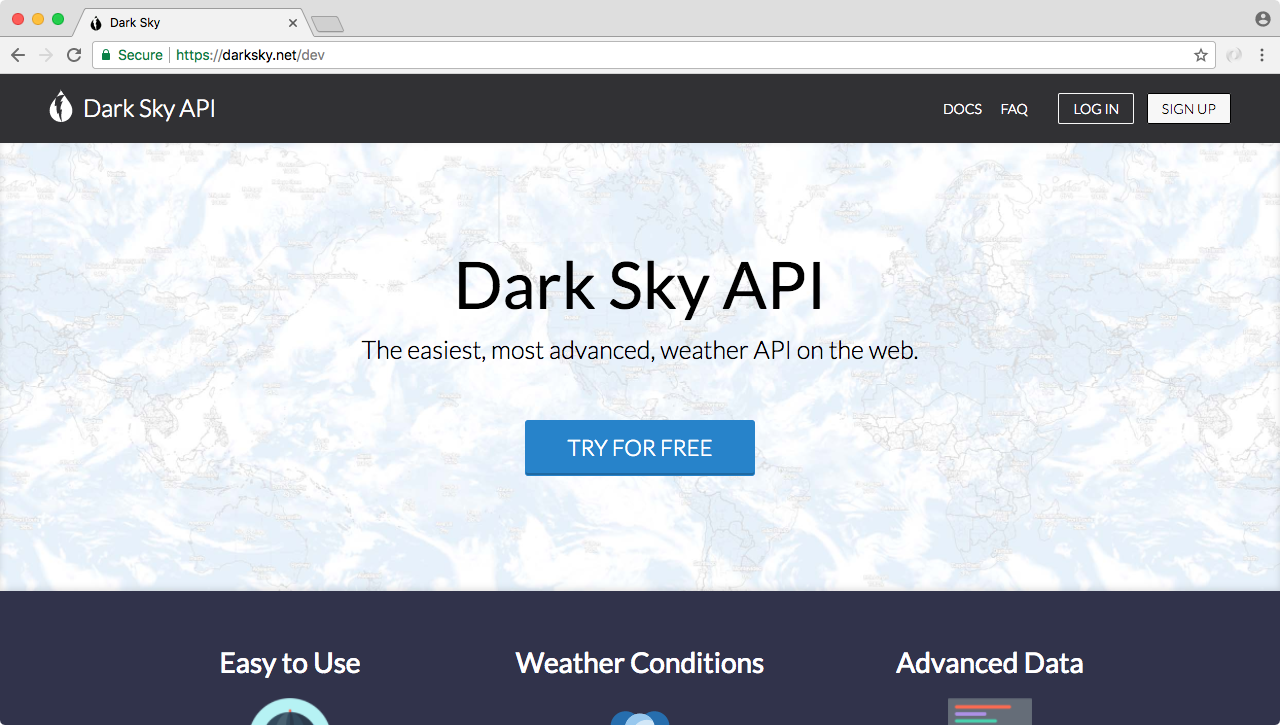
The Dark Sky Forecast API gives you 1,000 free requests a day, and I do not see us going over that limit. After the 1,000 requests, each costs a one thousandth of a penny, so you get a thousand requests for every penny you spend. We'll never go over that limit so don't even worry about it. There is no credit card required to get started, you'll simply get cut off after you make a thousand requests.
To get started you'll need to register for a free account, it's really simple, we just need an email and a password. Once we've created an account and we can see the dashboard as shown here:
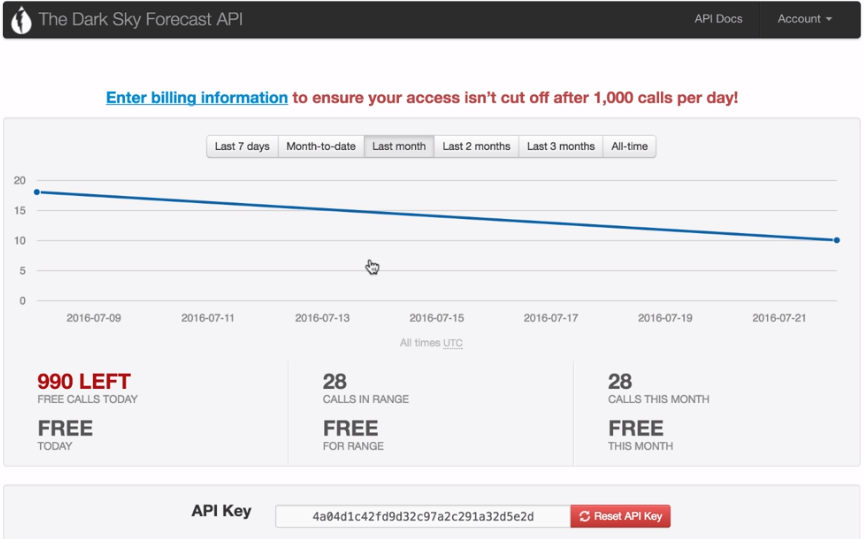
The only piece of information we need from this page is our API key. The API key is like a password, it will be part of the URL we request and it will help forecast.io keep track of how many requests we make a day. Now I'll take this API key and paste it in the app.js, so we have it accessible later when we need it.
The next thing we'll do is explore the documentation, the actual URL structure we need to provide in order to fetch the weather for a given latitude and longitude. We can get that by clicking the API Docs link button, which is present in the top-right side of The Dark Sky Forecast API page. This'll lead us to following page:
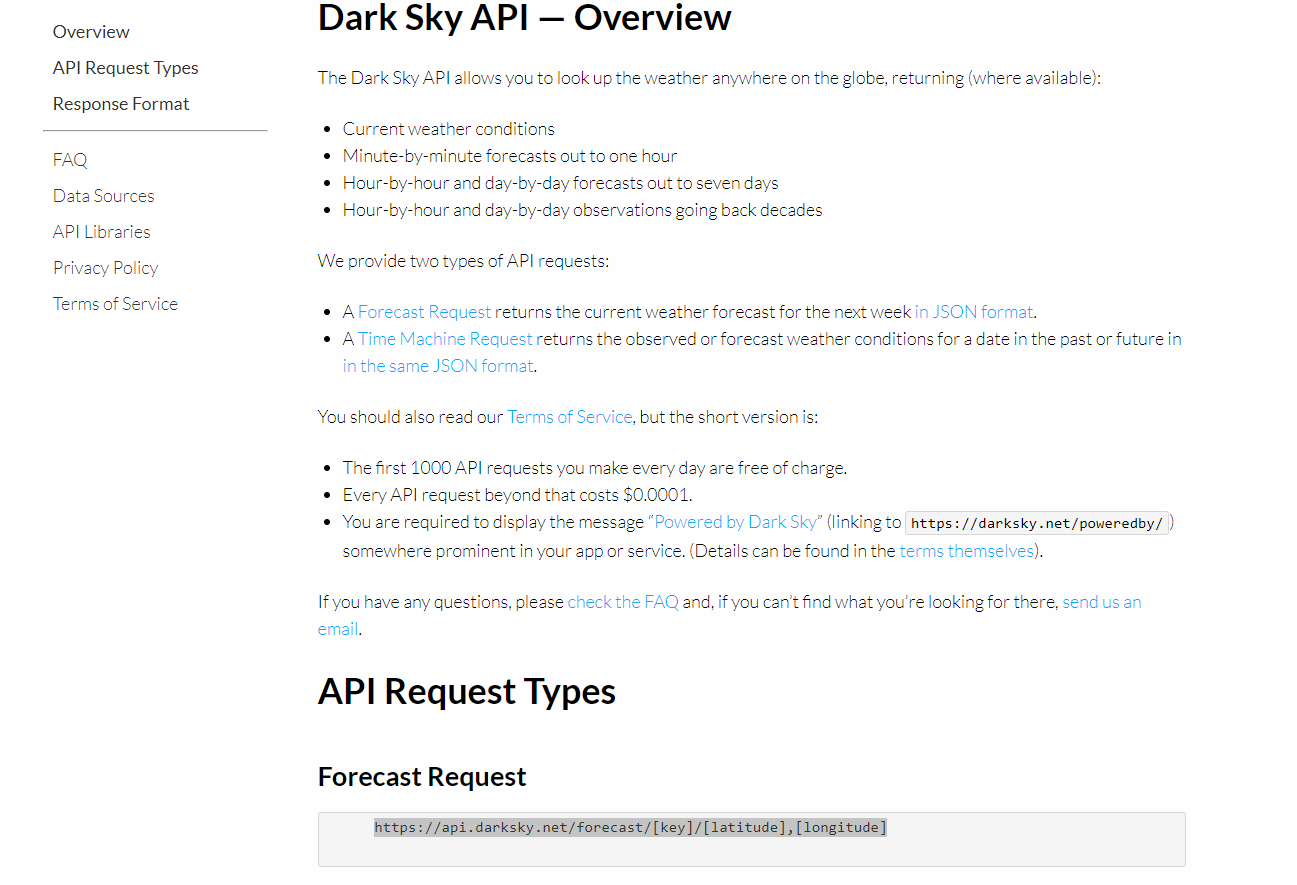
In the API Docs link, we have a Forecast Request URL. As shown in the preceding image, this URL is exactly what we need to make a request to in order to fetch the data.