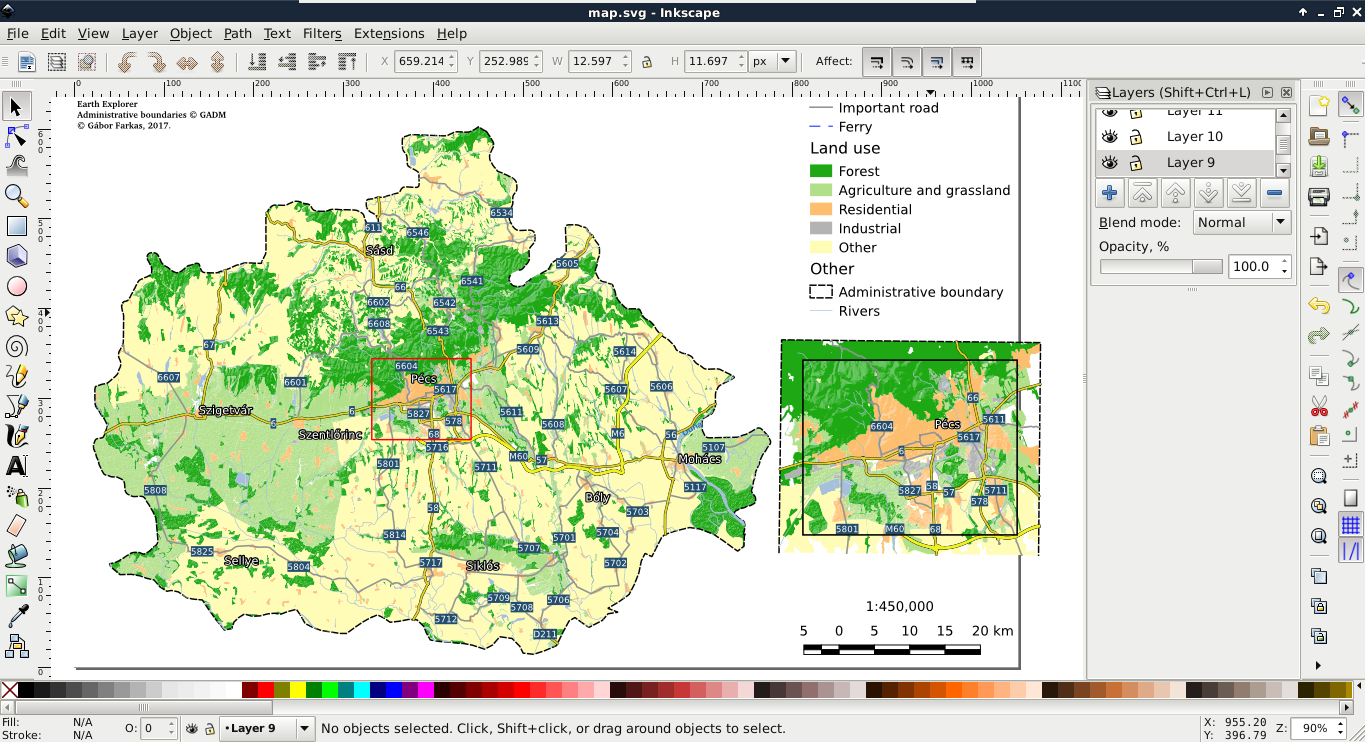
After creating the best visualization possible in QGIS, we might still need some changes to be made. This process is called post-processing and can be done in various ways. We can edit the map in an image editor, or we can export the map in SVG format and edit it with a vector editor. With Scalable Vector Graphics, we can drop georeferencing but still keep our vectors using screen coordinates. Let's do that by exporting the map with the Export as SVG tool. On selecting the destination of our SVG file, a dialog pops up offering some options. We should check the Render map labels as outlines checkbox. This way, we can move labels easily.
If you open the result in a vector editor (such as Adobe Illustrator or Inkscape), you will realize that the blending options are gone. The SVG format does not support storing blending modes and every software uses its own mechanics for this. As QGIS exports different layers to different SVG layers, we can access the srtm layer (we have to fiddle a little bit to find it) and apply a blending mode available in the software. SVG export can create some artifacts (unwanted or erroneous rendering), but they can be handled by masking out the unwanted parts: