- Visit the TortoiseSVN website (https://tortoisesvn.net/downloads.html) and download the free Subversion client for your version of Windows (32-bit or 64-bit).
While this recipe focuses on the creation of a local repository on the Windows platform, equivalent tools for other platforms are discussed after the recipe steps, in the There's more... section.
- Launch the TortoiseSVN installation program and install it using all the default installation options.
- Create a new folder on your hard drive that will host the local Subversion repository (for example, c:\WPSVN).
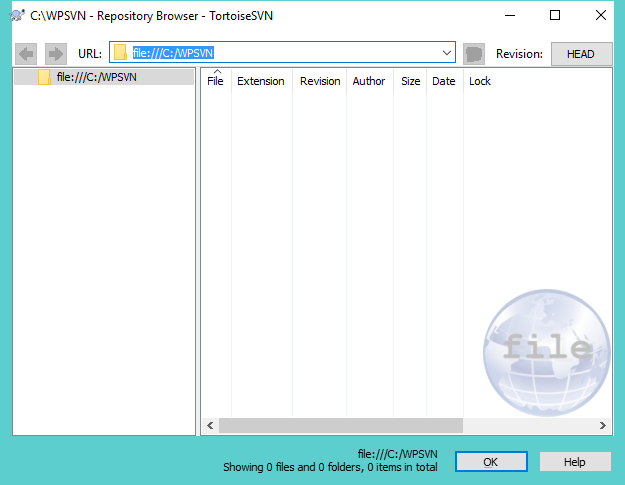
- Right-click on the new folder and select the TortoiseSVN | Create repository here menu item, then click on Start Repobrowser. TortoiseSVN will create the required file structure in the target directory and display the contents of the repository, which is currently empty: