
While the wp-config.php file, located at the top of the WordPress file structure, is primarily used to store basic site configuration data, it can also be used to trigger a number of debugging features. The first of these is the debug mode, which will display all PHP errors, warnings, and notices at the top of site pages. For example, having this option active will show all the undefined variables that you try to access in your code along with any deprecated WordPress function. To activate this tool, change the second parameter of the line defining the WP_DEBUG constant from false to true in wp_config.php:
define( 'WP_DEBUG', true );
To prevent debug messages from affecting the site's layout, you can download a useful plugin called Debug Bar (https://wordpress.org/plugins/debug-bar/) to collect messages and display them in the admin bar:
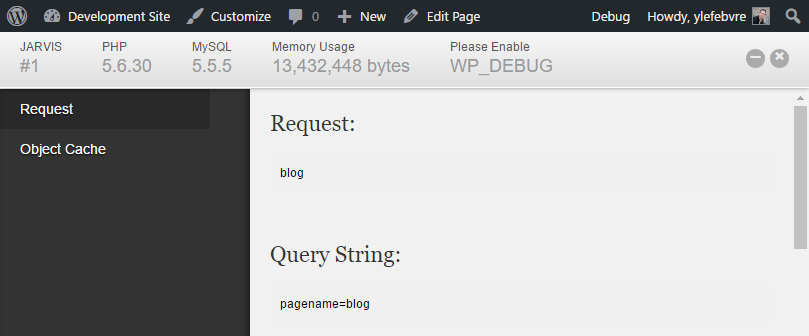
Other debugging features that can be activated from the wp-config.php file are as follows:
- WP_DEBUG_LOG: Stores all debug messages in a file named debug.log in the site's wp-content directory for later analysis
- WP_DEBUG_DISPLAY: Indicates whether or not error messages should be displayed on the screen
- SAVEQUERIES: Stores database queries in a variable that can be displayed in the page footer (see https://codex.wordpress.org/Editing_wp-config.php#Save_queries_for_analysis for more information)