Now that we know our common fields, creating an inheritance model is easy. First, we will create a parent table with the fields common to all the tables, using the following query:
CREATE TABLE chp02.hydrology (
  gid SERIAL PRIMARY KEY,
  "name"      text,
  hyd_type    text,
  geom_type   text,
  the_geom    geometry
);
If you are paying attention, you will note that we also added a geometry field as all of our shapefiles implicitly have this commonality. With inheritance, every record inserted in any of the child tables will also be saved in our parent table, only these records will be stored without the extra fields specified for the child tables.
To establish inheritance for a given table, we need to declare only the additional fields that the child table contains using the following query:
CREATE TABLE chp02.hydrology_centerlines (
  "length"    numeric
) INHERITS (chp02.hydrology);

CREATE TABLE chp02.hydrology_polygon (
  area    numeric,
  perimeter    numeric
) INHERITS (chp02.hydrology);

CREATE TABLE chp02.hydrology_linestring (
  sinuosity    numeric
) INHERITS (chp02.hydrology_centerlines);
Now, we are ready to load our data using the following commands:
- shp2pgsql -s 3734 -a -i -I -W LATIN1 -g the_geom cuyahoga_hydro_polygon chp02.hydrology_polygon | psql -U me -d postgis_cookbook
- shp2pgsql -s 3734 -a -i -I -W LATIN1 -g the_geom cuyahoga_hydro_polyline chp02.hydrology_linestring | psql -U me -d postgis_cookbook
- shp2pgsql -s 3734 -a -i -I -W LATIN1 -g the_geom cuyahoga_river_centerlines chp02.hydrology_centerlines | psql -U me -d postgis_cookbook
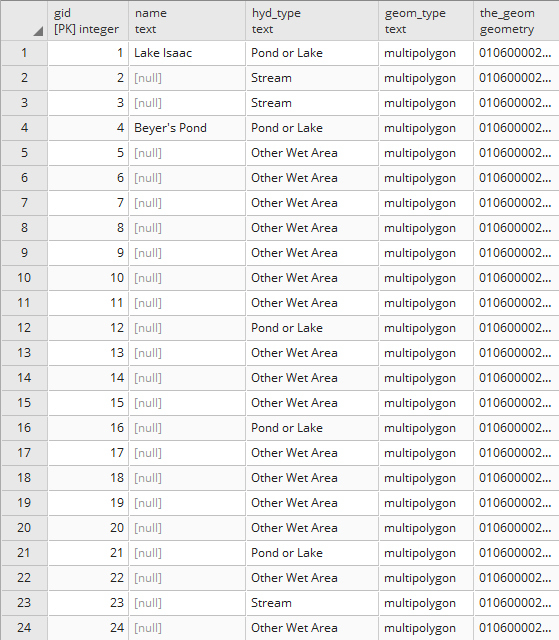
If we view our parent table, we will see all the records in all the child tables. The following is a screenshot of fields in hydrology:
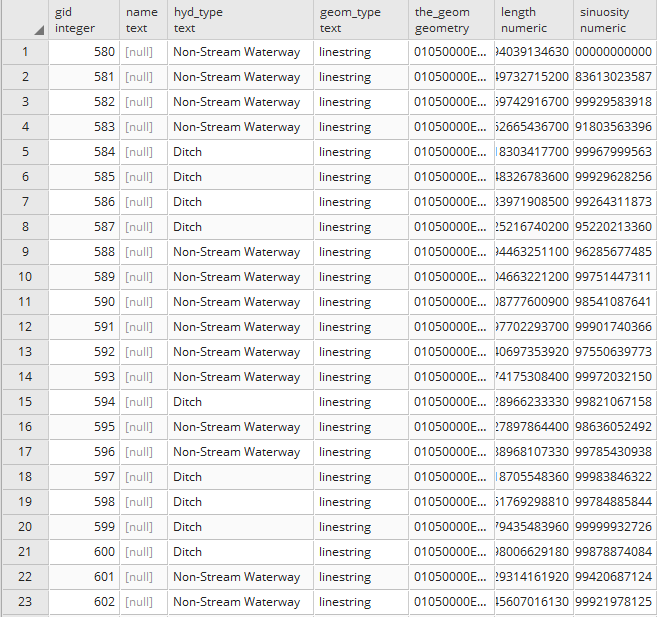
Compare that to the fields available in hydrology_linestring that will reveal specific fields of interest: