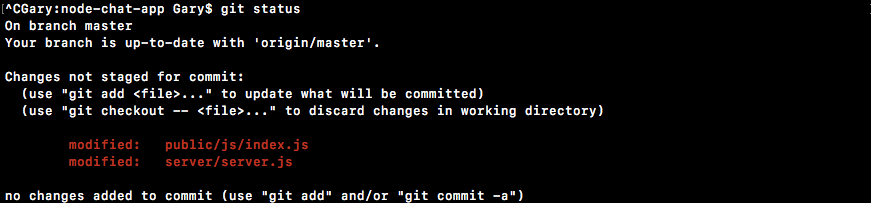
If I run the git status command in the Terminal, I see I have my two changed files as expected:
I can then run the git commit command with the -am flag to specify a message for this commit—something like Emit newMessage on createMessage will get the job done:
git commit -am 'Emit newMessage on createMessage'
I can then go ahead and actually make the commit, pushing it up to both GitHub and Heroku. The git push command is going to get it on GitHub.
The git push heroku master command is going to deploy it live to the web.
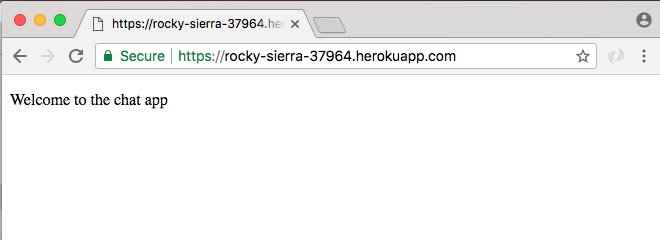
We'll be able to open up our chat application and make sure it works regardless of the browser, computer, or any other variable:
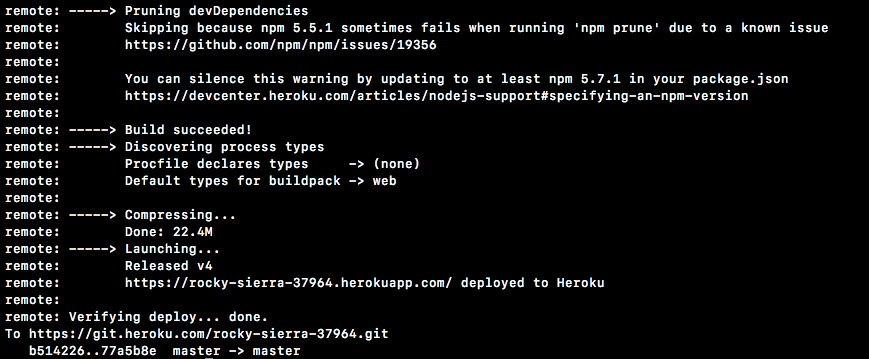
As shown in the preceding screenshot, we are compressing and launching the app. It looks like everything is done. I'll use the heroku open command to open it up. This will open it up in my default browser, and as shown in the following screenshot, you'll see that we have Welcome to the chat app: