
I'm going to start up the server inside the Terminal using the nodemon server/server.js command:

Inside the browser, we can now open up two tabs, both at localhost:3000. For both tabs, I am going to open up Developer tools, since that's currently the graphic user interface for our application. We don't have any forms just yet, which means we need to use the Console tab to run some statements. We'll do the same thing for a second tab:
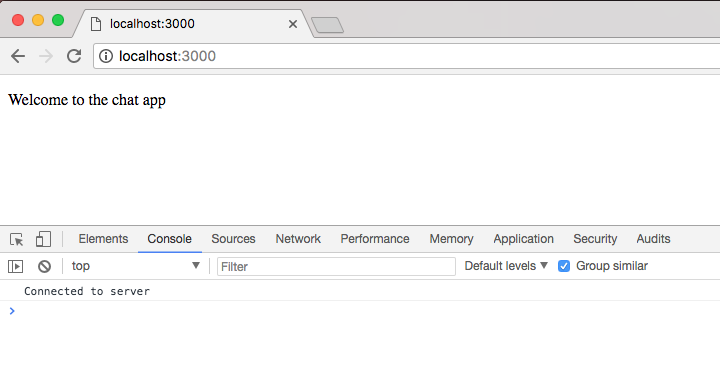
Notice that as soon as we open the tabs, we'll get New user connected messages in the Terminal:

Now that we have our two tabs open, we can go ahead and emit a createMessage event from either one. I'll emit it from the second tab by calling socket.emit, emitting a custom event. The event name is createMessage, and it takes those two properties we just discussed—the from property and the text property—both of which I'll specify in the socket.emit object. The from property will be set equal to the first name, Andrew, and the text property will get set equal to 'This should work':
socket.emit('createMessage', {from: 'Andrew', text: 'This should work!'});
With this in place, we can now emit my event from the browser. It will go to the server, which will send the message to every connected user, including the currently connected user who sent the message. We're going to hit enter, it fires it off, and we see that we get newMessage. We have the message we just created, but the cool thing is that over in the other tab, we also have the message: a message from one user has reached another user in a separate tab:
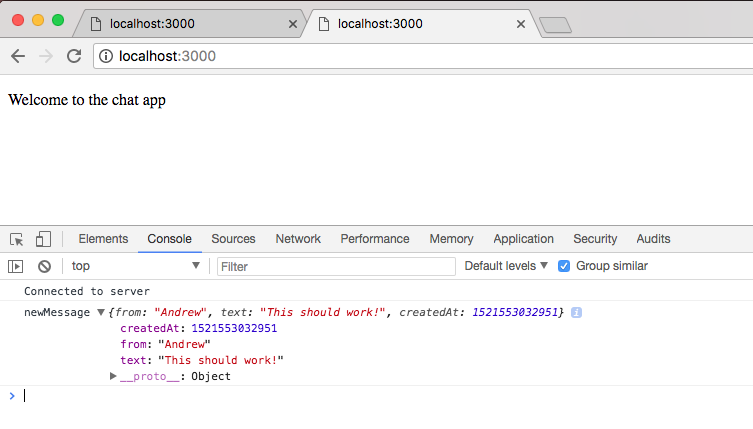
With this in place, we now have a very basic messaging system set up: a user emits an event, it goes to the server, and the server sends it to everyone else who is connected. With this in place, I'd like to make a commit and deploy to Heroku so we can test it out.