
I'll close both of my old tabs and open up Developer tools before ever visiting the page. Then, we can go to localhost:3000 and we should see a little message in Developer tools:
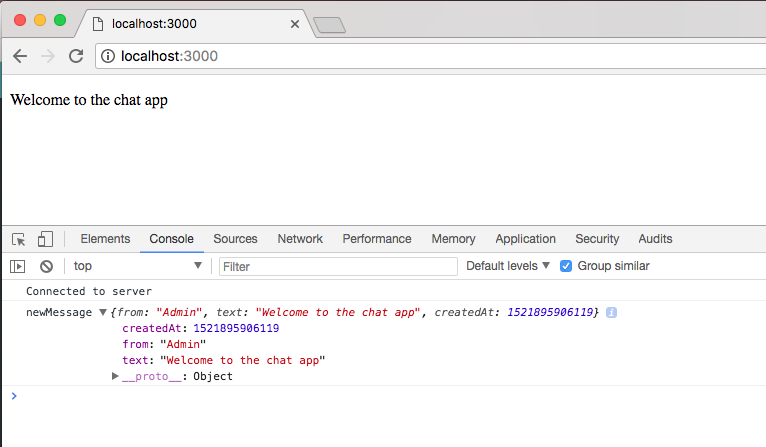
Here we see a new message, Welcome to the chat app, printing, which is fantastic!
Next up, we want to test that the broadcast is working as expected. For the second tab, I'll also open up Developer tools and go to localhost:3000 once again. Once again, we get our little message, Welcome to the chat app:
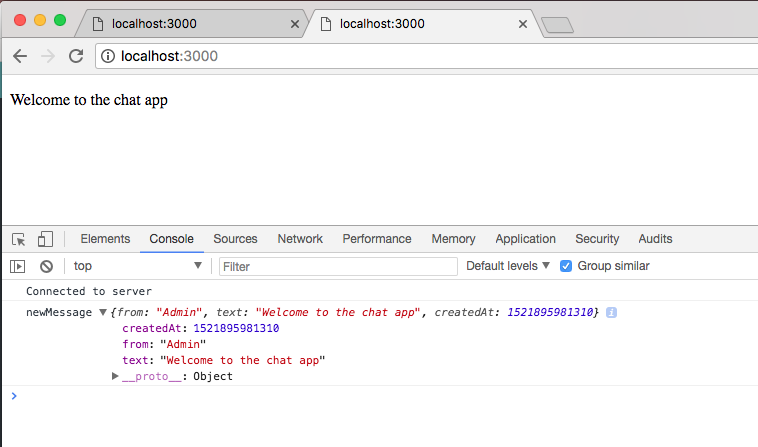
If we go to the first tab, we also see that a new user joined, and this is fantastic too!
Now, I will make a commit to save these changes. Let's go ahead and shut down the server and use git status command:
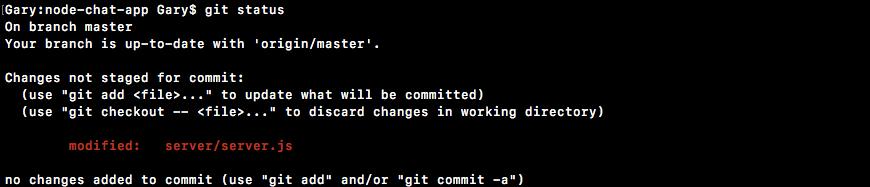
Then, we can go ahead and run the git commit command with the -am flag and specify a message, Greet new user and alert others:
git commit -am 'Greet new user, and alert others'
Once the commit is in place, we can use the git push command to push it up to GitHub.
There's no need to deploy to Heroku right now, although you could easily deploy and test if you feel so inclined. With this in place, we are now done!