
With the Express installer in place, you'll create a brand new Express application and configure the Express static middleware, as we've done previously to serve up the public folder. Finally, you'll call app.listen on port 3000. You'll provide one of those little callback functions to print a message to the Terminal, such as server is up on port 3000.
Once you have the server created, you'll start it up inside the Terminal and head to localhost:3000 inside the browser. If we go there right now we'll get an error, because there is no server running on that port. You should be able to refresh this page and see the little message we typed in the paragraph tag over inside index.html.
The first thing I'll do is inside server.js, load in Express by creating a constant called express and requiring the library we just installed:
const path = require('path');
const express = require('express');
Next up, you need to make an app variable where we can configure our Express application. I'll make a variable called app and set it equal to a call to express:
const path = require('path');
const express = require('express');

const publicPath = path.join(_dirname, '../public');
var app = express();
First up, we'll call app.use to configure our Express static middleware. This will serve up that public folder:
const path = require('path');
const express = require('express');

const publicPath = path.join(_dirname, '../public');
var app = express();

app.use();
What you need to do is call express.static and pass in the path. We create a publicPath variable, which stores exactly the path we need:
app.use(express.static(publicPath));
The last thing to do is call app.listen. This will start up the server on port 3000, and we'll provide a callback function as the second argument to print a little message to the Terminal once the server is up.
I'll use console.log to print Server is up on port 3000:
app.listen(3000, () => {
  console.log('Server is up on port 3000');
});
With this in place, we can now start up the server inside the Terminal and make sure our index.html file shows up in the browser. I'll go ahead and use the clear command to clear the Terminal output, then I'll use nodemon to run the server, using the following command:
nodemon server/server.js

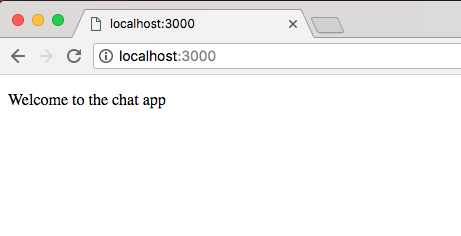
Here, we get our little message, Server is up on port 3000. In the browser, if I give things a refresh, we get our markup, Welcome to the chat app, as shown in the following screenshot:
We now have a basic server set up, which means in the next section, we can actually add Socket.io on both the client and the backend.