
The first thing we're going to do is make a new folder and a new file to store our styles. This is going to be the template styles we'll be grabbing in just a moment, then we're going to go ahead and load it into index.html so those styles are used when we render the chat app.
Now the first thing we're going to do is create a new folder inside of public, and call this folder css. We're going to add just one file to it, a new file called styles.css.
Now before we go off and grab any styles, let's go ahead and import this file into our application, and in order to test and make sure that it's working what we're going to do is write a very simple selector, we're going to select everything using the *, then inside of curly braces we're going to add a style, setting the color for everything equal to red:
* {
   color: red;
}
Go ahead and make your file just like this one, we're going to save it and then we'll import it over inside of index.html. Right at the bottom of the head tag following our meta tag, we're going to add a link tag, this is going to let us link a style sheet. We have to provide two attributes to get that done, first off we have to tell HTML exactly what we're linking to by specifying the rel, or relation attribute. In this case we're trying to link a style sheet, so we're going to provide that as the value. Now the next thing we need to do is provide the href attribute. This is similar to the src attribute for the script tag, it's the path to the file you want to link. In this case we have that at /css and we just created the file style.css, /styles.css:
<head>
  <meta charset="utf-8">
  <link rel="stylesheet" href="/css/styles.css">
</head>
With this in place we can save index.html and give our page a refresh over inside of the browser or load it up for the very first time, and what we see is a hideously ugly page:
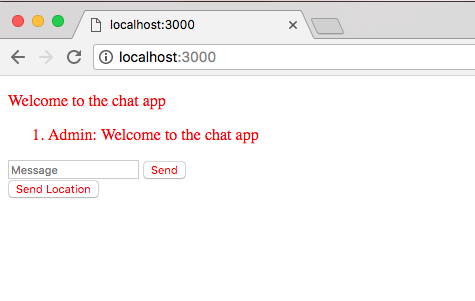
We've managed to make it even uglier than it was previously, but this is great because it means our style sheet file is getting imported correctly.
Now in order to grab the actual template we're going to be using for the chat app, we're going to visit a URL, http://links.mead.io/chat-css. This is just a bitly link that's going to redirect you over to a Gist, and here we have two options, we can grab either the minified style template or the unminified one:
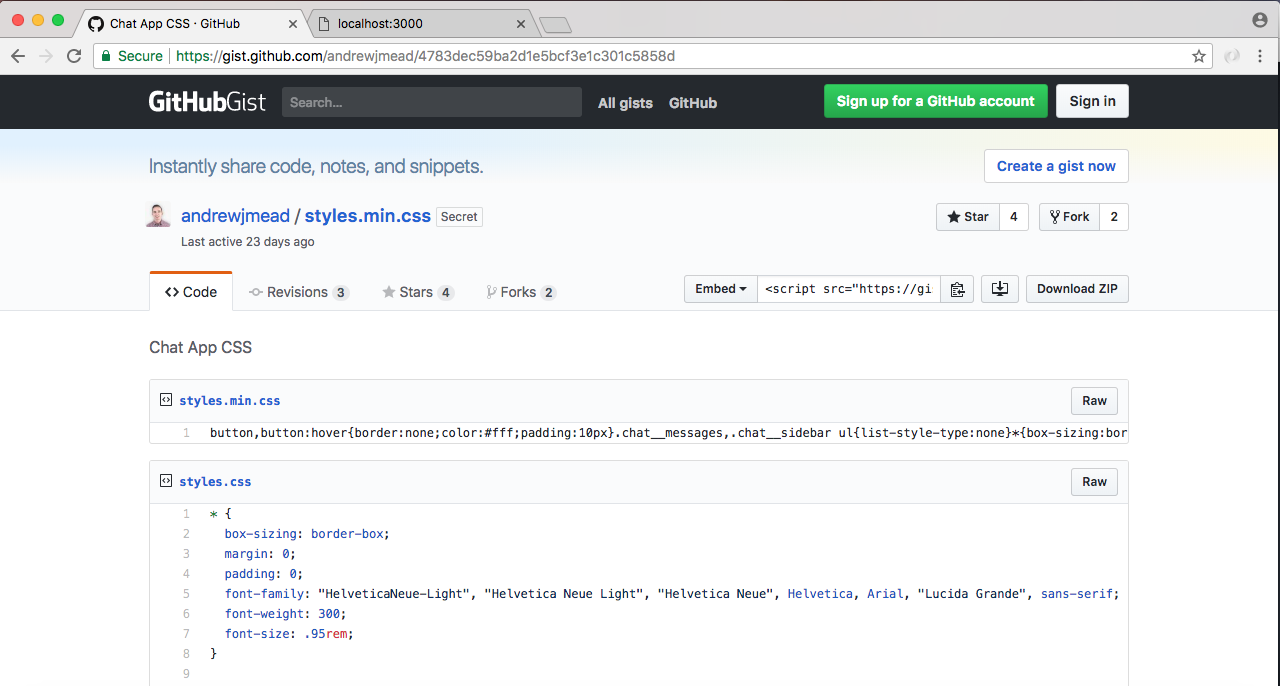
I'm going to go ahead and grab minified one by either highlighting it or clicking Raw link which brings us to the file. We're going to grab the entire contents we see there, head over into Atom and paste it inside of our styles.css file, removing obviously the previous selector.
Now that we have this in place we can give our page a refresh, although we're not really going to see much improvement. Over inside of localhost:3000 I'll give the browser a refresh and clearly things are different:
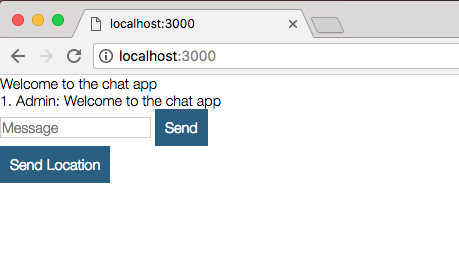
That is because we need to apply some classes to our HTML in order to get everything to work correctly.