
Let's go ahead and test things out over inside Google Chrome. I'm going to refresh tab 1, and when I do you can see our two messages, Welcome to the chat app shows up and Frank says Hi:
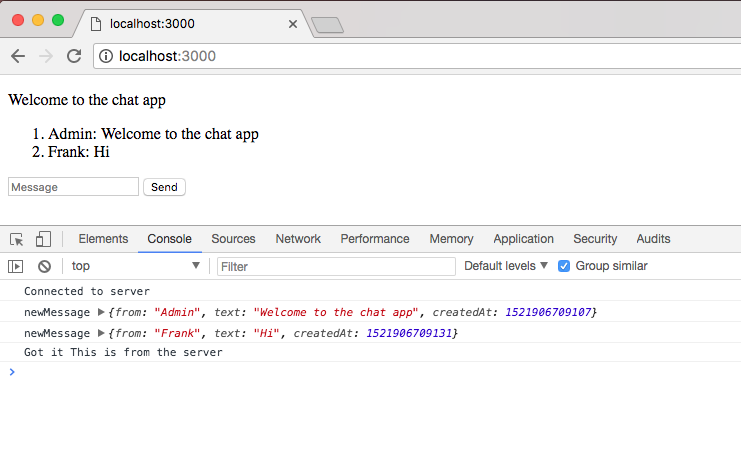
Now Welcome to the chat app should show up. The Frank Hi message is coming from socket.emit inside index.js:
socket.emit('createMessage', {
  from: 'Frank',
  text: 'Hi'
}, function (data) {
  console.log('Got it', data);
});
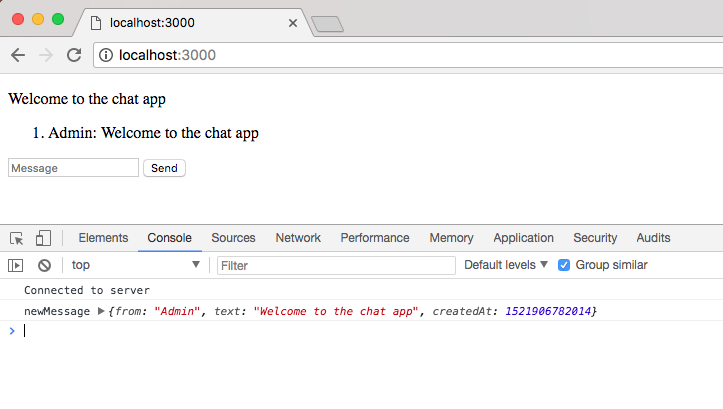
We can actually go ahead and remove that, we no longer need to automatically emit messages since we have a form set up to get that done for us. Once again we can save the file, refresh the browser and this time around we have a nice little setup, Welcome to the chat app:
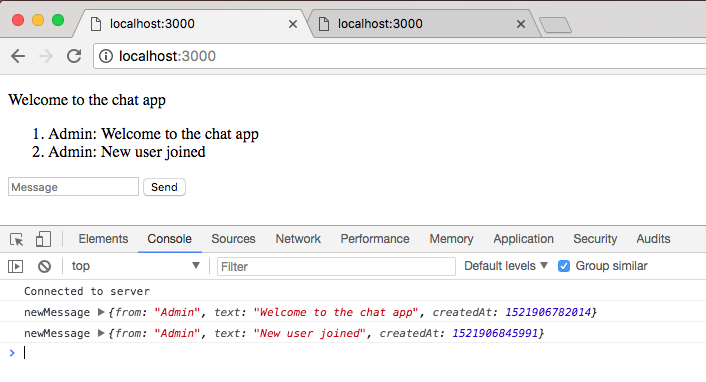
I'm going to do the same thing for our second tab. This time around we get Welcome to the chat app and in the first tab we get New user joined; this is fantastic:
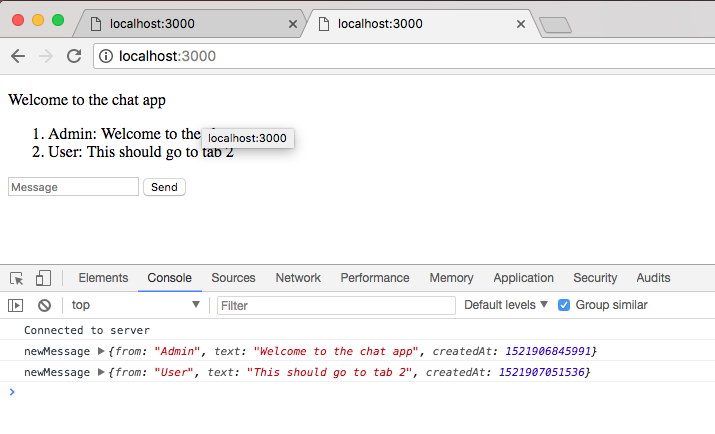
Now the true test is going to be to send a message from one tab to the other, This should go to tab 2. I'm going to Send this off, and when I click on this button, it's going to emit the event that's going to go to the server, and the server is going to send it to everyone connected:
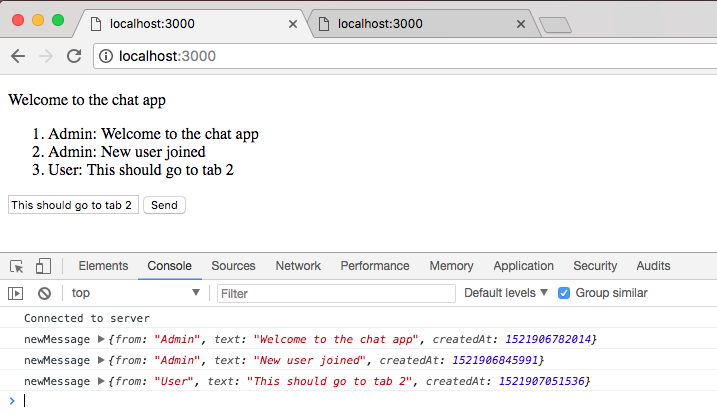
Here, I can see This should go to tab 2 renders, and over inside my second tab we get the message as well:
Now we're not quite done with the UI or the actual user experience; custom names and timestamps are coming up, but we do have a fantastic start. We now have a form where we can submit messages and we can see all the incoming messages inside the browser, which means we do not need to do anything in the Developer Tools anymore in terms of emitting or reading our messages. That is it for this one, let's go ahead and wrap things up by making a commit now that we have some working changes.