
I'm going to shut down the server, clear the output, and run git status so we can double-check all our changes; everything looks good here:
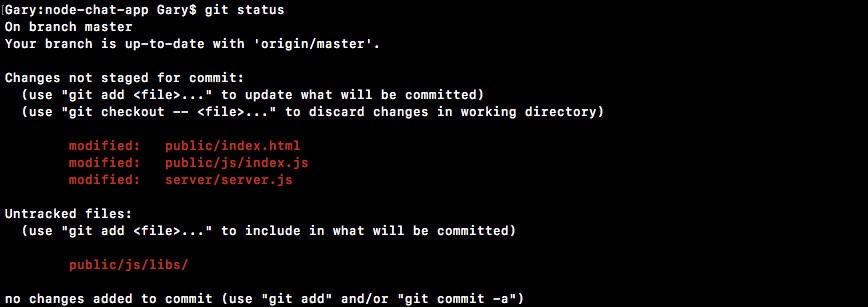
I'm going to use git add to add all of the files, including my untracked jQuery file to the repo. Then I use git commit to make the commit. I'm going to use the -m flag here, and a good message for this one would be Add form for messages and show incoming messages in browser:
git commit -m 'Add form for messages and show incoming messages in browser'
Once we have this in place, we can go ahead and push this up to GitHub. I am going to take a moment to deploy to Heroku now that we have something real, visible, and tangible to use; git push heroku master is going to get that done:
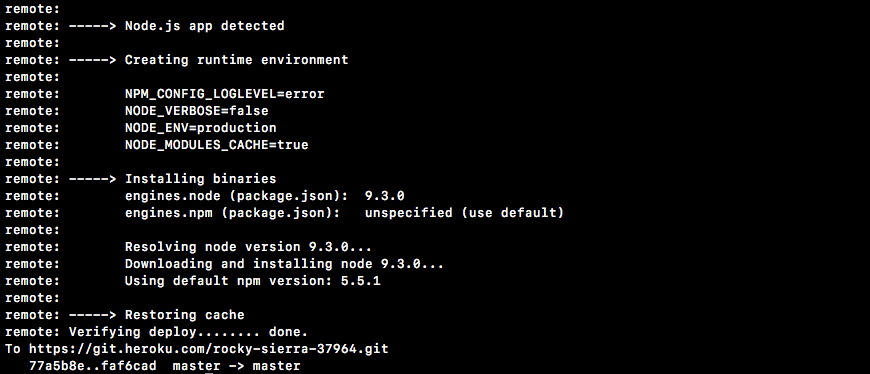
Once this is up, we'll be able to visit it in the browser. As you can see over inside my console, Socket.io is trying to reconnect to the server. Unfortunately, we're not going to be bringing it back up so it's going to try a little longer.
Here we are, we're verifying the deploy and everything is up and running. You can either run heroku open or copy the URL directly. I'm going to go ahead and close my two localhost tabs and open up the actual Heroku app.
Right here, we do get our Welcome to the chat app message and we do get our form; everything looks good so far. I'm going to go ahead and open up a different browser like Safari. I'm going to go to the chat app as well, and we're going to bring these windows side by side. Over inside Safari I'm going to type a little message, This is live on Heroku, click on Send or hit the enter key, and instantly it shows up in the other browser in the other tab. This is because our live socket server is transmitting this data:
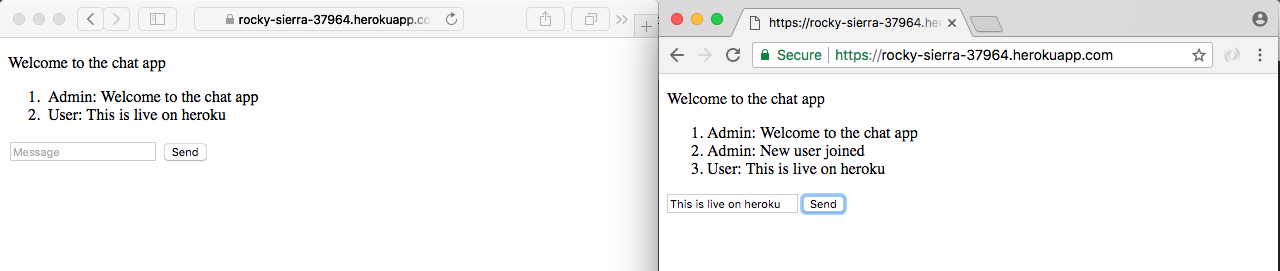
This could happen between any computer in the world, you do not need to be on my machine since we're using a real Heroku URL. Now that everything is working on Heroku, we are done.