
Another command I want to talk about for just a moment is a command called heroku logs. The heroku logs command shows you the server lives for your application. If anything goes wrong you usually get an error message inside of the Terminal:

Now, as you can see, we have our Started on port 4765 message printing at the bottom, which is great; your port is going to be different. As long as you have this message everything should be good to go. I am going to run heroku open.
This is going to open up the application in my browser. I'm going to choose to copy the URL. I'll move into Chrome, and I can visit it:
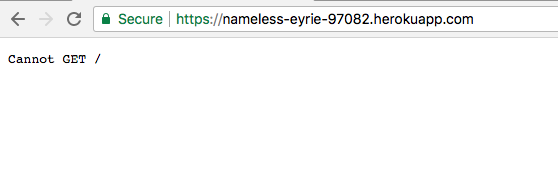
Now, visiting the root of the app should do nothing because we haven't set up a root URL, but if we go to /todos we should get our todos JSON coming back:
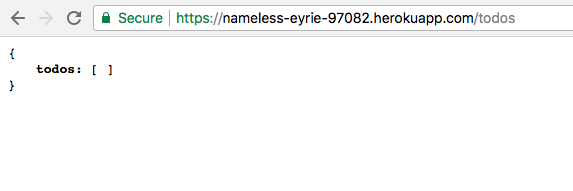
Here you can see we have an empty array, which is expected because we haven't added any Todo items, so let's go ahead and do that.
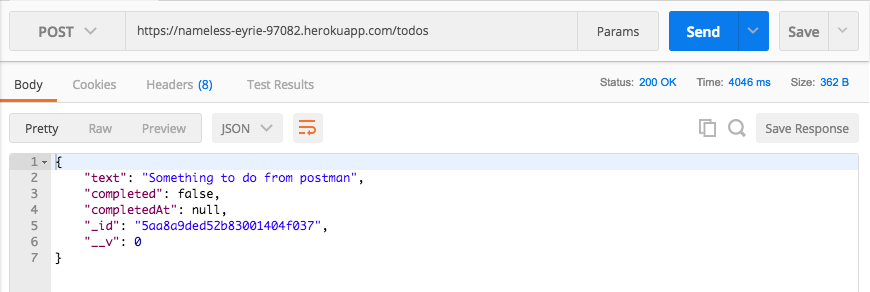
What I want to do is grab the URL and head over to Postman. Inside of Postman we're going to make a few calls. I'm going to create a POST /todos request; all I need to do is take the URL and swap it out with the one I just copied, then I can send off the request because the body data is already configured. I'm going to send that off. We get our Todo item and this is not coming from our local machine, this is coming from our Heroku application, which is talking to our Mongo Lab MongoDB database:
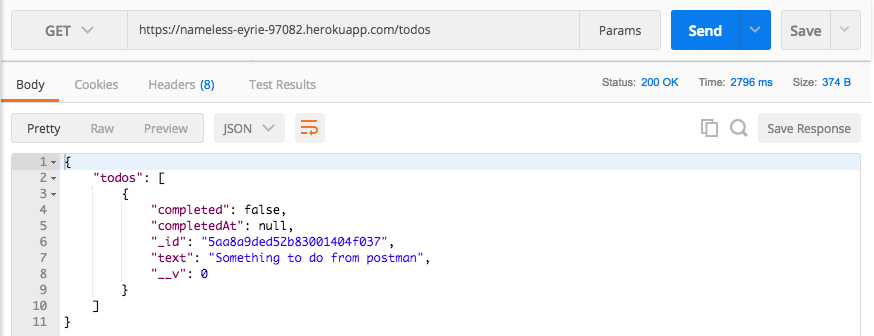
Now, all the other commands should also work. I'm going to go to GET /todos, paste in the URL, and we should be able to get all of our Todo items:
I'm also going to check what happens when we try to fetch an individual Todo. I'll copy the _id, add it on to the URL, and send off that request:
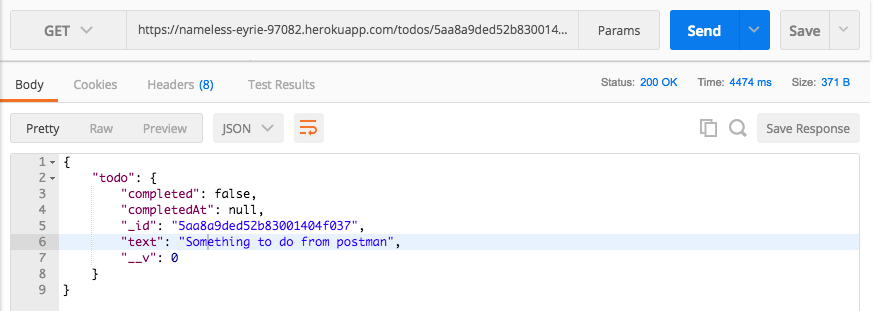
I get the individual Todo item. So, no matter which call we use, everything is working as expected and this is fantastic. Our application is now running on Heroku with a real production database, and that is it for this one. Now that we're clued up on Heroku, in the next section I'm going to show you a few tweaks and tricks we can use inside of Postman to make switching between our local environment and our Heroku environment much, much easier.