
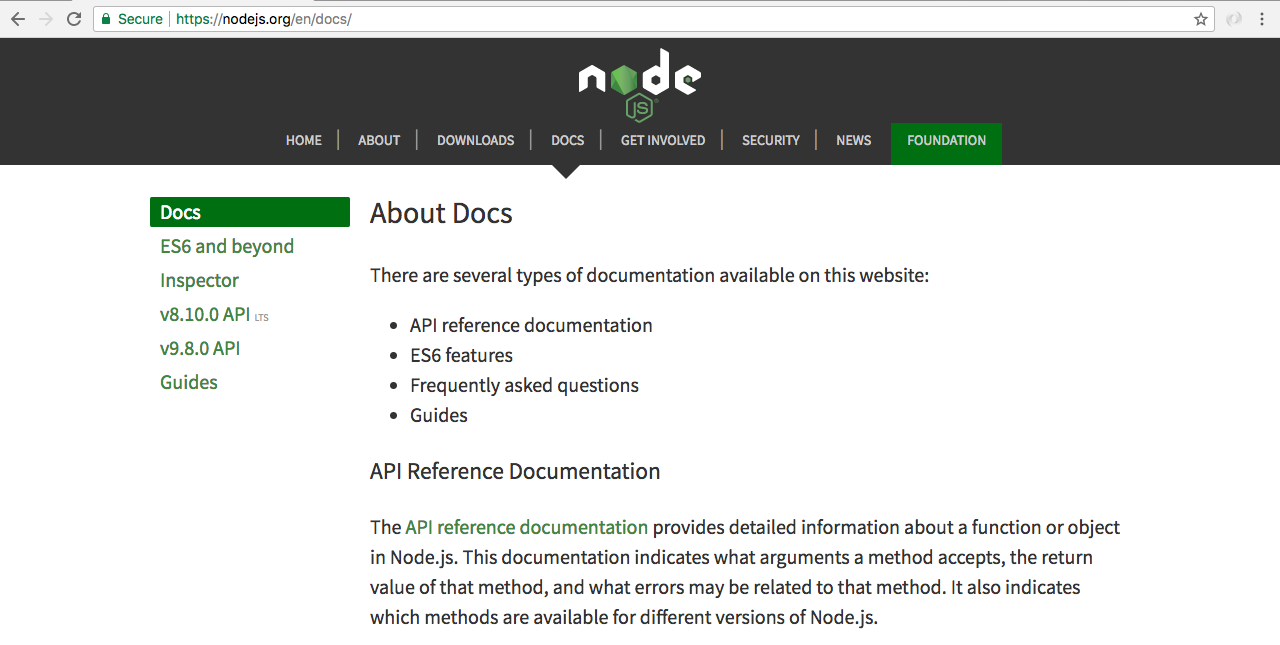
Now, let's see the documentation of path, because path has plenty of methods that we won't be using in this section. We'll go to nodejs.org, where we can find the Docs tab. We'll go to the Docs page and then the API reference page:
Here's a list of all the modules we have available to us. We're using the Path module:
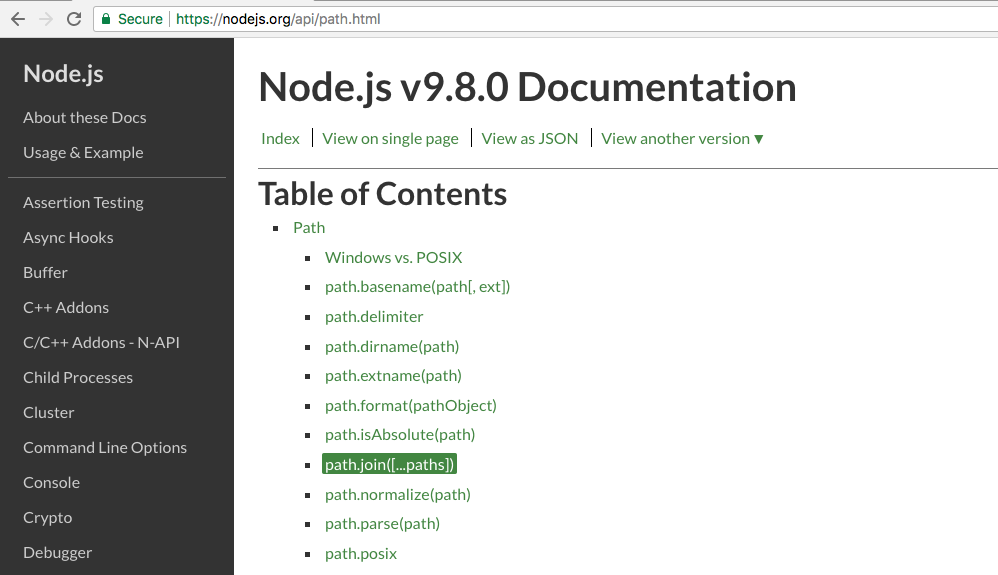
Inside Path, the method we'll use is join, which you can see in the preceding screenshot. If you click on this method, you can go to a little example of how join works:
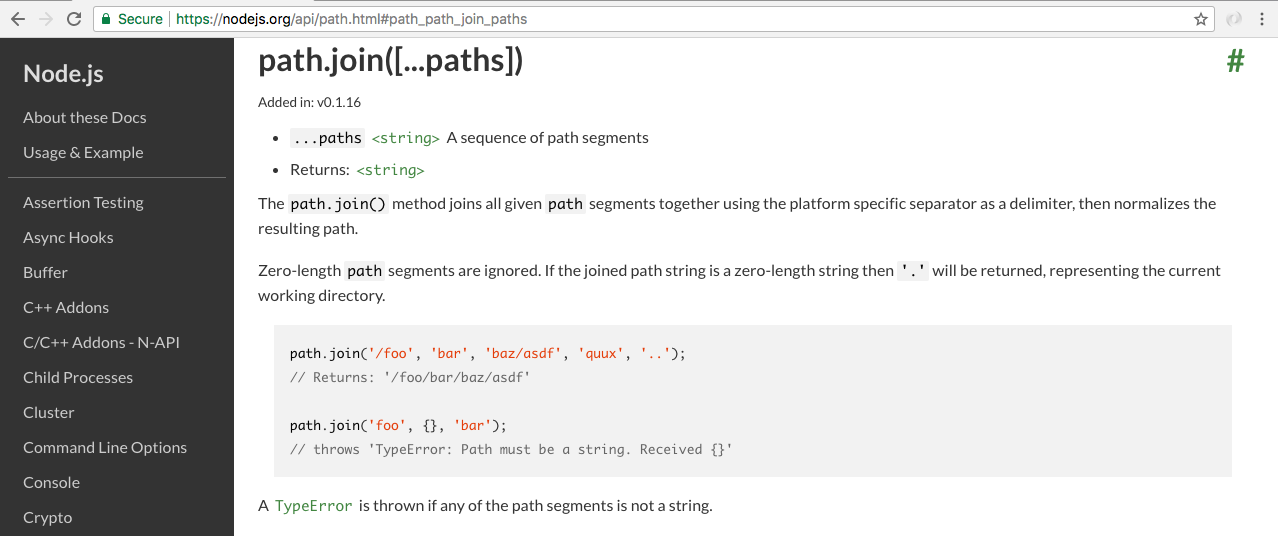
The join method takes your partial paths and joins them together, which means the example shown in the preceding screenshot results in the simpler path. In this example, we can see that we start with foo. We then go into bar, which also shows up; we then go into baz/asdf, which does indeed show up. The next part is the interesting part: we go into the quux directory, then we go out using .., and you can see the result path doesn't show us going into and out of, like our path does inside the Terminal; instead, it resolves that into the final path, where the quux directory is nowhere in sight.
We'll use this exact same method to clean up our path. Inside Atom, we can load in the path module by creating a constant called path and requiring it:
const path = require('path');
Remember, this one does not need to be installed: it is a built-in module, and you have access to it without using npm. Next up, we'll make a variable called publicPath. I'll make that a constant variable, since we'll be making any changes to it, and we'll call path.join:
const path = require('path');
const publicPath = path.join();
We'll pass some arguments into path.join in a moment. Before we do, though, I'm going to call console.log(publicPath):
const path = require('path');
const publicPath = path.join();

console.log(__dirname + '/../public');
console.log(publicPath);
Now, inside path.join, what we want to do is take the two paths, __dirname and '/../public', and pass them in as separate arguments. We do still want to start in the server folder of the dirname directory. Then, as the second argument, we'll specify the relative path inside quotes. We'll go out of the directory using .. then use a forward slash to go into the public folder:
const path = require('path');
const publicPath = path.join(__dirname, '../public');
I'll save the server file, and we should now be able to go back to the Terminal and see our new path—and here it is:

Instead of going into server and then going out, we go right into the public directory, which is ideal. This is the path we want to provide to the Express static middleware.
Now that we have this public path variable in place, let's set up Express locally. Before we get into that, we will install it using npm i. The module name is express, and we'll use the most recent version, @4.16.3, with the --save flag:
npm i express@4.16.3 --save
We'll run the installer, and then we can go ahead and actually use it inside server.js. In package.json, we now have it sitting in the dependencies object.