First up, we have to grab the template, make a variable called template to do just this, and all we're going to do is select it with jQuery using the ID we just provided, #message-template. Now we need to call the html method, which is going to return the markup inside message-template, which is the template code, our paragraph tag in this case:
socket.on('newMessage', function (message) {
  var template = jquery('#message-template').html();
Once we have that we can go ahead and actually call a method on Mustache, which was available to us because we added that script tag. Let's make a variable called html; this is the thing we're eventually going to add it to the browser and we're going to set it equal to a call to Mustache.render.
Now Mustache.render takes the template you want to render:
socket.on('newMessage', function (message) {
  var template = jquery('#message-template').html();
  var html = Mustache.render(template);
We're going to go ahead and render it and now we can spit it out in the browser by adding it to the messages ID just like we do earlier. We're going to select the element with an ID of messages, call append, and append the template we just rendered which we have access to inside of HTML:
socket.on('newMessage', function (message) {
  var template = jQuery('#message-template').html();
  var html = Mustache.render(template);

  jQuery('#messages').append(html);
Now with this in place our server restarted and we can actually play around with this by refreshing the browser. I'm going to give the browser a refresh:
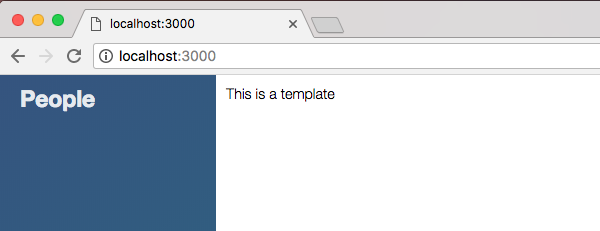
We get This is a template for our welcome message, and if I type anything else we also get This is a template. Not super interesting, not super useful, what is cool though is that Mustache lets you inject values, which means we can set up places in our template where we expect a value to get passed in.
For example, we have that text property. In order to reference a value, you can use the double curly braces syntax like this:
<script id="message-template" type="text/template">
  <p>{{text}}</p>
</script>
Then you can go ahead and type the name, like text. Now in order to actually provide this value, we have to send in a second argument to the render method. Instead of just passing in the template, we're going to pass in the template and an object:
socket.on('newMessage', function (message) {
  var template = jquery('#message-template').html();
  var html = Mustache.render(template, {

  });
This object is going to have all the properties that you're going to be allowed to render. Now we're currently expecting the text property, so we should probably go ahead and provide it. I'm going to set text equal to the value that comes back on message.text:
var html = Mustache.render(template, {
  text: message.text
});
Now we're rendering the template in a dynamic way. The template serves as the reusable structure but the data is always going to change because it gets passed in when we call render:
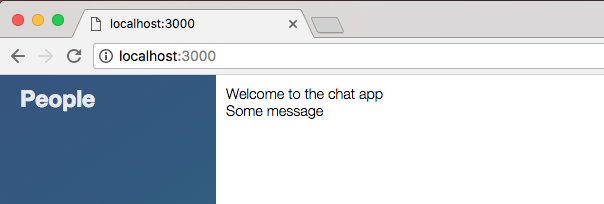
With this in place we can go ahead and refresh Chrome, and right here we see Welcome to the chat app, and if I go ahead and type a message, that is going to show to the screen, which is fantastic: