
In this section, you're going to start part one of a two-part series on geolocation. Instead of just sending text back and forth, we're also going to set it up so I can beam my actual coordinates, my longitude and latitude, to everyone else connected to the chat app. Then we can render a link and that link could go wherever we like; in our case, we're going to set it up to pull up a Google Maps page where the actual location of the user who sent their location is marked.
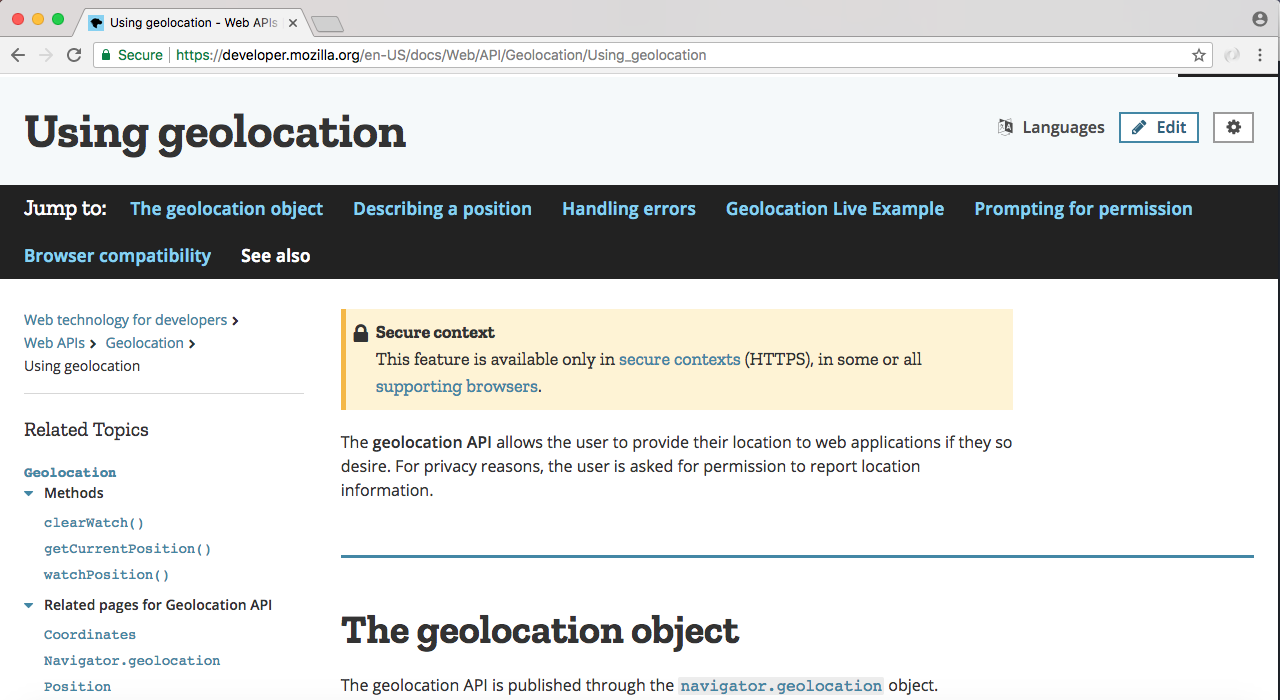
Now to actually fetch a user's location we're going to use the geolocation API, which is available in your client-side JavaScript, and it's actually a pretty well-supported API. It's available on all modern browsers, whether that's mobile or desktop, and the documentation can be found by Googling geolocation api, and looking for the MDN documentation page.
The MDN Docs, or the Mozilla Developer Network, are my favorite docs for client-side technologies, such as your web APIs, your CSS and your HTML guidelines:
Now as I mentioned this is a well supported feature, you can pretty much use it everywhere except for older versions of Internet Explorer and the Opera Mini browser. But all your major desktop and mobile browsers are going to support this, and if the browser is old, we will set up a little message to let them know their browser does not support geolocation. If you ever want to learn more about geolocation or explore features that we do not cover in this section, you can refer to this page, though we will be using most of the features geolocation has to offer.