
Now before we do any of that, we are going to be using a library called jQuery to do DOM manipulation, which means that we want to be able to do stuff with our rendered HTML, but we want to be able to do that from our JavaScript file. We're going to use jQuery to make that a lot easier in terms of cross-browser compatibility. To grab this library, we're going to head over to Google Chrome, go to jquery.com, and you can grab the most recent version. The version is not going to matter for here, as we're using very basic features available in all versions:
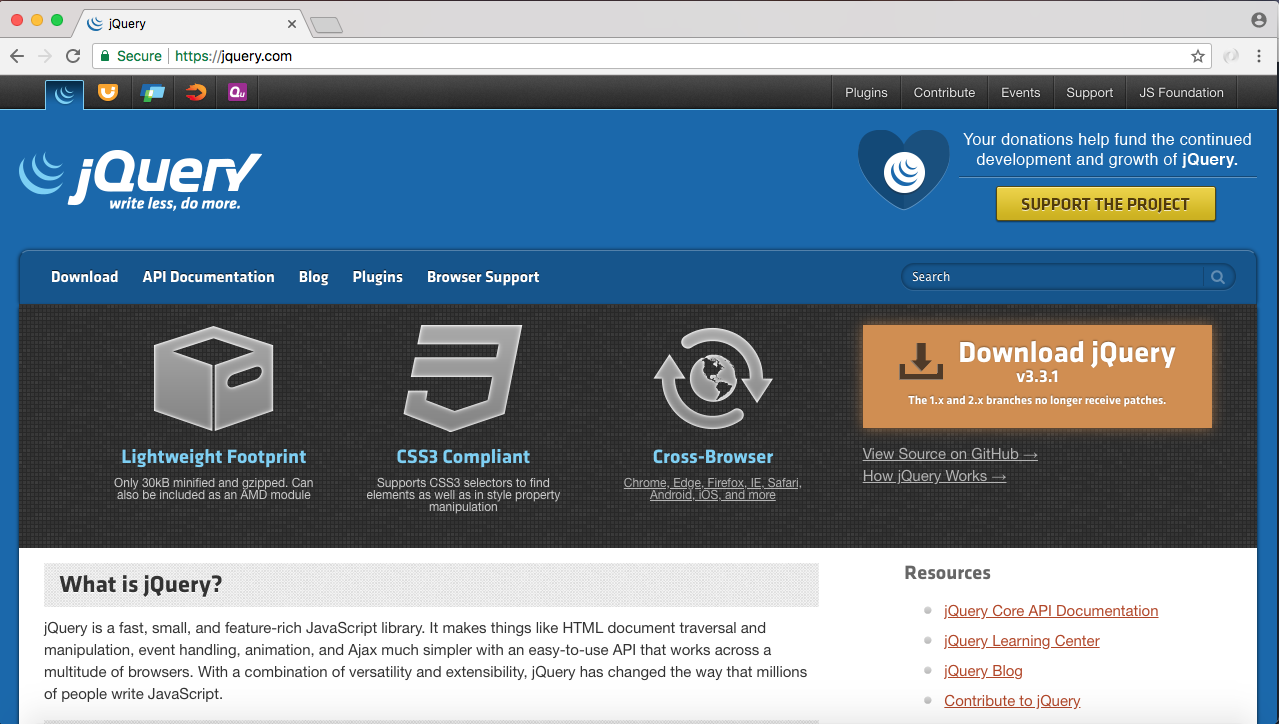
I'll grab the most recent version 3.3.1. Then I'll go ahead and download the compressed production version by right-clicking and opening it in a new tab:
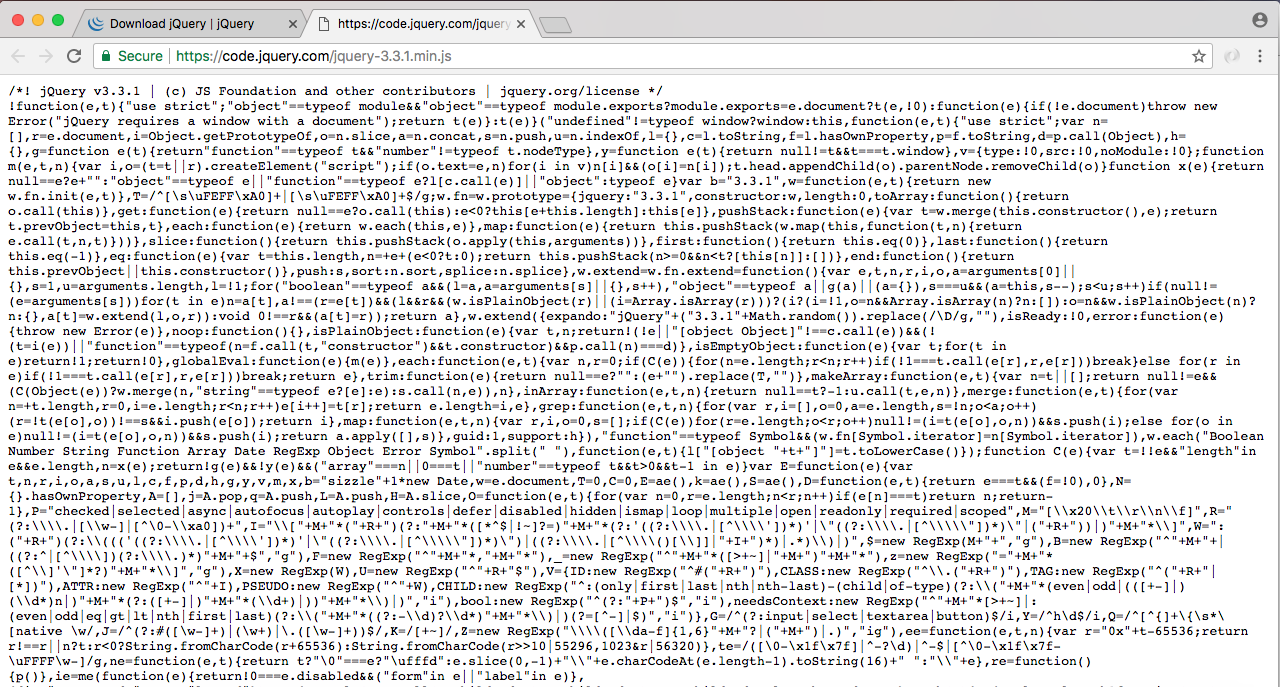
Here we have the actual JavaScript that we want to load in to our application, which means we can right-click some sort of empty area, click on Save As, and go into our projects folder, Desktop | node-chat-app | public | js. Inside of js, I'm going to create a new directory called libs, where we'll store third-party JavaScript. We're going to be working with a few more client-side JavaScript libraries throughout the section, so it's nice to create a folder to stay organized. I'm going to save that in there, close the tab as well as the downloads area, and now we can go ahead and load it in to index.html and add our form.