
We're going to do is add a few cases right here, in chat.js:
socket.on('connect', function () {
  var params = jQuery.deparam(window.location.search);

  socket.emit('join', params, function (err) {
    if(err) {

    } else {

    }
  });
});
If it is an error that's a pretty big problem, and we're going to want to send the user back to the root of the application by changing one of the properties under location, window.location.href. Here we can manipulate which page the user's on, essentially we're going to be redirecting them back to that root page by having the forward slash (/) value set to the href property:
socket.on('connect', function () {
  var params = jQuery.deparam(window.location.search);
  socket.emit('join', params, function (err) {
    if(err) {
      window.location.href = '/';
    } else {

    }
  });
});
Now before we do that we can do whatever we like, maybe we want to display a modal using our framework of choice, whether it's Foundation, Bootstrap, or anything else. To keep things simple here, all we're going to do is call alert passing in the error, just like this:
if(err) {
  alert(err);
    window.location.href = '/';
  } else {
So a user will see a little alert box, they'll then click on OK, and they'll be redirected back to the home page. Now if there is no error, all we're going to do for the moment is use console.log to print No error:
socket.on('connect', function () {
  var params = jQuery.deparam(window.location.search);

  socket.emit('join', params, function (err) {
    if(err) {
      alert(err);
      window.location.href = '/';
    } else {
      console.log('No error');
    }
  });
});
With this in place, let's go ahead and test that things are working as expected. Over inside the browser I'm going to give my current page a refresh. Now here, we do have a valid name and a valid room, so when I click on the Refresh button, we should see No error printing in the console, and that's exactly what we get:
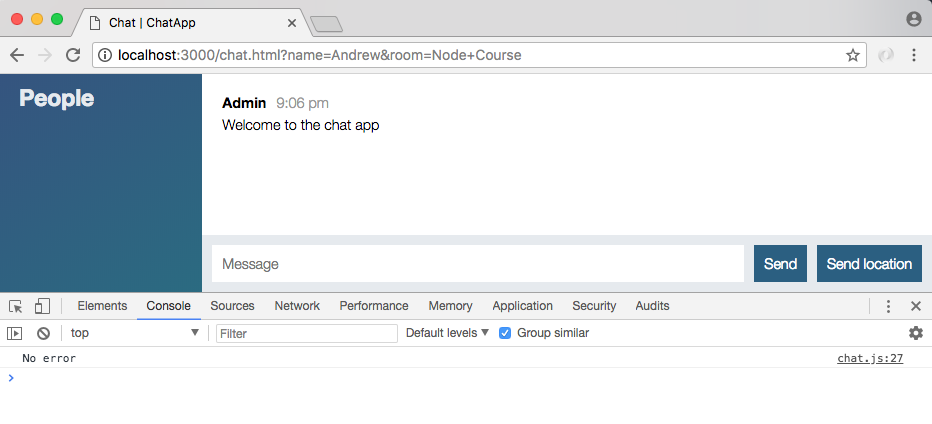
The data that we passed through was indeed valid. Now we can go ahead and go to the root of the page and try some invalid data.
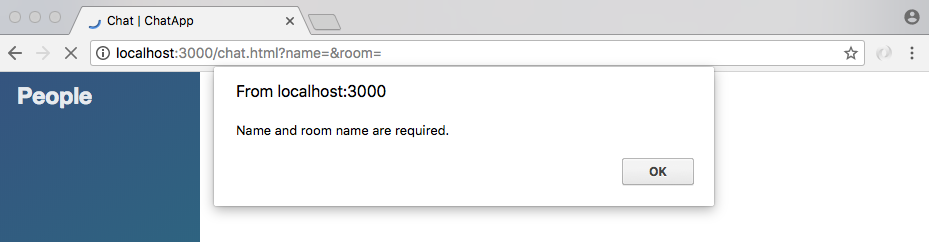
To demonstrate this, all I'm going to do is click on Join without providing either value. This is going to bring us to the chat app and you can see we get our little alert box, Name and room name are required. We click on OK which is all we can do, and we're immediately redirected back to Join a Chat:
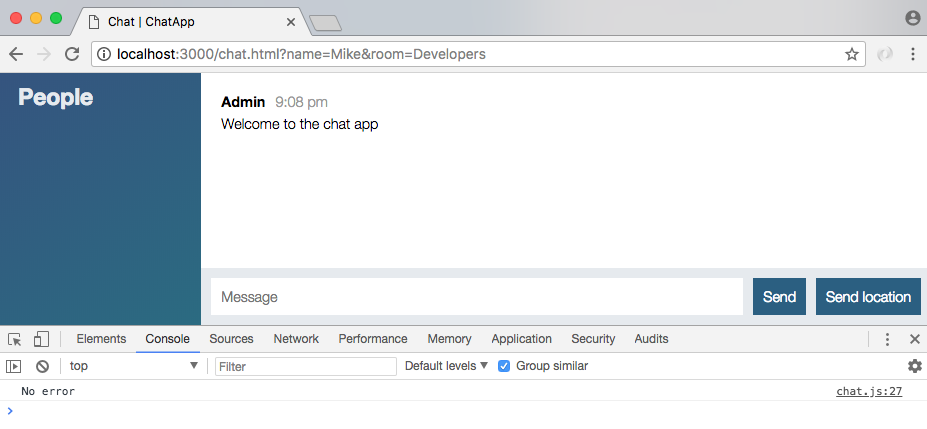
If I do provide some valid data, like a display name of Mike and a room name of Developers, we are going to be brought to the chat page and we'll see no error shows up, which is fantastic:
Now one last test real quick! If we have just spaces, I'm going to change the room name to a bunch of spaces. Now we click on Join, we are going to still get the error even though we do have a bunch of plus signs for spaces up above in the URL space:
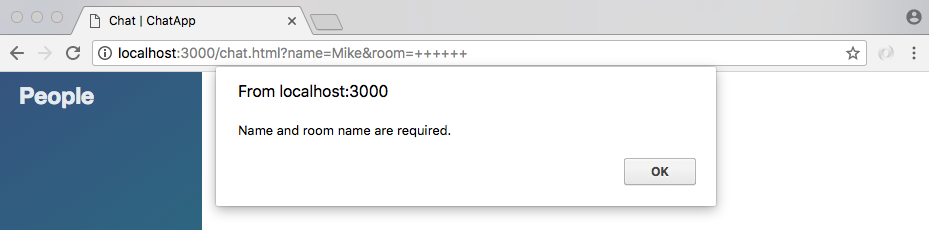
Those are going to be swapped out for spaces when we run our code through deparam and the error is still going to occur. Now that we have this in place, we are in a pretty good spot to actually integrate rooms in the next section.