
First up, we'll load in the http module. So, let's make a constant called http, which is a built-in Node module so there's no need to install it. We can simply enter require('http'), just like this:
const path = require('path');
const http = require('http');
const express = require('express');
const socketIO = require('socket.io');
From here, we'll create a server using this http library. Just below our app variable, let's make a variable called server. We'll call http.createServer:
const path = require('path');
const http = require('http');
const express = require('express');
const socketIO = require('socket.io');

const publicPath = path.join(_dirname, '../public');
const port = process.env.PORT || 3000;
var app = express();
var server = http.createServer()
Now, you might not know it but you're actually already using the createServer method behind the scenes. When you call app.listen on your Express app, it literally calls this exact same method, passing in the app as the argument for createServer. The createServer method takes a function. This function looks really similar to one of our Express callbacks, and it gets called with a request and a response:
var server = http.createServer((req, res) => {

})
Now, as I mentioned, http is actually used behind the scenes for Express. It's integrated so much so that you can actually just provide app as the argument, and we are done:
var server = http.createServer(app);
Before we integrate Socket.io, let's go ahead and wrap up this change. We'll use the HTTP server as opposed to the Express server, so instead of calling app.listen, we'll call server.listen:
server.listen(port, () => {
  console.log(`Server is up on ${port}`);
});
Once again, there's no need to change the arguments passed in the server.listen method—they're exactly the same and built really closely to each other, so the server.listen arguments are the same as the Express app.listen arguments.
Now that we have this in place, we haven't actually changed any app functionality. Our server is still going to work on port 3000, but we're still not going to have access to Socket.io. In the Terminal, I can prove this by clearing the Terminal output and starting up our server using nodemon command:
nodemon server/server.js
Then, I'll load localhost:3000 in the browser URL and see what I get back:
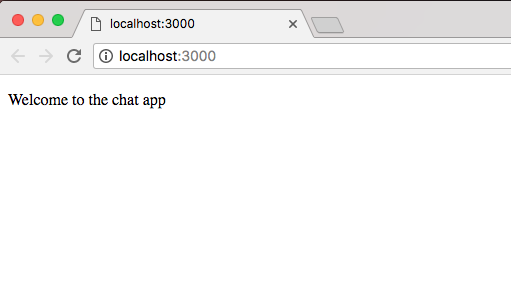
As shown in the preceding screenshot, we get our HTML, and Welcome to the chat app shows up. This means that our app is still working even though we're now using the HTTP server.