
Now that we have this in place we can actually test things out. What we're going to do is join a room, then we're going to have a second user join, and we should see the message right there: Their name has joined. We're also going to add a third user into the mix to make sure it's actually sending the message to just one room.
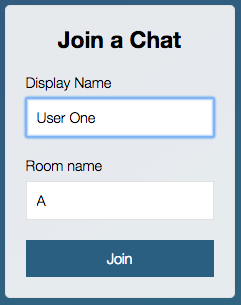
Over inside the browser, let's get started by creating a user called User One. This user is going to join a room called uppercase A:
Now we're going to go ahead and create a second user by going to localhost:3000. This one can be called User Two and we're going to join room B:
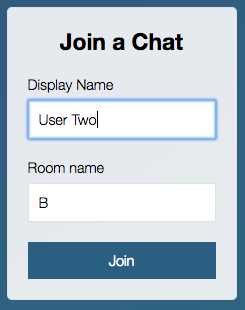
And if I go between room A and room B you can see that no join message printed because we haven't joined the same room. We're on completely separate rooms so we should not be getting those messages.
Next up we're going to add a third user, this user is also going to join room A, User Three, room name, room A, and we are going to hit Join. When we hit Join, we can go through the tabs and see what data we get back:
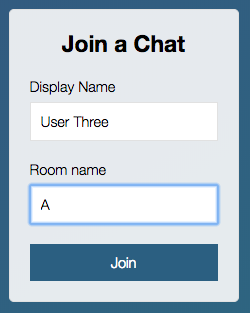
Here we get Welcome to the chat app as expected. This is only happening because we've successfully joined the room:

Then in the second tab we get Welcome to the chat app too. There is no message greeting that other user because the other user joined room A, and the first tab has our User Three has joined message. This is fantastic:
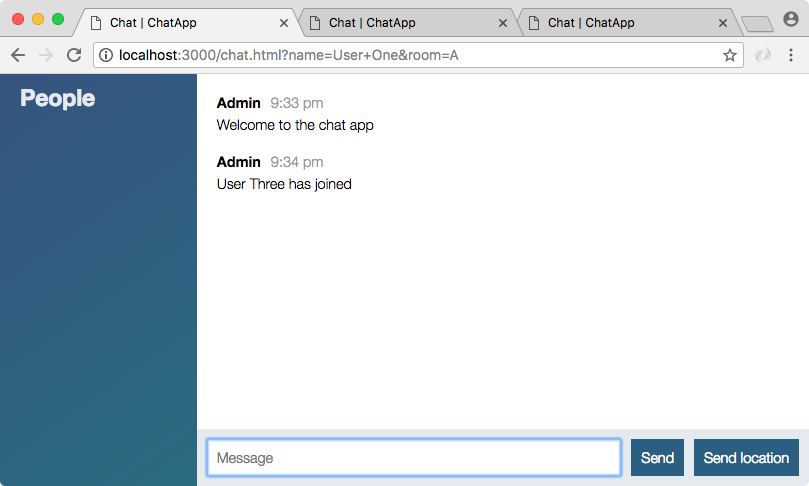
Both users are in room A so this user should get a message when a new user joins, and we've injected the name right here as expected.