
The next thing that we want to do is emit a message. We're going to emit a message from the admin to everybody, kind of like we did up above. We greeted the user and we told all other users that someone joined, right here we're going to emit('newMessage'), and we're going to call generateMessage like we've done in the past. We're going to pass in those two arguments, the first one is Admin. This is going to be an admin message, and the second one can be a template string, we're going to inject the user's name, user.name, and then we're going to say that user has left:
io.to(user.room).emit('updateUserList', users.getUserList(user.room));
io.to(user.room).emit('newMessage', generateMessage('Admin', `${user.name} has left.`));
Now that we have this in place everything should be working as expected. Hopefully over inside of Chrome we no longer get those duplicates. I'm going to give the page a refresh and we see we have a users list with just one user, Andrew:
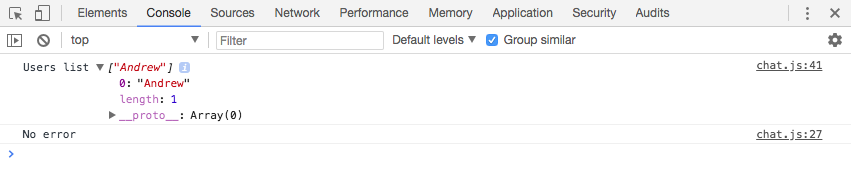
If I refresh the page, we no longer get the duplicates because when I leave I get removed and when I come back. When the page finally finishes refreshing, I get added. Now the same thing is going to be true if I add a new user. For the moment, I'm going to switch the browser to just take up half the width on my screen. I'm going to open up a second tab and drag that to the other half so we can view both of these side by side. I'm also going to open up the Developer Tools for this second tab, and we're going to join the exact same room.
Let's go to localhost:3000, I'm going to join as Mike, and the room name is going to be the same, LOTR. Now as soon as I click on Join, I should see an updated list in both consoles. I'm going to click on Join. Inside the right browser window, we get Andrew, Mike, and inside the left browser window we also have Andrew, Mike, which is fantastic:
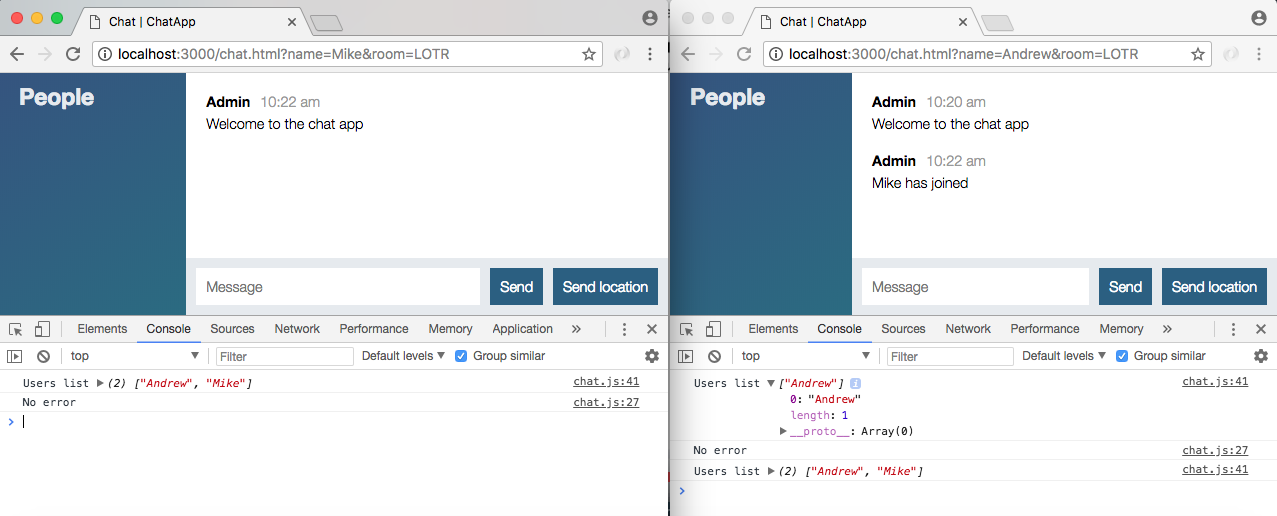
I also get a little message saying Mike has joined, that was in place earlier; the real test is what happens when a user leaves. I'm going to kick Andrew out of the chat room, and over here inside our other chat window, we have Andrew has left printing to the screen, and we have our new user list with just one user, Mike:
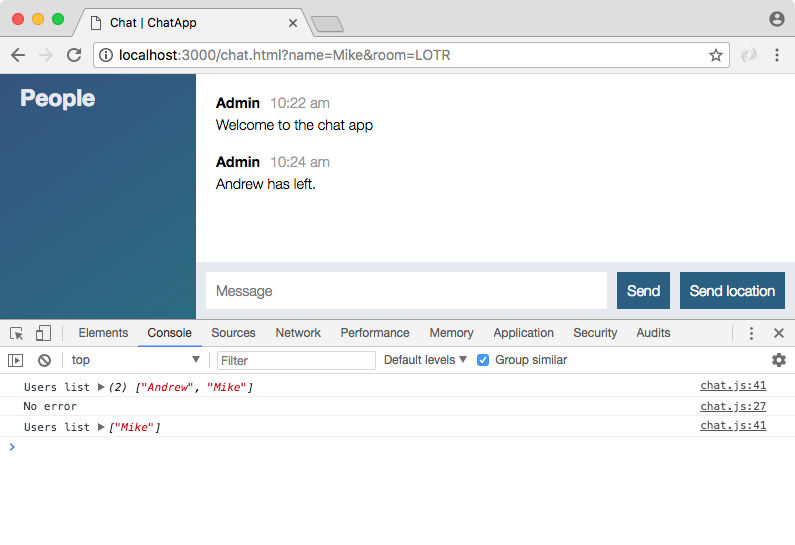
This is fantastic. We're now keeping track of users as they come and go, which lets us do really cool things like printing custom messages and updating the People list.