
To set up the basic app structure, I'm going to open up the folder that we just created on the desktop, called node-chat-app:
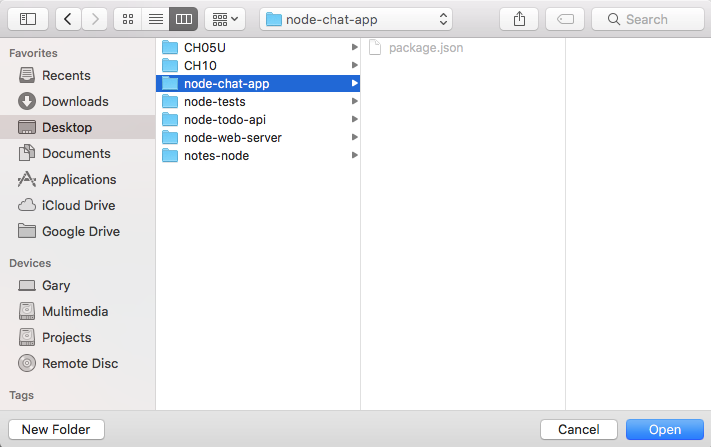
In this folder, we'll get started by making a couple of directories. Now, unlike the other apps in the previous chapters, the chat app is going to have a frontend, which means we'll be writing some HTML.
We'll also add some styles and writing some JavaScript code that runs in the browser, as opposed to running on the server. For this to work, we'll have two folders:
- One will be called server, which will store our Node.js code
- The other one will be called public, which will store our styles, our HTML files, and our client-side JavaScript
Now, inside server, just like we did for the todo API, we'll have a server.js file, which is going to be the root of our Node application:

This file will do stuff like create a new Express app, configure the public directory to be the static folder Express serves up, and call app.listen to start up the server.
Inside public, what we'll do for this section is create just one file, called index.html:

The index.html file will be the markup page we serve when someone visits the app. For now, we'll make a really simple one that just prints a message to the screen so we can confirm it's getting served up properly. In the next section, we'll worry about integrating Socket.io on the client.