
First, let’s check all our file references. There are two links from within our HTML file, one to our .css file and one to our .js file:
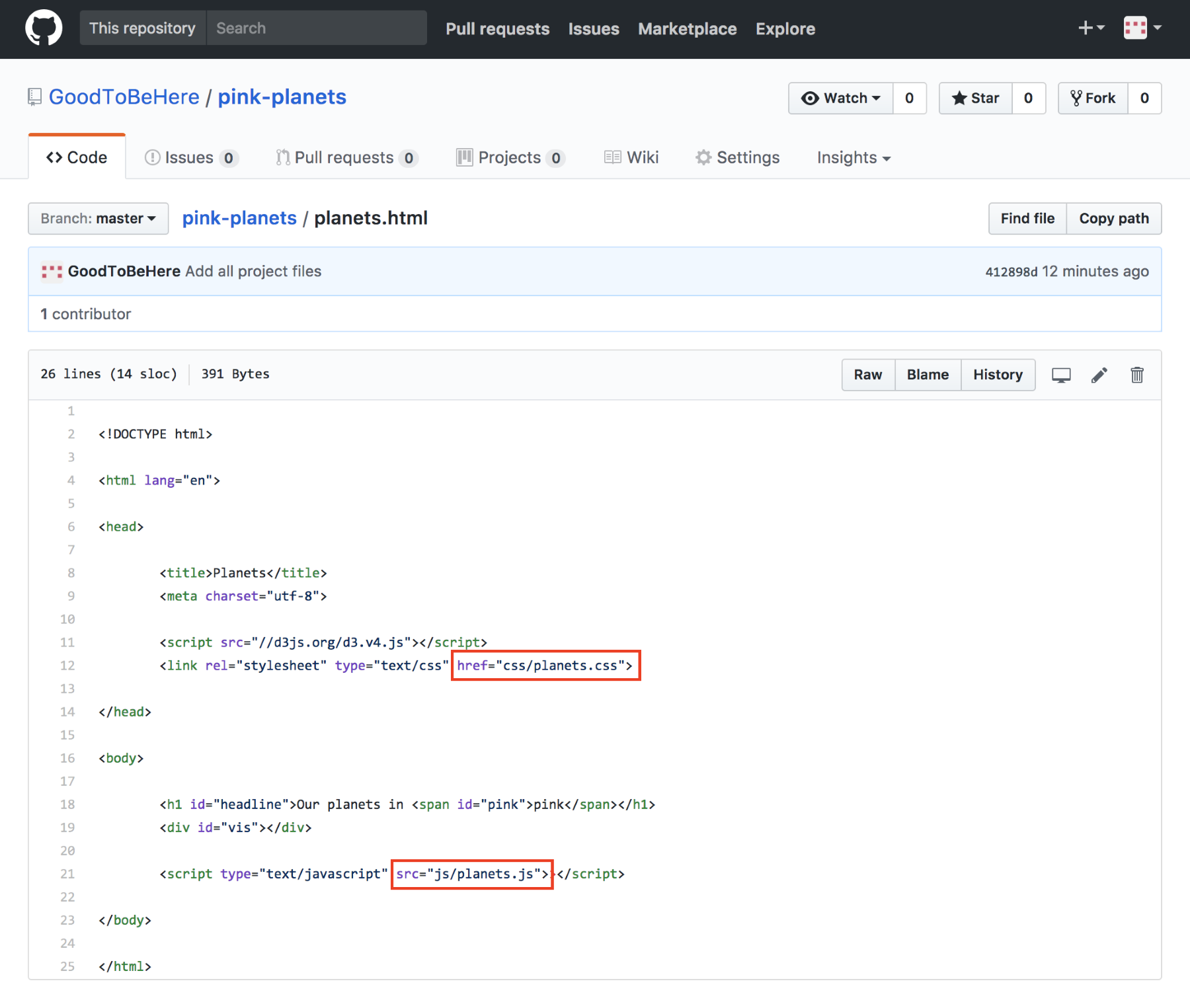
All paths on GitHub can be referenced as absolute paths pointing to the root directory. This saves you from working out the relative path from any file at any depth of your directory tree. However, it also means that you might have to change relative paths from your local directory to root-based absolute paths. Your HTML file planets.html (we will change this to index.html in the next step) lives in the root directory. Both the css and js folders are also saved in the root directory, so the two paths are absolute to root and will work locally as well as in GitHub.
However, in our project, we’re also referencing the data/planets.csv file from the js/planets.js file. Locally, you may reference this as a relative path, first moving up a level with ../ as in '../data/planets.csv'. However, in GitHub, the following will work:
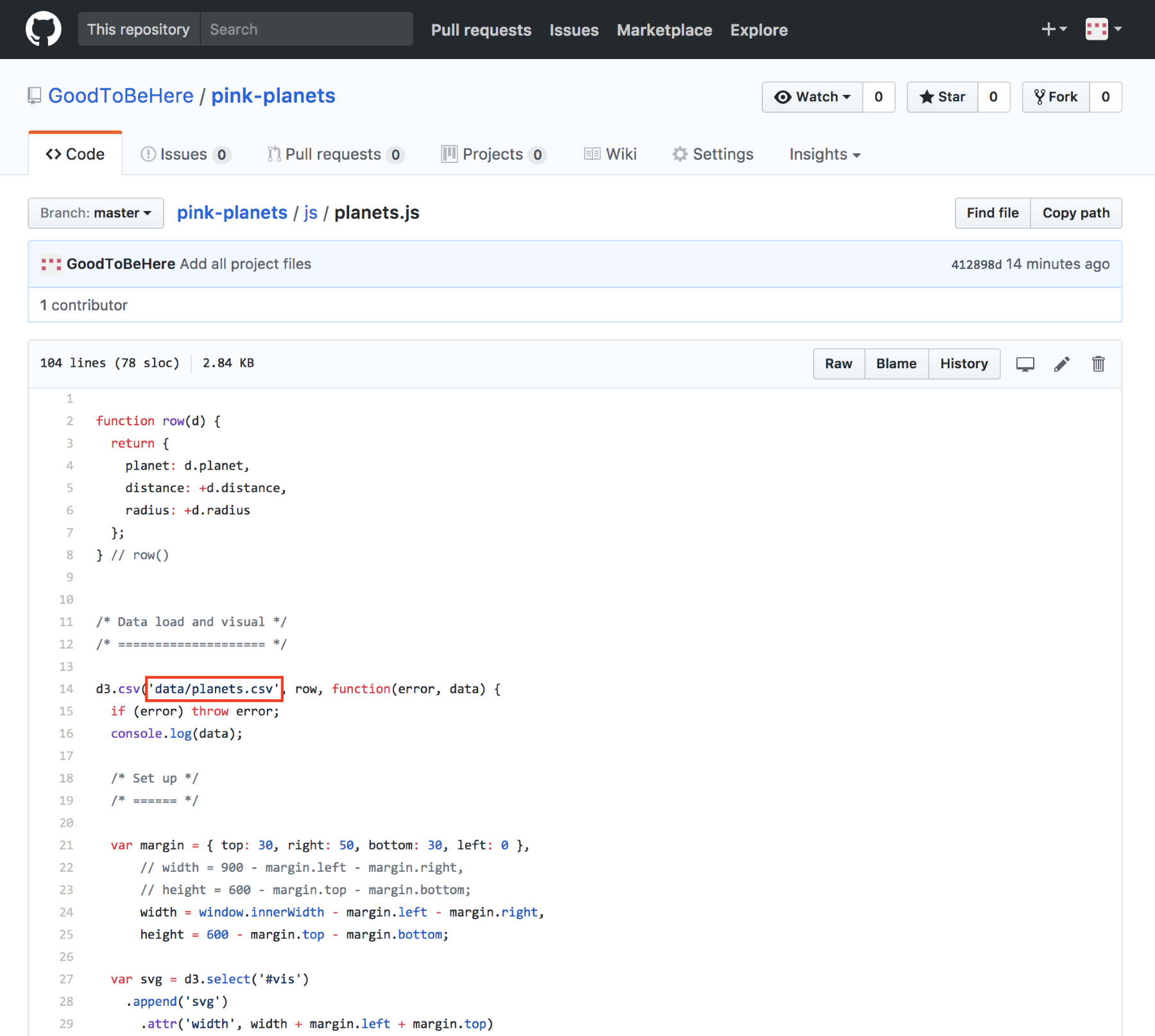
In short, you can always use absolute paths relative to root within your GitHub project.