The scale transform is easy to understand but often creates undesired effects if you lose the focus of where the scaling originated.
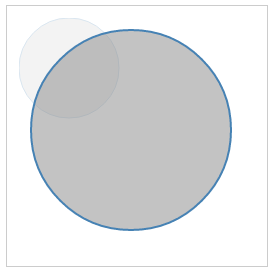
Scale adjusts the (x, y) values across all attributes in the element. Using the earlier circle code, we have the following:
<circle cx="62" cy="62" r="50" stroke-width="5" fill="red"
 transform="scale(2,2)"></circle>
The scale is going to double the cx, cy, radius, and stroke-width, producing the following output (http://localhost:8080/chapter-2/scale.html):
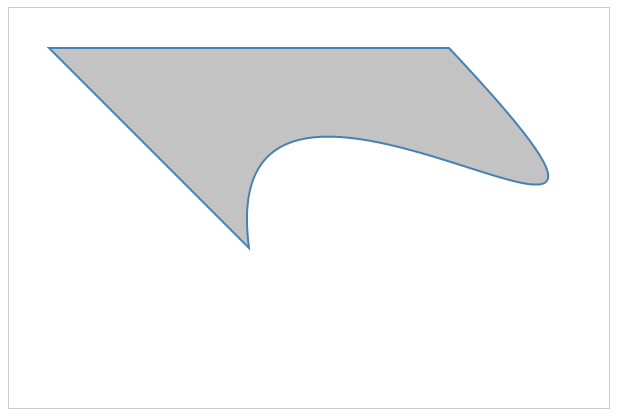
It is important to emphasize that, because we are using SVG commands to draw the shapes, there is no loss of quality as we scale the images, unlike raster images such as PNG or JPEG. The transform types can be combined to adjust for scale, altering the x and y position of the shape. Let's use the path example that we used earlier in the following code:
<path d="M 120 120 L 220 220 C 200 70 480 290 320 120 Z"
 stroke="steelblue" fill="lightyellow" stroke-width="2"
 transform="translate(-200,-200), scale(2,2)"></path>
The preceding code will produce the following output (http://localhost:8080/chapter-2/scale_translate.html):