
Let’s now upload our project files and folders. Back on our repository page, we find the Upload files button:
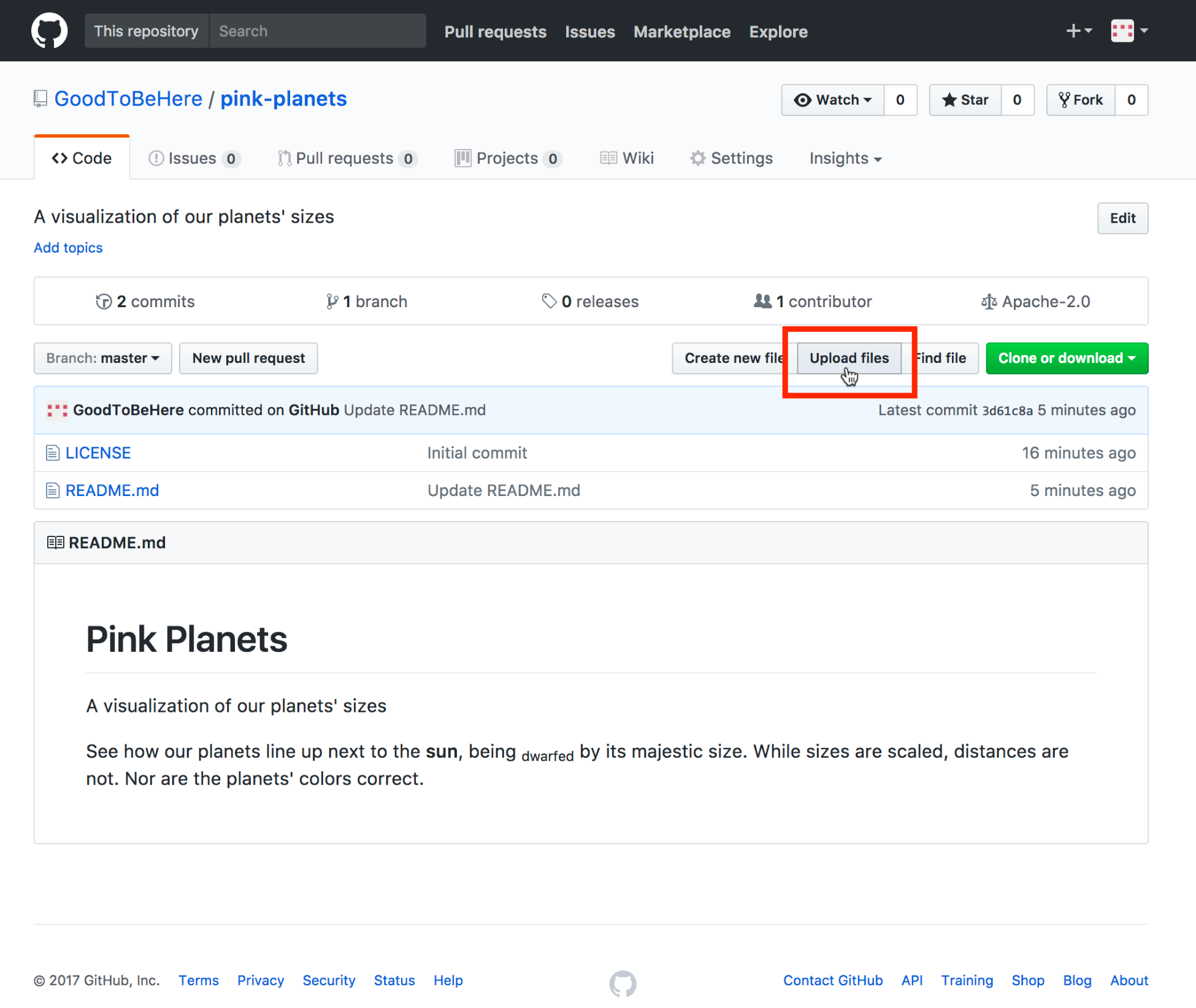
Uploading files
We get to an upload field and drag all our project files over, like this:
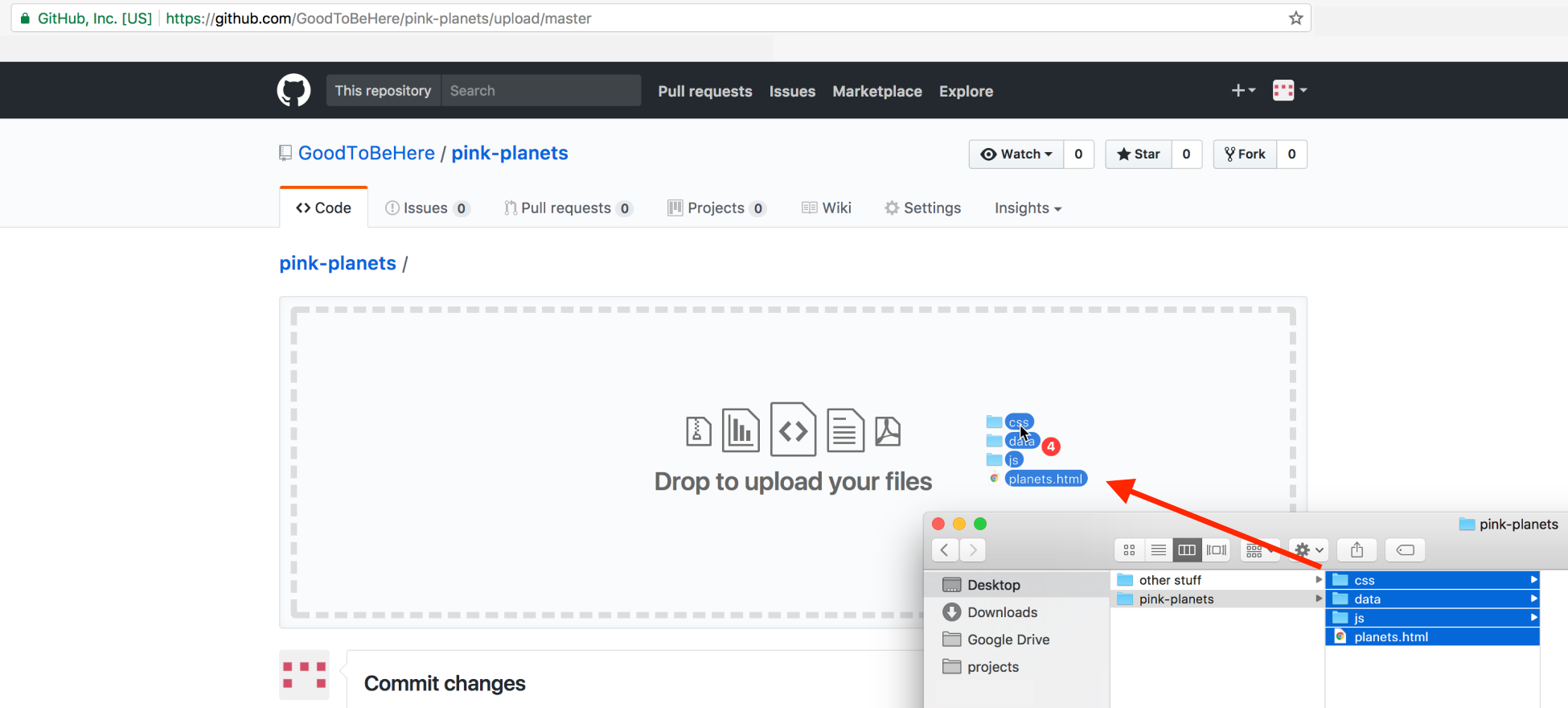
Dragging our files to upload
Our project consists of four files in three folders. We have a planets.html file in the root directory, three folders called /css, /data, and /js containing the planets.css, planets.csv and planets.js files. We just grab them from our folder and drag them over.
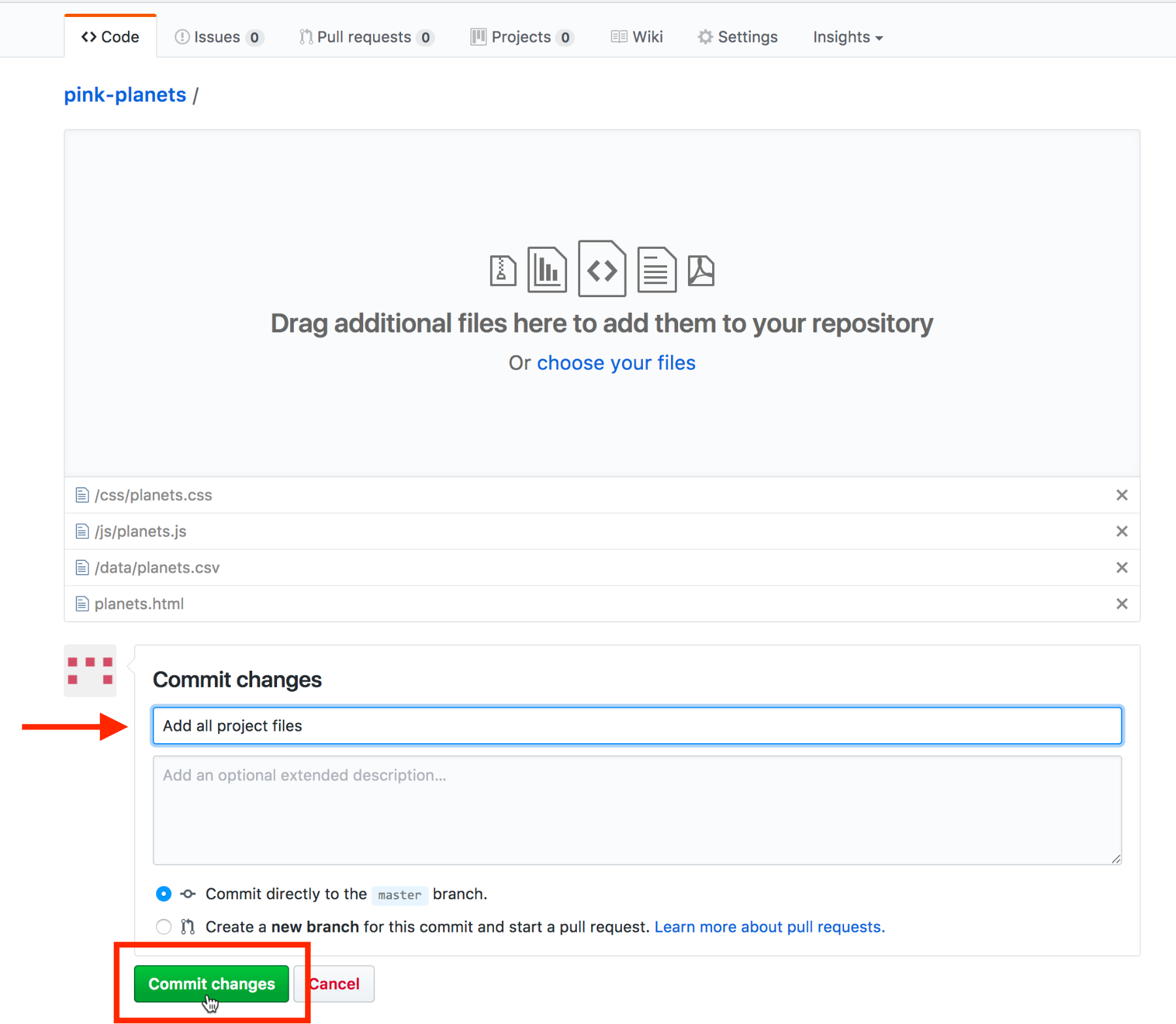
Committing our project files and folders
Once uploaded, we need to commit our changes. We add a short commit message summary and click on Commit changes.
We’ll be redirected to the repository page and can see all our uploaded files:
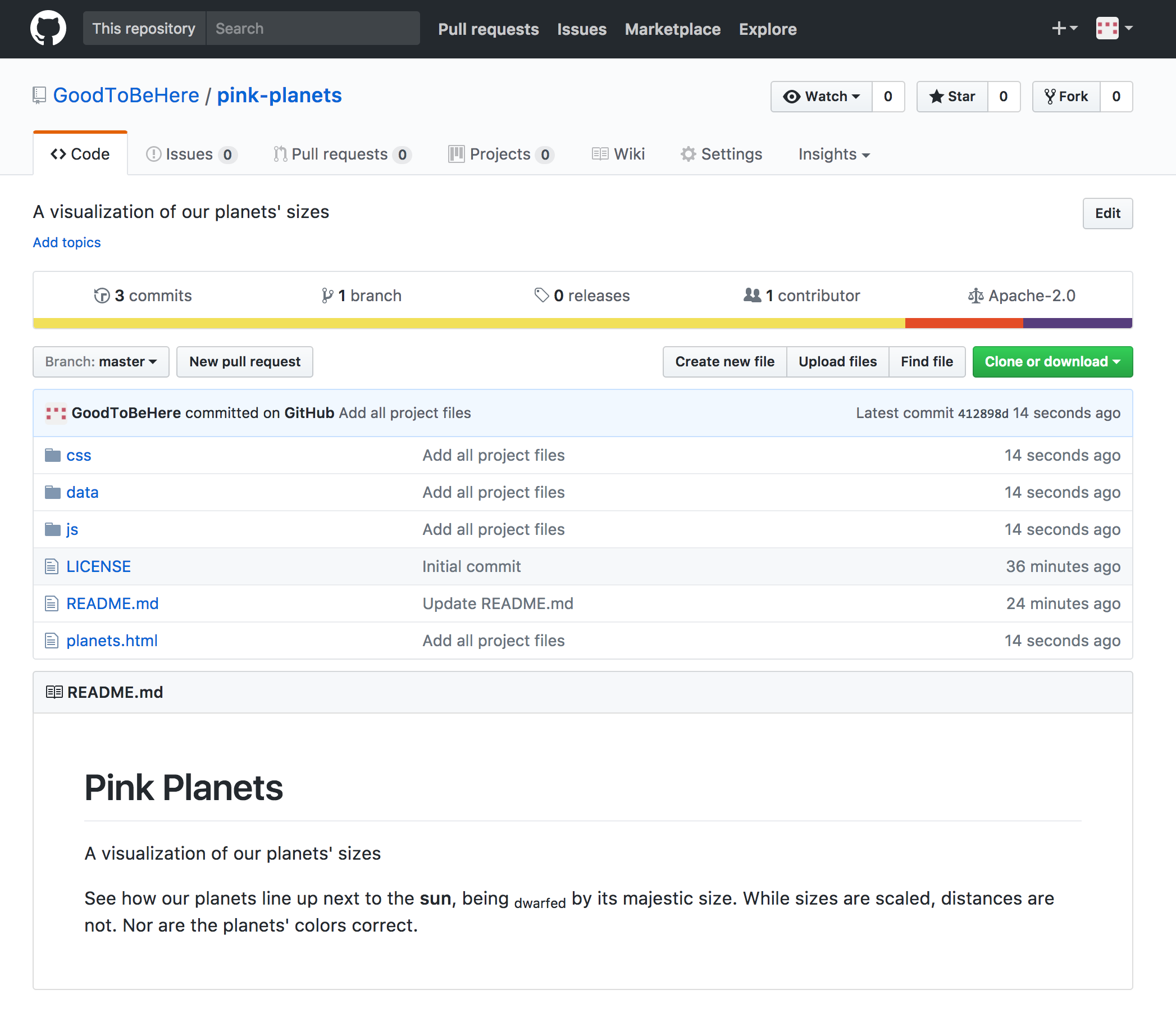
The repository with all our project files