
The scene is set. In this section, you will load some country shape data to draw the world. You will set up four small functions to achieve the draw:
- A data load function
- A ready() function that prepares the data and passes it on to the render function
- A renderScene() function that kicks off the world draw and copies the final image from the buffer onto the main Canvas
- A drawScene() function that renders the world onto the bufferCanvas.
This might sound overkill for just drawing a static globe, and let me assure you it is. However, we are aiming for higher goals, which will be greatly helped by having this structure set up already.
The data load function just requests the data and passes it on to the ready() function:
d3.json('../../data/world/world-110.json', function(error, data) {
  if(error) throw error;
  ready(data);
});
The ready() function doesn’t really add much more complexity so far:
function ready(world) {
  var countries = topojson.feature(world,
  world.objects.ne_110m_admin_0_countries);
  renderScene(countries);
}
It turns the TopoJSON to an array of GeoJSON countries and calls renderScene(). renderScene() does what we’ve already described in the preceding code. It draws the globe on the bufferContext in thin air, and as soon as it’s done, copies it over to the freshly cleared main Canvas:
function renderScene(world){
  drawScene(world);
  context.clearRect(0, 0, width, height);
  context.drawImage(bufferCanvas, 0, 0, bufferCanvas.width,
  bufferCanvas.height);
}
Although drawScene() is our longest function, it’s not very complex:
function drawScene(countries) {

  bufferContext.clearRect(0, 0, bufferCanvas.width, bufferCanvas.height);
  // Sphere fill
  bufferContext.beginPath();
  bufferPath(sphere);
  bufferContext.fillStyle = '#D9EAEF';
  bufferContext.fill();

  // Grid
  bufferContext.beginPath();
  bufferPath(grid);
  bufferContext.lineWidth = 0.5;
  bufferContext.strokeStyle = '#BDDAE3';
  bufferContext.stroke();

  // Country fill
  bufferContext.beginPath();
  bufferPath(countries);
  bufferContext.fillStyle = '#FFFAFA';
  bufferContext.fill();

  // Country stroke
  bufferContext.beginPath();
  bufferPath(countries);
  bufferContext.lineWidth = 0.5;
  bufferContext.strokeStyle = '#D2D3CE';
  bufferContext.stroke();

}
It clears the buffer context, then draws a base sphere in a light blue and a graticule grid in a slightly more saturated blue. It then fills the countries in a light gray color and strokes each country in a darker gray. That’s it. Here’s your very own Canvas globe:
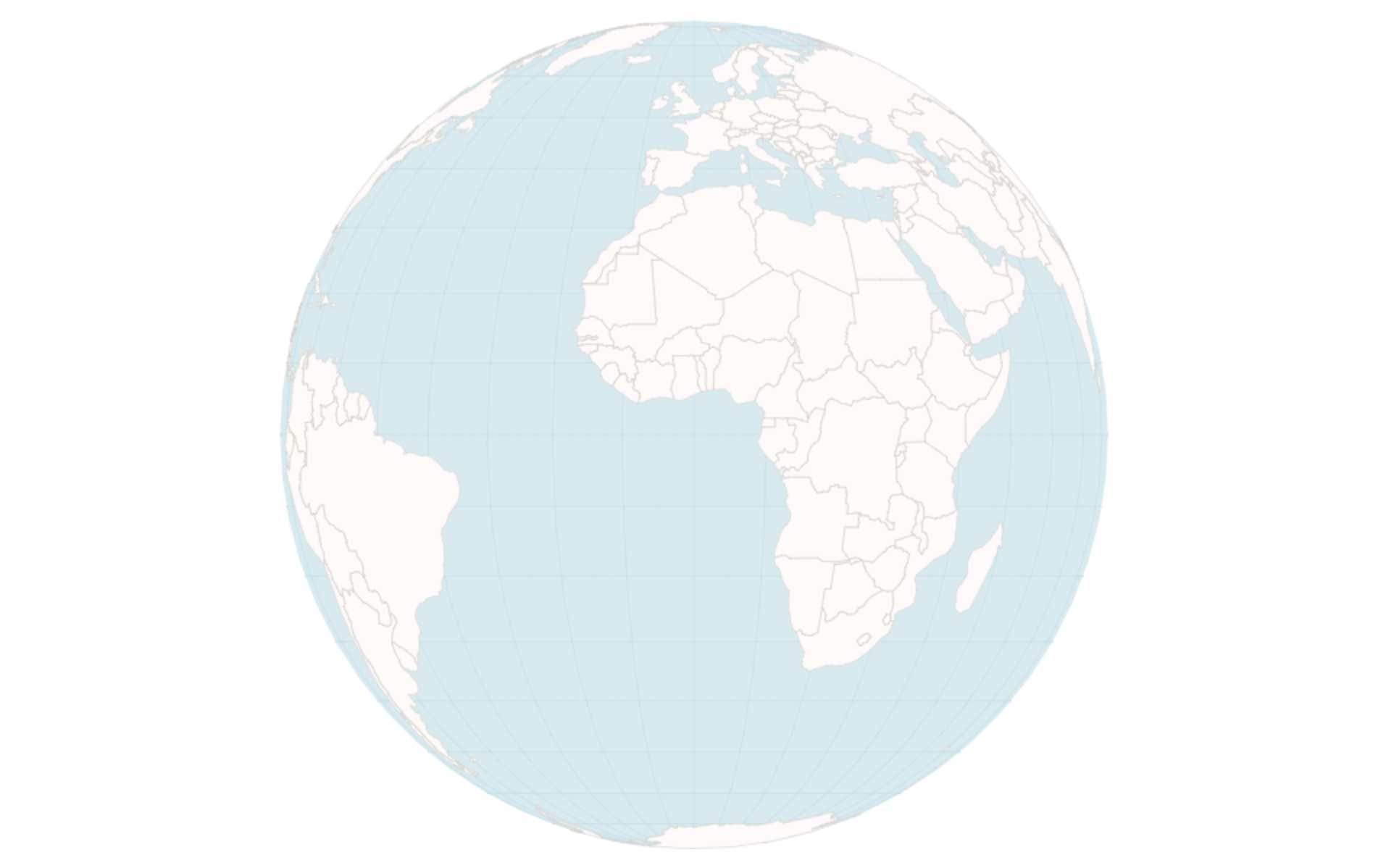
Great! You learned to draw a Canvas globe, which is nice, even if a little mono-dimensional. So, let’s add our first bit of interaction with it and let the users (and ourselves) zoom and rotate the globe.