
After you start the React Native packager, you can start the iOS simulator by pressing "i". You'll see output that looks like this:
2:06:04 p.m.: Starting iOS...
2:06:22 p.m.: Finished building JavaScript bundle in 1873ms
2:06:23 p.m.: Running app on Adam in development mode
You'll then see a new window open with the emulated device running your app:
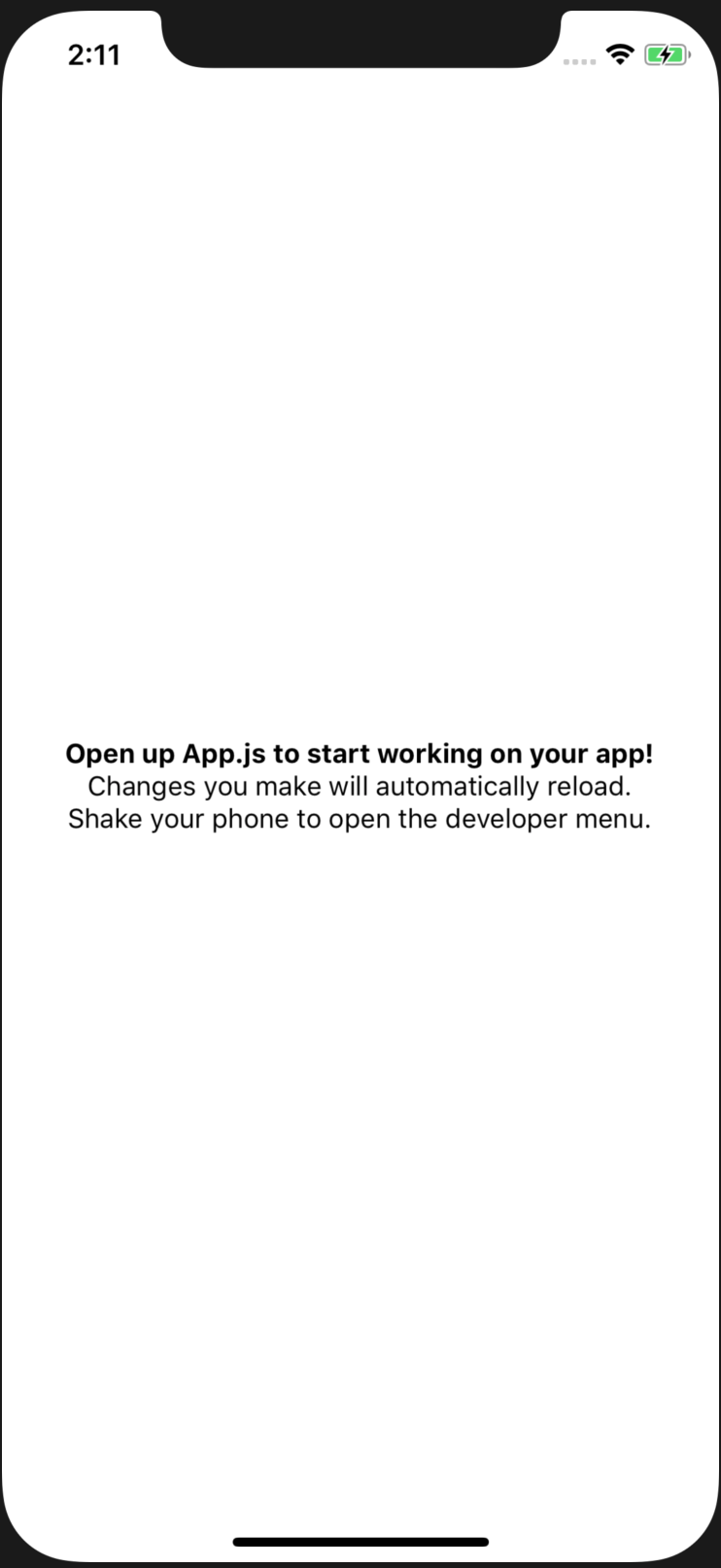
Live updates to the source of your app work the same way as with the Expo app. Changes are automatically reflected in the simulator as they're made.