
In this section, you'll learn how to use the ActivityIndicator component. As the name suggests, you render this component when you need to indicate to the user that something is happening. The actual progress may be indeterminate, but at least you have a standardized way to show that something is happening, despite there being no results to display yet.
Let's create an example so that you can see what this component looks like. Here's the App component:
import React from 'react';
import { View, ActivityIndicator } from 'react-native';

import styles from './styles';

// Renders an "<ActivityIndicator>" component in the
// middle of the screen. It will animate on it's own
// while displayed.
export default () => (
  <View style={styles.container}>
    <ActivityIndicator size="large" />
  </View>
);
The <ActivityIndicator> component is platform agnostic. Here's how it looks on iOS:
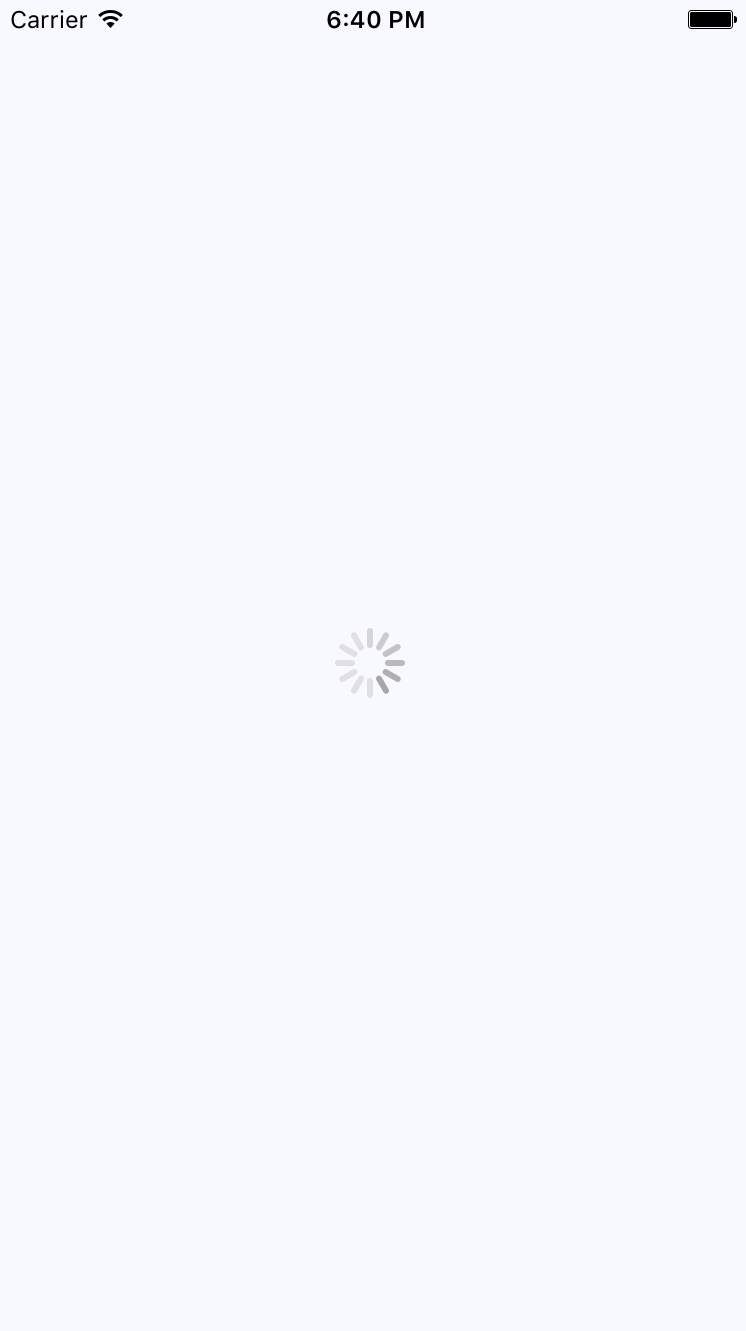
It renders an animated spinner in the middle of the screen. This is the large spinner, as specified in the size property. The ActivityIndicator spinner can also be small, which makes more sense if you're rendering it inside another smaller element. Now let's take a look at how this looks on an Android device:
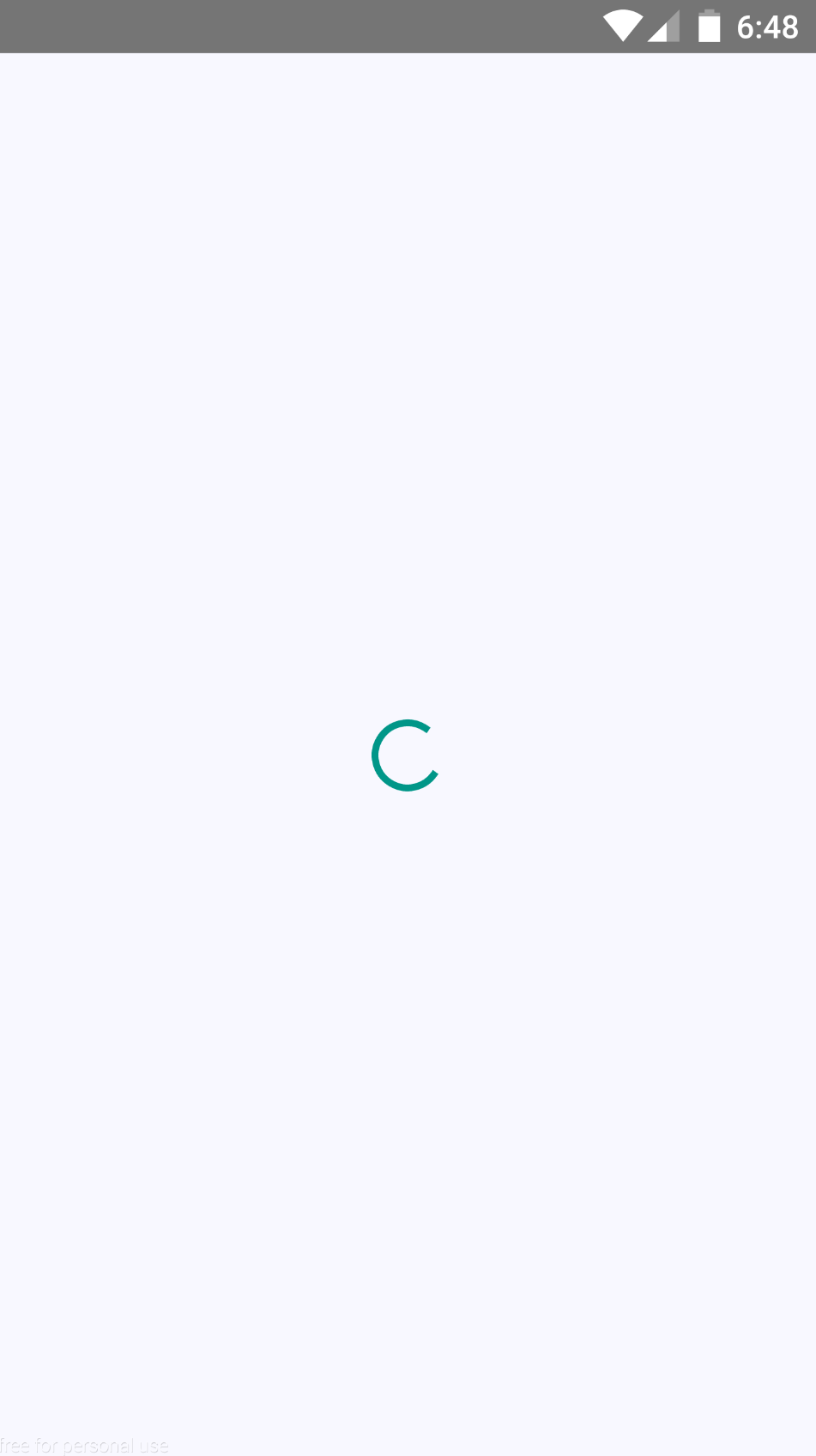
The spinner looks different, as it should, but your app conveys the same thing on both platforms—you're waiting for something.