
When you develop React web applications, some of your routes have dynamic data in them. For example, you can link to a details page and within that URL, you would have some sort of identifier. The component then has what it needs to render specific detailed information. The same concept exists within react-navigation. Instead of just specifying the name of the screen that you want to navigate to, you can pass along additional data.
Let's take a look at route parameters in action, starting with the App component:
import { createStackNavigator } from 'react-navigation';
import Home from './Home';
import Details from './Details';

export default createStackNavigator(
  {
    Home,
    Details
  },
  { initialRouteName: 'Home' }
);
This looks just like the preceding example, except instead of a Settings page, there's a Details page. This is the page that you want to pass data to dynamically so it can render the appropriate information. First, let's take a look at the Home screen component:
import React from 'react';
import { View, Text, Button } from 'react-native';

import styles from './styles';

export default ({ navigation }) => (
  <View style={styles.container}>
    <Text>Home Screen</Text>
    <Button
      title="First Item"
      onPress={() =>
        navigation.navigate('Details', { title: 'First Item' })
      }
    />
    <Button
      title="Second Item"
      onPress={() =>
        navigation.navigate('Details', { title: 'Second Item' })
      }
    />
    <Button
      title="Third Item"
      onPress={() =>
        navigation.navigate('Details', { title: 'Third Item' })
      }
    />
  </View>
);
The Home screen has three Button components that each navigate to the Details screen. Pay attention to the navigation.navigate() calls. In addition to the screen name, they each have a second argument. These are objects that contain specific data that is passed to the Details screen. Next, let's take a look at the Details screen and see how it consumes these route parameters:
import React from 'react';
import { View, Text, Button } from 'react-native';

import styles from './styles';

export default ({ navigation }) => (
  <View style={styles.container}>
    <Text>{navigation.getParam('title')}</Text>
  </View>
);
Although this example is only passing one parameter—title—you can pass as many parameters to the screen as you need to. You can access these parameters using the navigator.getParam() function to look up the value.
Here's what the home screen looks like when rendered:
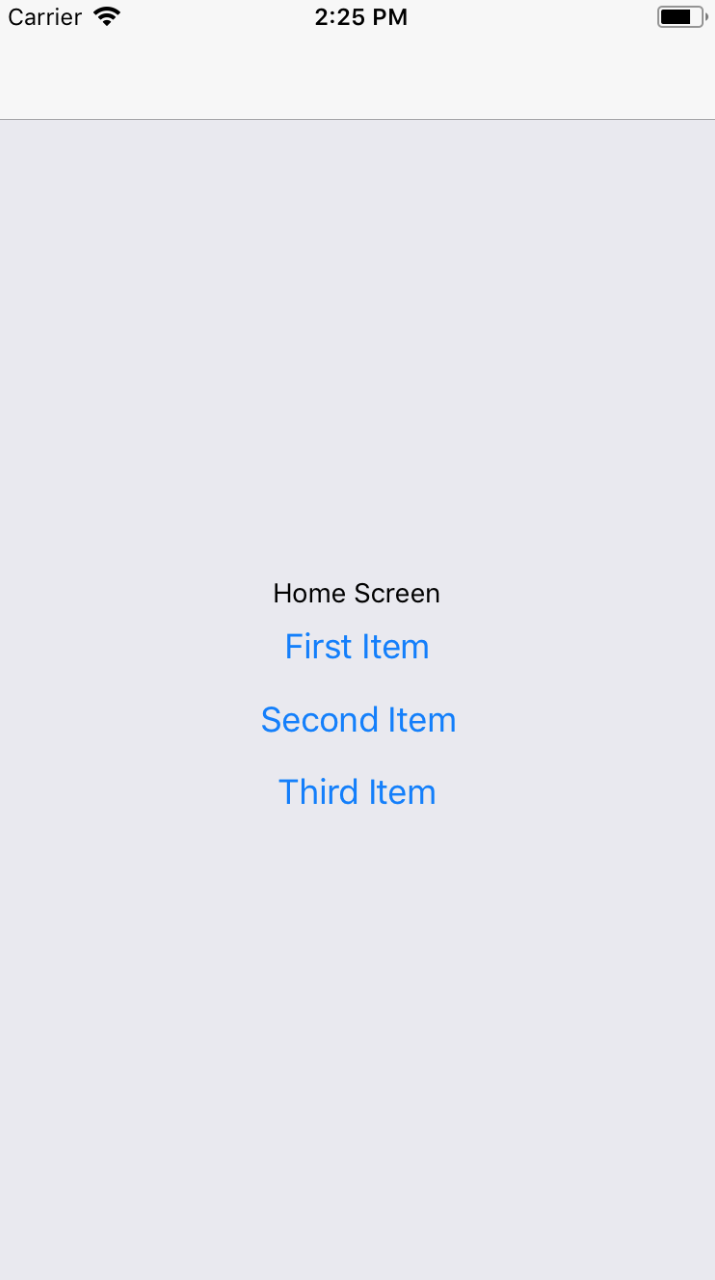
And if you click on the First Item button, you'll be taken to the Details screen that is rendered using route parameter data:
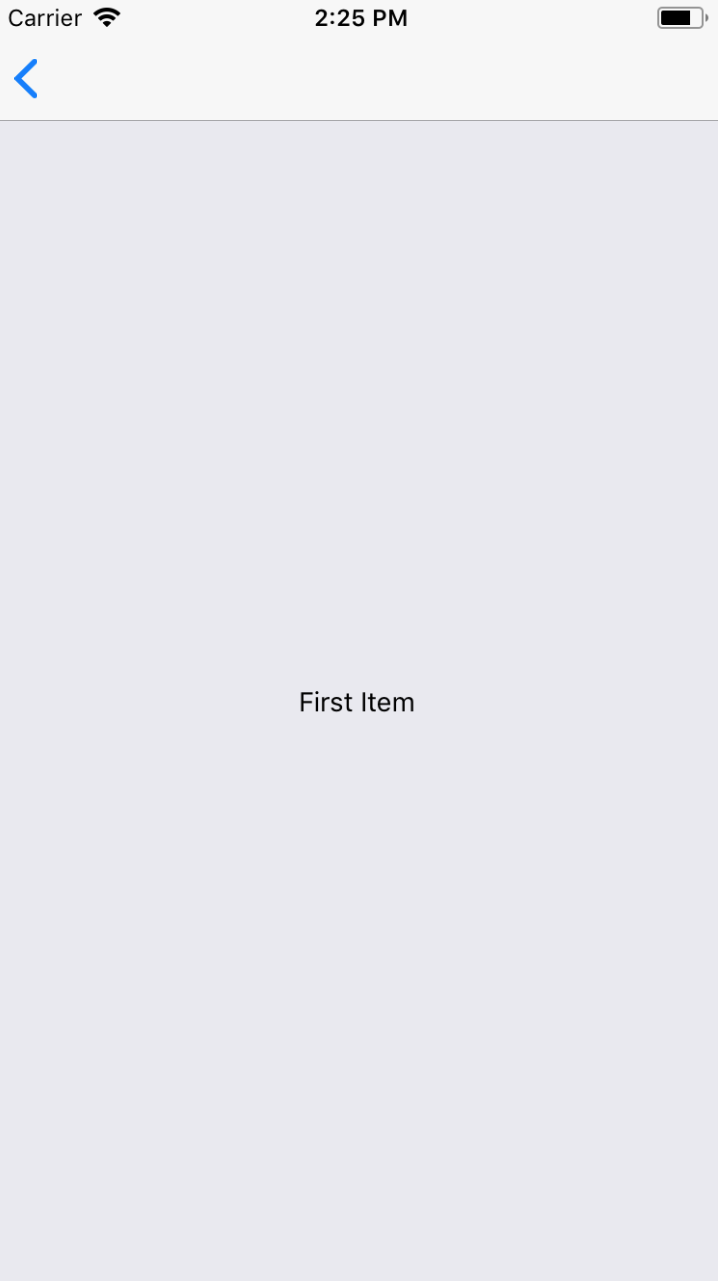
You can click the back button in the navigation bar to get back to the home screen. If you click on any of the other buttons on the Home screen, you'll be taken back to the Details screen with updated data. Route parameters are necessary to avoid having to write duplicate components. You can think of passing parameters to navigator.navigate() as passing props to a React component.