
We're going to start a fresh, so let's create a new file for this project. What I like to do when I start a project is download an HTML Boilerplate. HTML5 Boilerplate is a frontend template, created to help you build fast, robust, and adaptable web apps or sites. You basically download one package, and it contains all the files you need to start a project.
Let's go to https://html5boilerplate.com/ to download the latest version of the template:
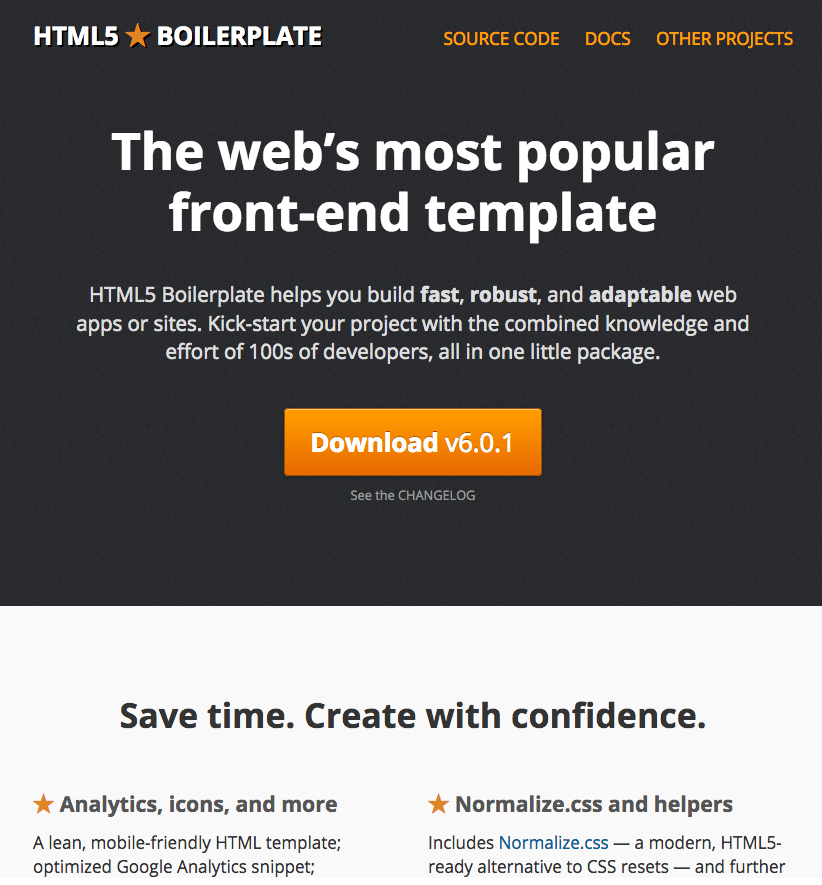
Click on Download v6.0.1 or higher.
Let's have a look at what's inside our package:
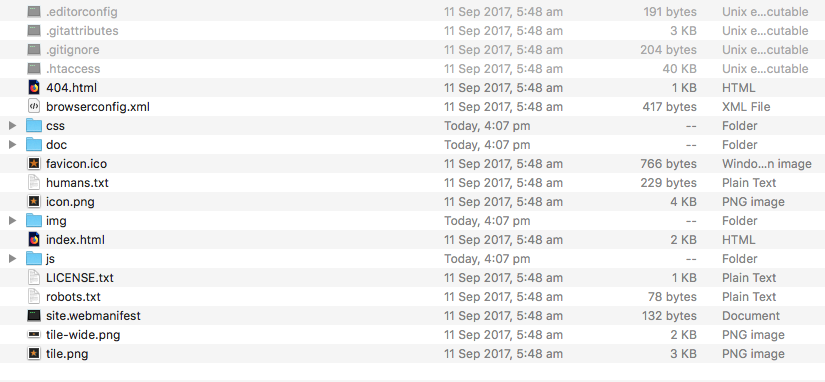
There are plenty of files in the folder. What we can see is that it contains all the essential files a website needs to work properly:
- index.html: Our home page, the page where the user will land upon going to your website
- The css folder: A folder for all our CSS files
- The img folder: A folder for all our images
- The js folder: A folder for all our JS files
- favicon.ico: An icon that shows up at the left corner of a tab of a browser that indicates to the user that they're on your website, usually your logo
- 404.html: An HTML page for users who landed on an incorrect URL
The rest of the files are not so important for us to understand at the moment; we will review them in an upcoming chapter.
Let's rename our folder to make it our own, for example, Web Project.