
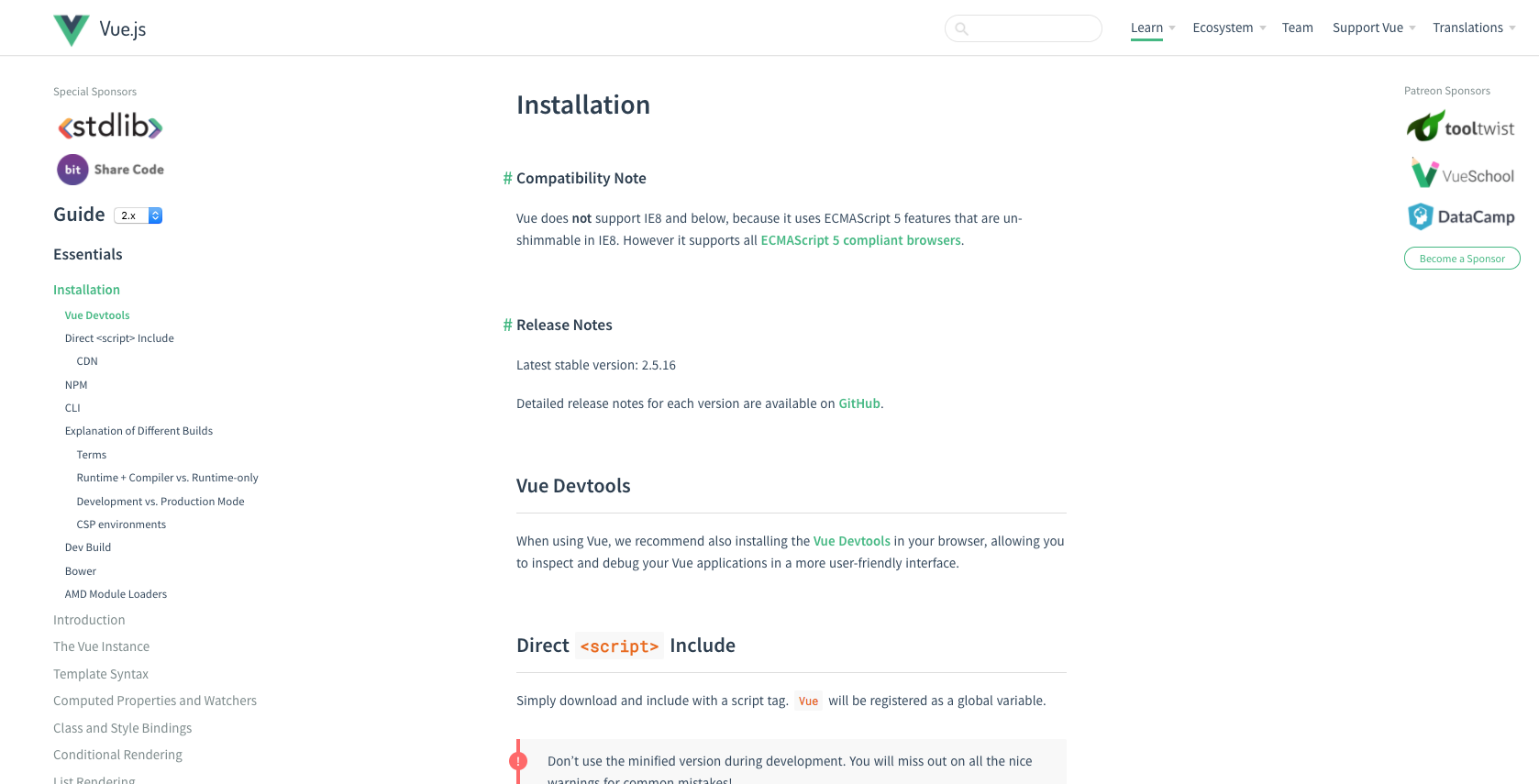
Getting started with VueJS and creating your first application is actually very simple. We start on vuejs.org, its official home page; there, you will note this nice Get Started button. Let's click on it. It takes you to the official documentation, which is always worth taking a look at anyway, but, there, we want to go to installation. Now, here, you've got a couple of different options, depending on which kind of setup you want to use:
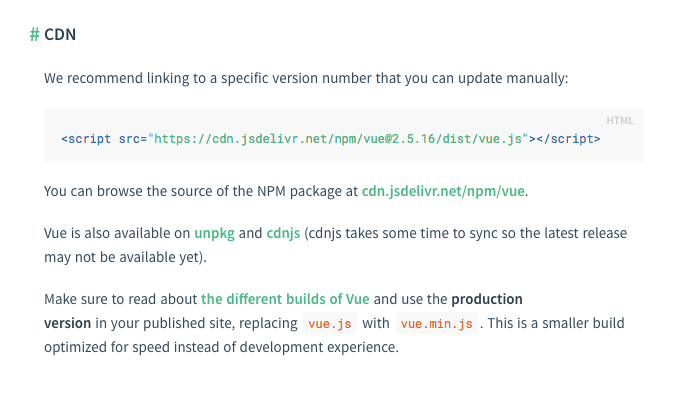
There are different options to download VueJS—we can either download the file or use the CDN provided. For this exercise, we'll simply use the CDN. Simply click on the link provided by VueJS, as follows:
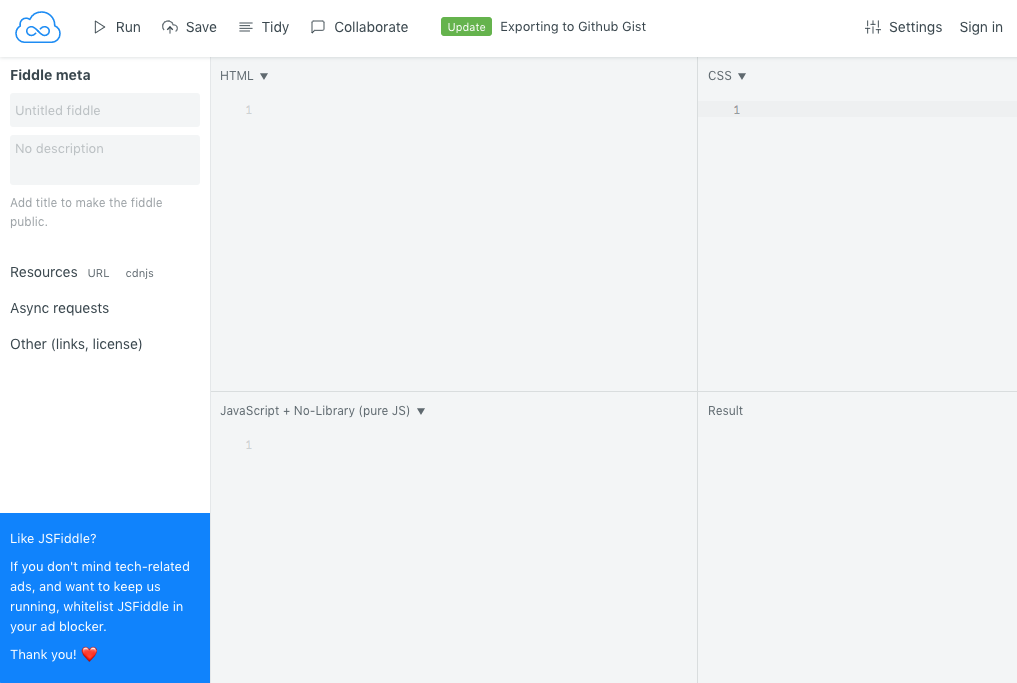
Now, instead of creating a new HTML project, let's go to jsfiddle.net.
JSFiddle is an online web editor, so you can simply create or test something very easily:
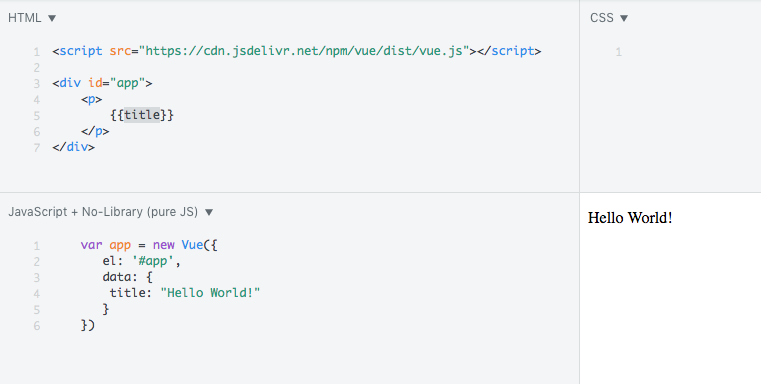
Simply copy and paste the script from VueJS to the HTML block section:
<script src="https://cdn.jsdelivr.net/npm/vue@2.5.16/dist/VueJS"></script>
You can remove the @2.5.16 and leave just the vue so that it will always fetch the latest version:
<script src="https://cdn.jsdelivr.net/npm/vue/dist/VueJS"></script>
Now that we've imported VueJS, we can already use it with all its features. So, let's use it and build our first little application. For that, I want to add a paragraph, in which I want to say Hello world:
<p>
Hello world!
</p>
So far, there has been nothing interesting. However, what we want to do is to be able to control the text with VueJS. To do that, we will need to create an instance. In VueJS, you will simply need to add the following code in our JavaScript file:
 var app = new Vue({

 })
Now, I will need to create a div that will contain my app, as we don't want our <p> tag to be the app. We'll add an ID app:
<div id="app">
    <p>
        Hello world!
    </p>
</div>
Now we will need to call the #app div and set it as our template for our app:
var app = new Vue({
    el: '#app',
})
Now, to put any data into our app, we will need the data property:
var app = new Vue({
       el: '#app',
       data: {
         title: "Hello World!"
       }
    })
We can call it title. Now we will need to link it to our text; to do that, just remove the text and add {{ title }} or the name of the property.
Let's run this with JSFiddle by clicking on the RUN button on the top-left corner:
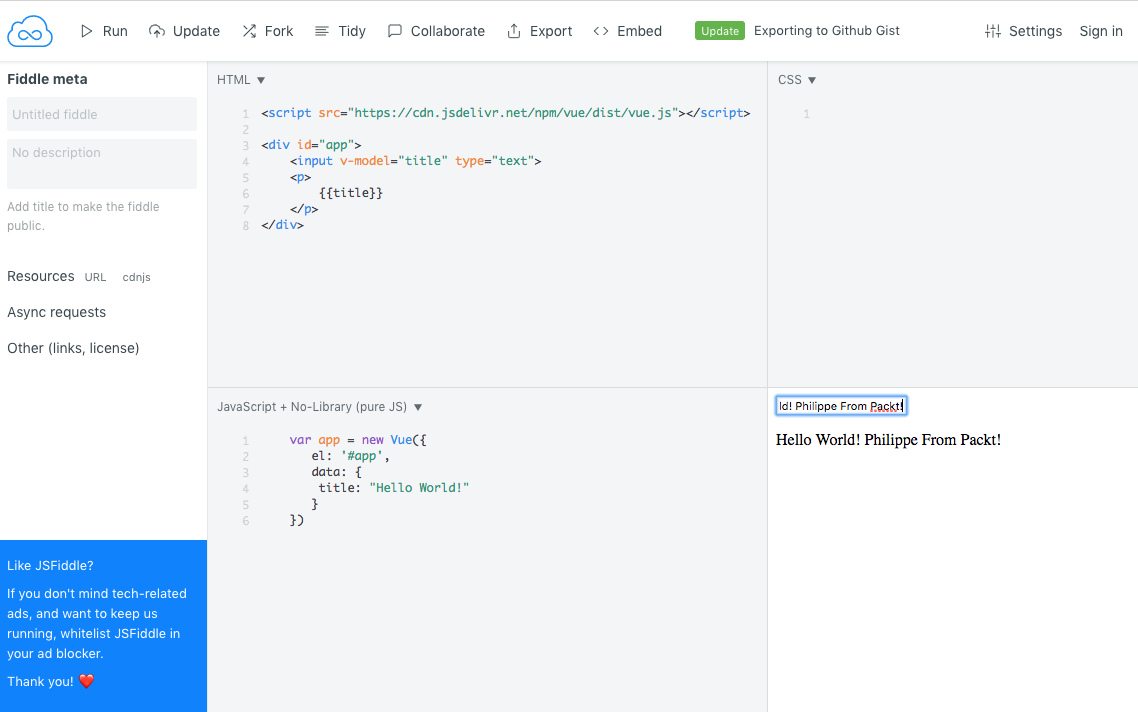
Now, you're probably going to say that there is no point in doing that. It's not done yet. Let's extend our VueJS application by adding an input that will be linked to the text displayed in the <p>:
<input v-model="title" type="text">
We added a v-model directive to the input; this will bind the textbox to the data property title in Vue.
You can try now by adding any text; it will follow what you write:
This introduction is now finished. You can access my JSfiddle if you have any trouble with this step at https://jsfiddle.net/knee8oha/9/.
For me, the best way to learn is by practicing. So, let's create an app together for you to be familiar with VueJS.