
I have, beforehand, uploaded a couple of images of racing. The next step is to install a plugin called Instafeed.js. Let's go to the website to download it: http://instafeedjs.com/:
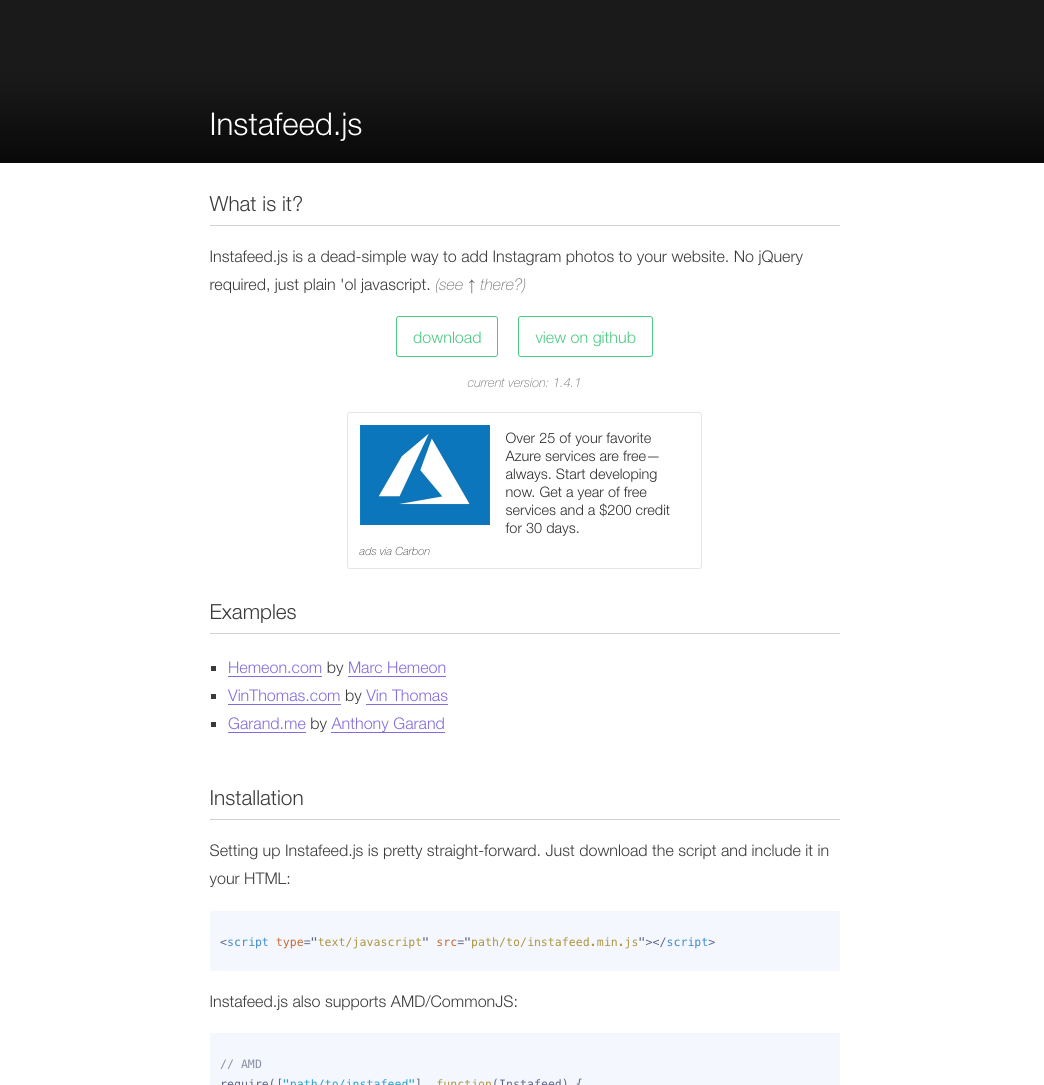
Right click on download and click on Save link As.... Place the file in the vendor folder, located in the js folder in our Web Project.
For each plugin, the installation is quite similar each time. All the installation process is generally detailed on the website itself. Let's have a look at Instafeed's documentation.
Setting up Instafeed.js is pretty straight-forward. Just download the script and include it in your HTML:
<script type="text/javascript" src="path/to/instafeed.min.js"></script>
First, we need to call the js file we initially placed in our vendor folder:
<script src="js/vendor/modernizr-3.5.0.min.js"></script>
<script src="https://code.jquery.com/jquery-3.2.1.min.js" integrity="sha256-hwg4gsxgFZhOsEEamdOYGBf13FyQuiTwlAQgxVSNgt4=" crossorigin="anonymous"></script>
<script>window.jQuery || document.write('<script src="js/vendor/jquery-3.2.1.min.js"><\/script>')</script>
<script src="js/vendor/jquery.waypoints.min.js"></script>
<script src="js/vendor/instafeed.min.js"></script>
<script src="js/plugins.js"></script>
<script src="js/main.js"></script>
Place it after the Waypoints plugin we previously installed.
Now, if we look thoroughly at the documents, we can find the section we need.