
We should always write valid HTML code. Valid HTML code is a code that follows the official HTML rules and has no bugs. Valid HTML is preferred by Google since it makes websites more likely to work on browsers we haven't tested. It looks more professional, and it's better for accessibility, making it easier for screen readers to read websites for blind users, for instance. There is an official tool for checking whether we have valid HTML code, which is called W3 markup validator (https://validator.w3.org/). We are going to use it to test our website. To do that, we just copy the entire code using command or Ctrl + A, and then copy it. On the website, validator.w3, we will use the Validate by Direct Input option and paste all our code here before clicking Check. It takes a little time, but it tells us that we have eight errors in our code.
In the Report, we can see a few recommendations:
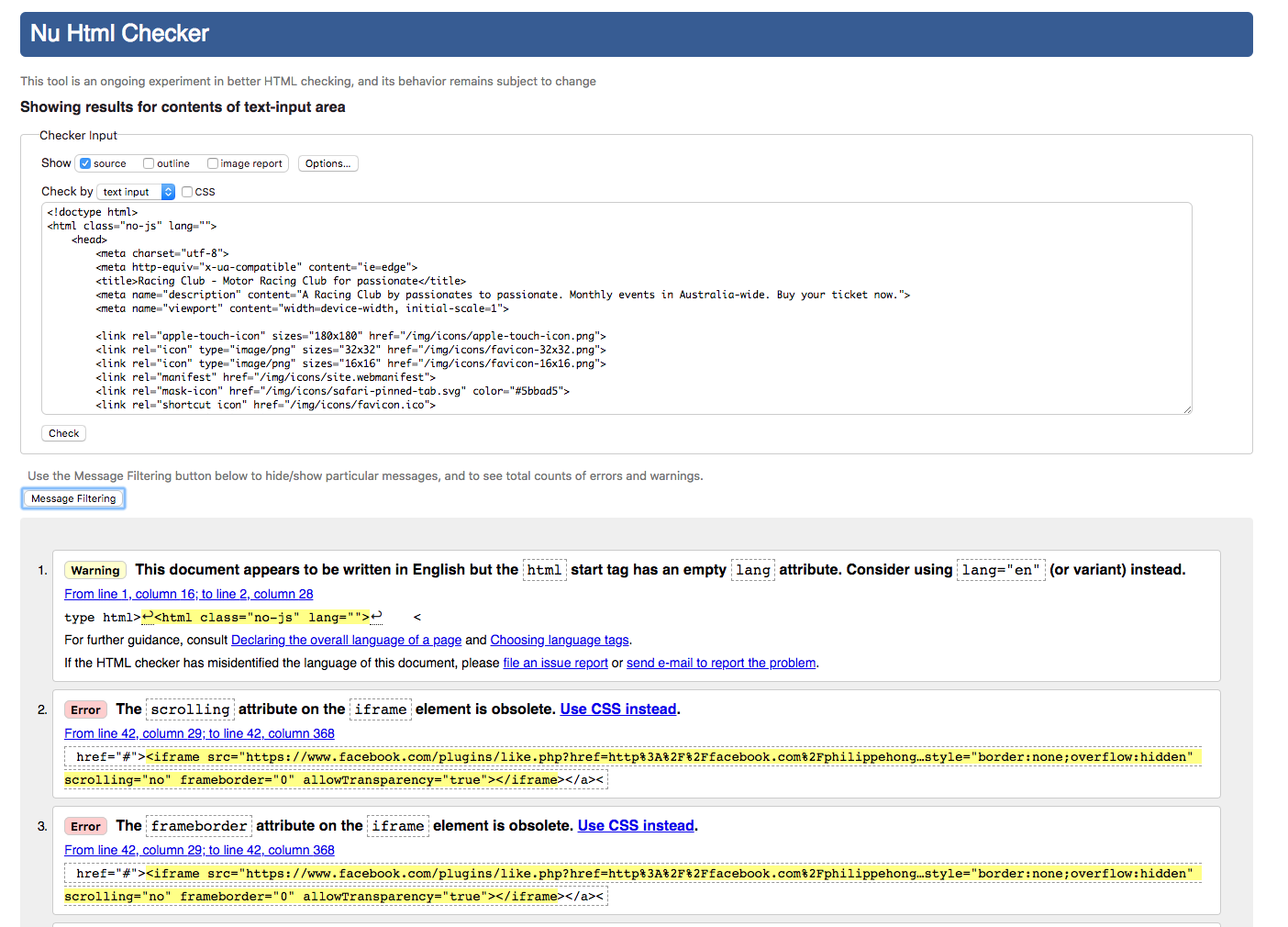
One of the recommendations is that we should try to follow what the report advises us to do, but, again, you can still launch the website as it is.
At first, it says that:
Indeed, it's recommended to specify the language of your website so that search engines can recognize it and be able to translate it if necessary. Let's add the en value (for English) in our lang attribute:
<html class="no-js" lang="en">
Secondly, it advises us to get rid of some attributes on the iframe that we implemented, but also to remove the <a> tag before the iframe. Let's do this.
Lastly, it says that:
An img element must have an alt attribute, except under certain conditions.
The alt attribute is the alternative attribute. It serves to describe the photo when it's loading or whether the browser couldn't render the image properly. It also serves for Google when searching for images, so it's very important.
Let's add an alt attribute to all our images, for example:
<img src="img/logo-footer.png" srcset="img/logo-footer.png 1x, img/logo-footer@2x.png 2x" alt="Logo Racing Club">
Now let's check our code again:
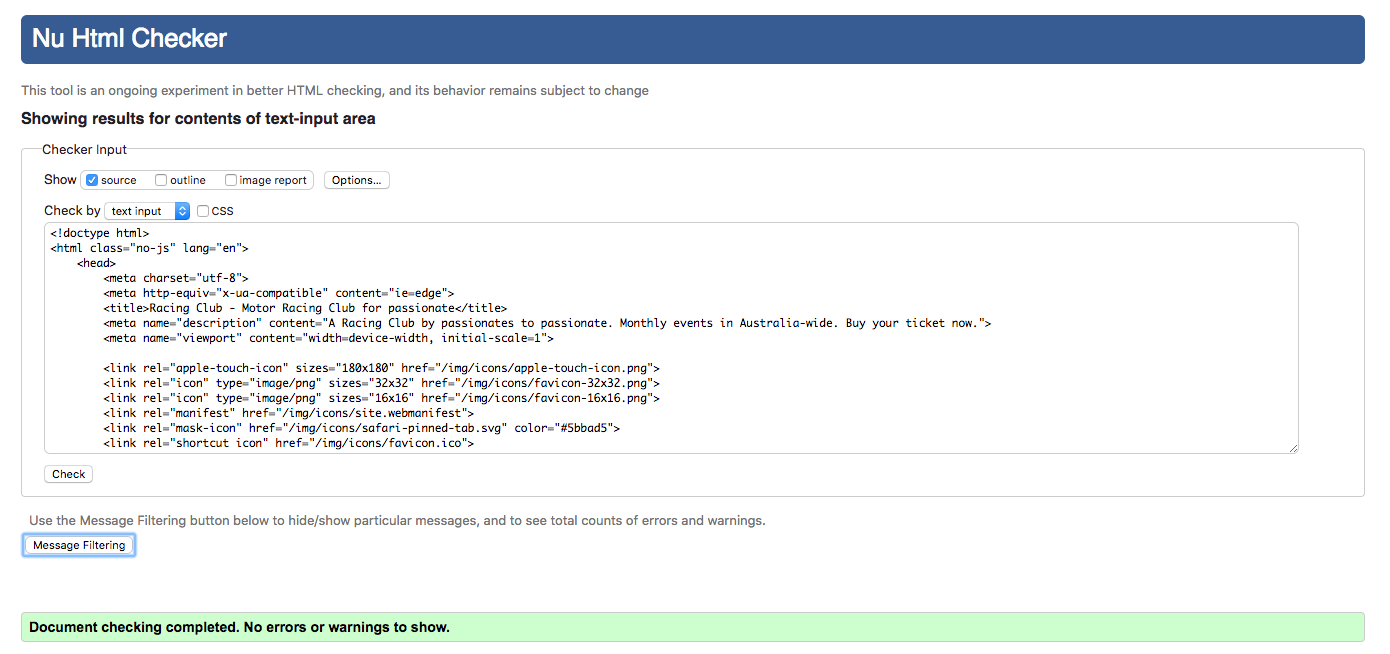
Well done; our code is now validated!