
The first thing we have to optimize is our images, and that is because images are usually by far the more heavy content of our webpage. Some of our images are quite heavy, such as our hero image, which is more than 480KB. All of these images, combined with when we download the website, take a long time. Imagine someone with a slow internet connection on a smartphone who is trying to download this site. This would take them forever. So, let's reduce the file sizes. As a first step, we can reduce the actual image size.
I use a tool called TinyJPG to compress heavy images. I find it more powerful than integrated optimization from Sketch or Photoshop:
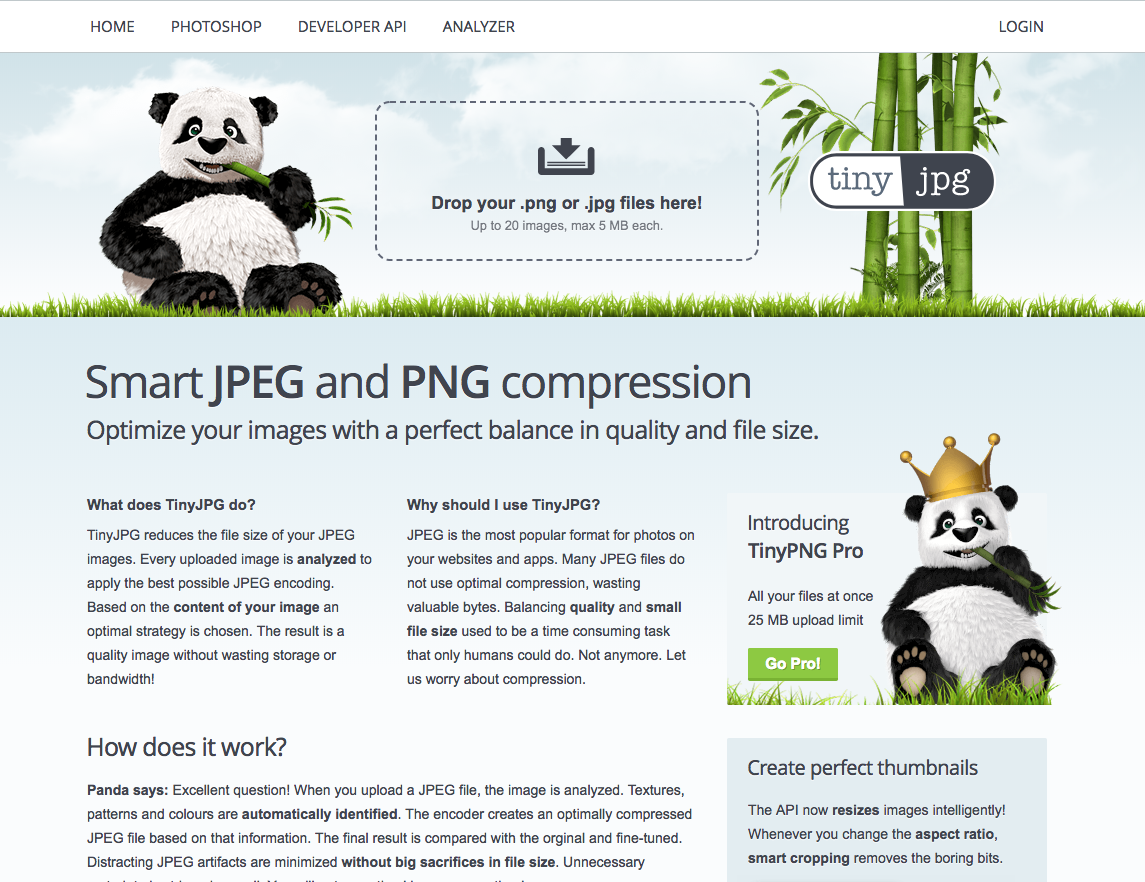
What you have to do is just drag and drop the image you want to compress. Let's try this out with our hero-image, which has a size of 480KB:
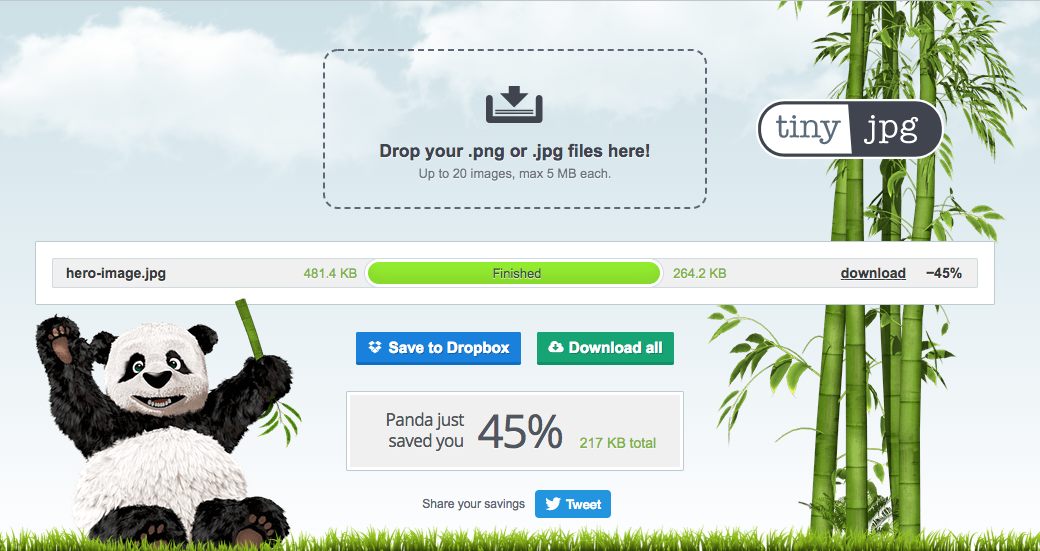
Here, you can see that, after compressing hero-image.jpg, it is now almost half the size! Incredible, isn't it? Now what we have to do is compress as many files as we can to reduce their sizes.