
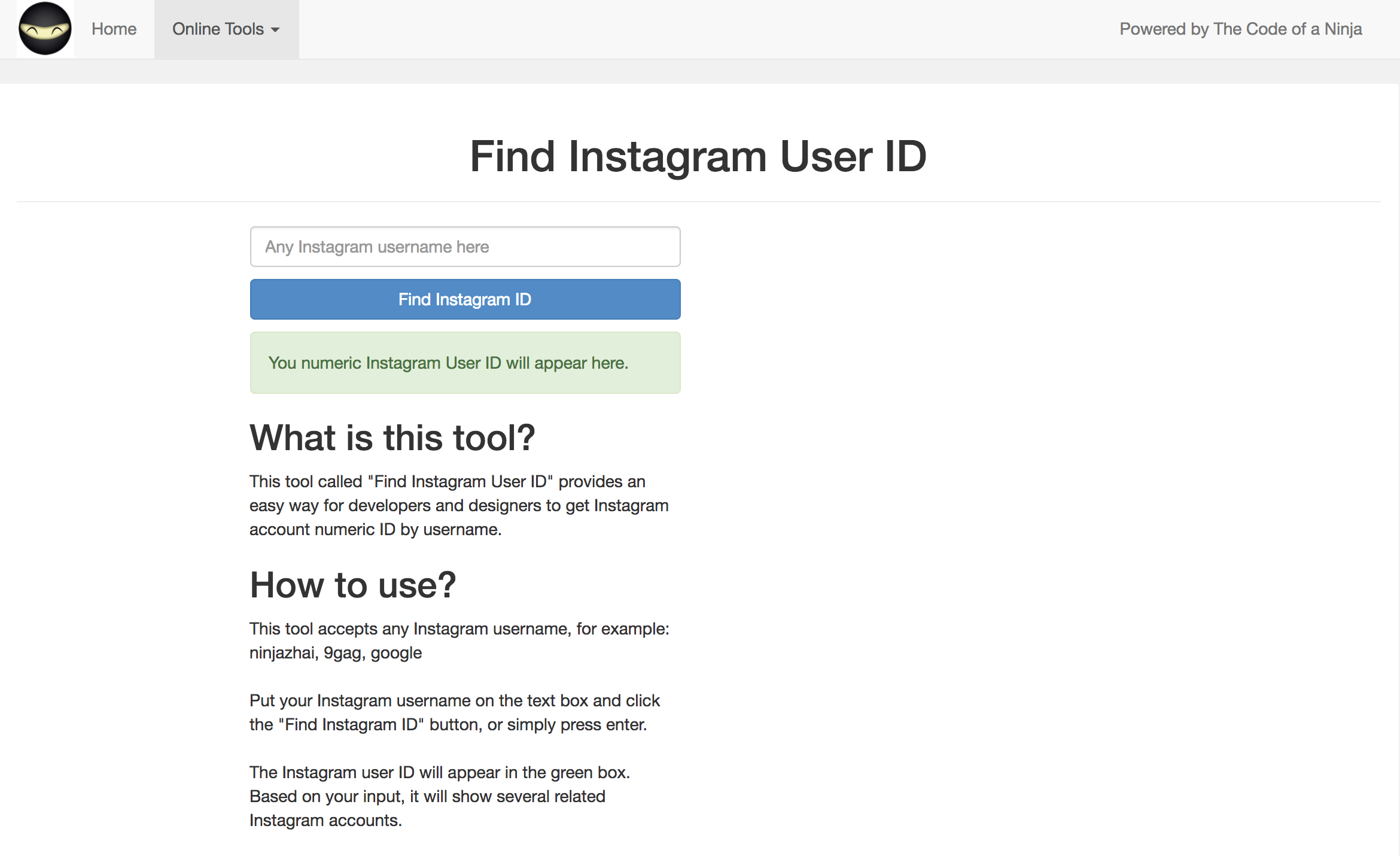
The information we need to find is the userID and the accessToken. To get the userID, we need our Instagram username. Instagram didn't really make it easy to find our userID. Fortunately, there are plenty of people who created an easy way to find it. You can easily find a way by googling How to find Instagram userID, but we'll go straight to the point. Just head to this website https://codeofaninja.com/tools/find-instagram-user-id and fill the input with your Instagram username:
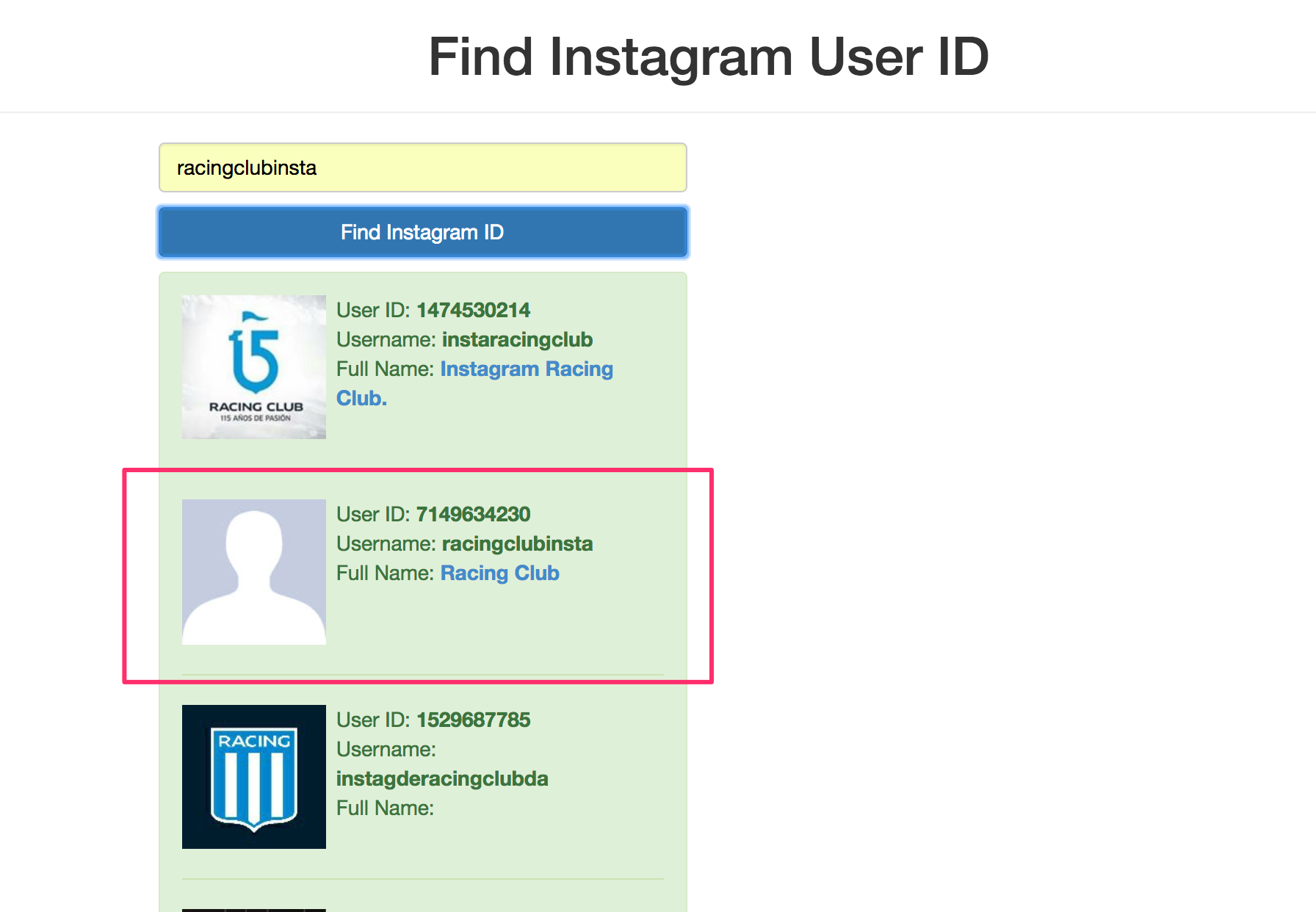
After clicking on Find Instagram ID, you'll get something like this with your User ID:
Now let's head to our main.js and copy/paste the example of code showed in the instafeedjs documentation. After our Sticky Nav code, paste the code:
var userFeed = new Instafeed({
get: 'user',
userId: 'YOUR_USER_ID',
accessToken: 'YOUR_ACCESS_TOKEN'
});
userFeed.run();
Just copy and paste the userID we got from the website, replacing 'YOUR_USER_ID':
var userFeed = new Instafeed({
get: 'user',
userId: '7149634230',
accessToken: 'YOUR_ACCESS_TOKEN'
});
userFeed.run();
It's not done; we still need our access token. This will be a bit more complicated.