
To create our first page. Click on File | New File or Command + N (or Ctrl + N for Windows).
You now have an untitled file. Let's quickly save and name it by clicking File | Save or Command + S (or Ctrl + S for Windows) and name it index.html.
Why name it index.html? Because the index.html page is the common name used for the default page shown on a website by default when a visitor requests the site. In other words, index.html is basically the name used for the homepage of the website.
Now that we have our first HTML file, we have to put the essential tags in to make it work. The essential tags should be written as follows:
<html>  <!--This is our HTML main tag-->
 <head>  <!--This is our head tag where we put our title and script and all infos relative to our page.-->
  <title>My Page Title</title>
 </head>
 <body> <!--This is where all our content will go-->

  This is where all my web page content goes!

 </body>
</html>
Simply copy and paste the code into your HTML file and open your file with your internet browser (we will pick Google Chrome). Don't forget to save your document!
Your web page should appear as follows:
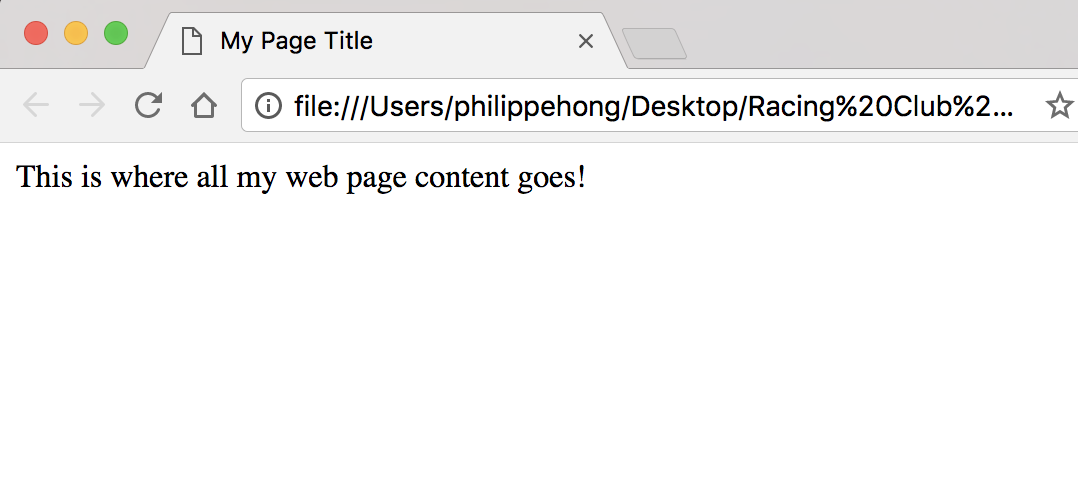
Congratulations! You have just created your first web page!
Now let's add some other elements to our page.