
Instagram didn't really make it easy to find the access token either. Usually, it would take quite a bit of time to generate our access token, but we'll use a tool to help us get it. Let's head to http://instagram.pixelunion.net/ and click on Generate Access Token.
This site will generate for us a token access with one click, the only thing we need is to authorize the website to access our account:
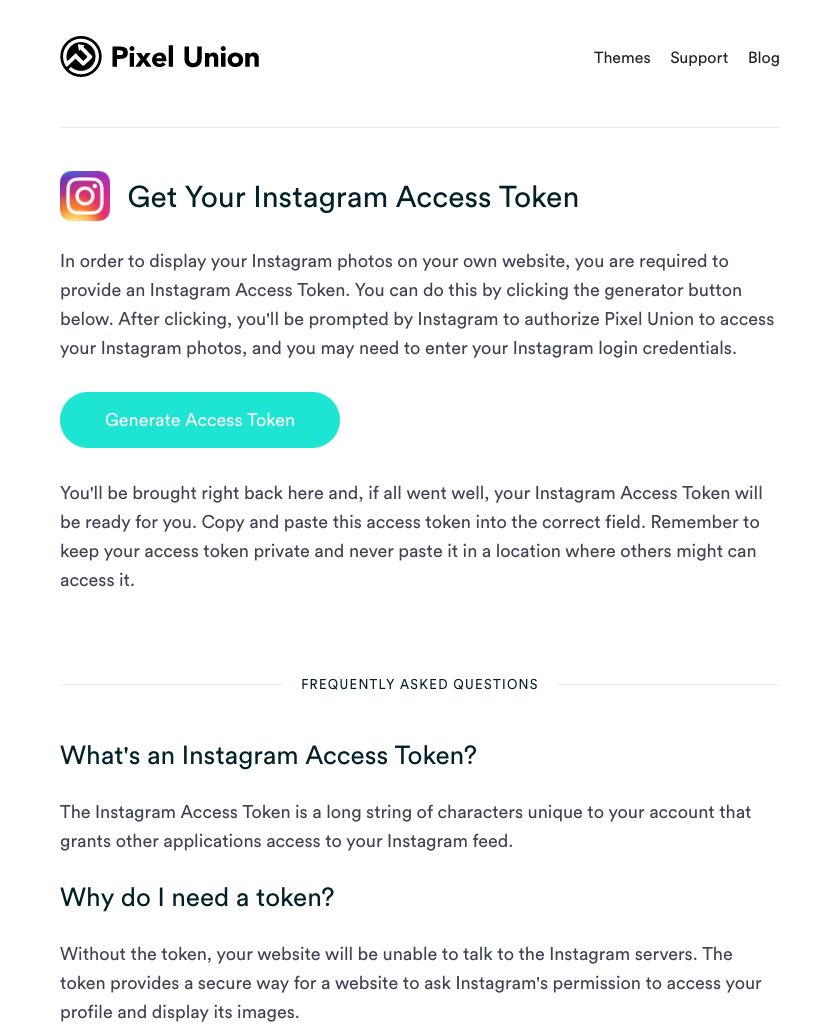
The Pixel Union website
Click on Generate Token Access; it should direct you to the Instagram Authorization page:
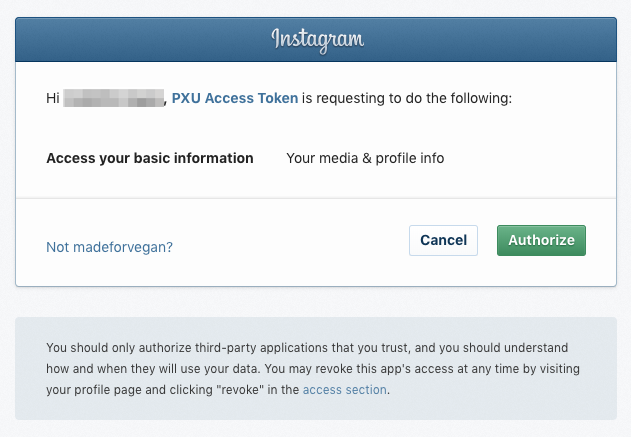
Instagram Authorization page
Once done, you can copy paste the code provided by them:
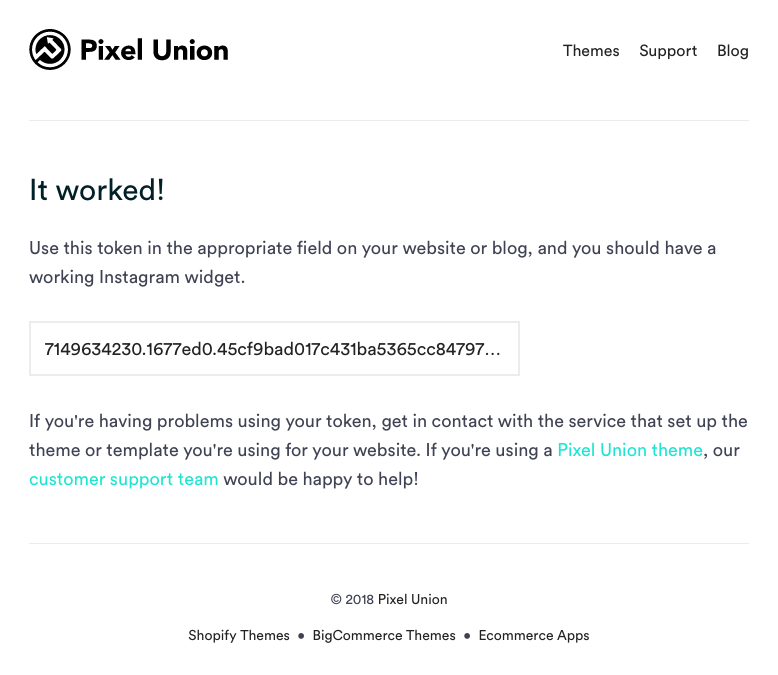
Pixel Union Access Token Code
Let's copy/paste the last piece of the puzzle in our main.js code:
var userFeed = new Instafeed({
get: 'user',
userId: '7149634230',
accessToken: '7149634230.1677ed0.45cf9bad017c431ba5365cc847977db7',
});
userFeed.run();
Save the main.js. The next step is to fill the HTML with photos of our Instagram feed.