Let's create a simple HTML file. For this exercise, we'll not use Bootstrap but, instead, use another library and take a look at how easy it is. We'll use Vue Material, which is a library based on Google Material design. You can check it out at https://vuematerial.io/:
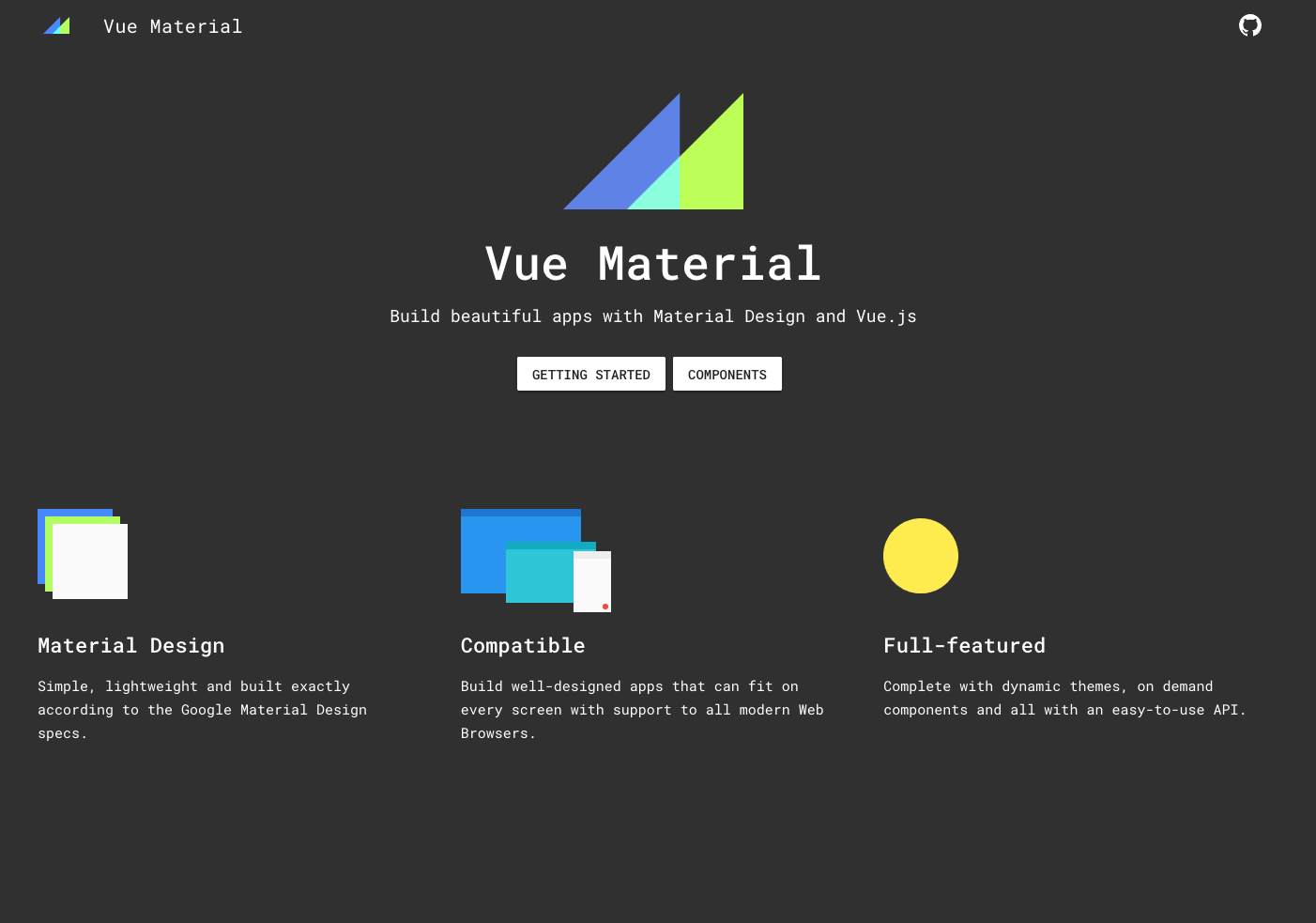
Let's head to their installation instruction by clicking on Getting started. Fortunately, they provide a CDN with a template ready to use. Let's copy their template and paste it into our HTML file:
<!doctype html>
<html>
  <head>
    <meta charset="utf-8">
    <meta content="width=device-width,initial-scale=1,minimal-ui" name="viewport">
    <link rel="stylesheet" href="https://fonts.googleapis.com/css?family=Roboto:300,400,500,700,400italic|Material+Icons">
    <link rel="stylesheet" href="https://unpkg.com/vue-material@beta/dist/vue-material.min.css">
    <link rel="stylesheet" href="https://unpkg.com/vue-material@beta/dist/theme/default.css">
  </head>

  <body>
    <div id="app">
      <!-- Your code here -->
    </div>

    <script src="https://unpkg.com/vue"></script>
    <script src="https://unpkg.com/vue-material@beta"></script>
    <script>
      Vue.use(VueMaterial.default)

      new Vue({
        el: '#app'
      })
    </script>
  </body>
</html>
Let's first add a title to our <head> section:
<title>Vue JS Weather App</title>
Vue Material provides handy layouts that we can reuse. We want the app to be mobile first with a header. We can use the following code that we insert into our app:
<div id="app">
      <div class="page-container">
        <md-app md-waterfall md-mode="fixed-last">
          <md-app-toolbar class="md-primary">
            <div class="md-toolbar-row">
              <div class="md-toolbar-section-start">
                <span class="md-title">VueJS: Weather</span>
              </div>

              <div class="md-toolbar-section-end">
                <md-button class="md-icon-button">
                  <md-icon>more_vert</md-icon>
                </md-button>
              </div>
            </div>
          </md-app-toolbar>

          <md-app-content>
            <!-- OUR APP HERE -->
          </md-app-content>
        </md-app>
      </div>
    </div>
Now, in our <script> section, we will want to mount the app:
<script>

      Vue.use(VueMaterial.default)
      var weather = {
        el: '#app'
      }
      var app = new Vue(weather)
      app.$mount("#app")

    </script>
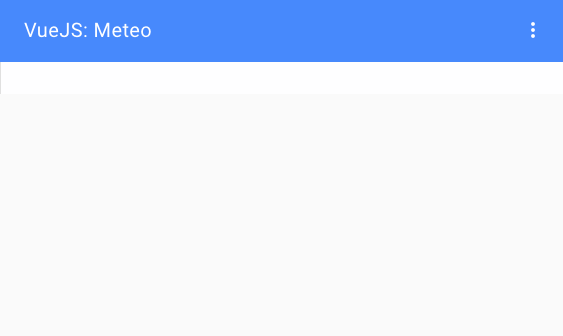
We have now an app ready to use and totally responsive: